Verified Content Examples From Product Sites That Publish on Autopilot
Verified content examples reveal how automated publishing services display named sources and automated CMS delivery across seven platforms.

Mike Du
Founder, SiteSeed
· 9 min read
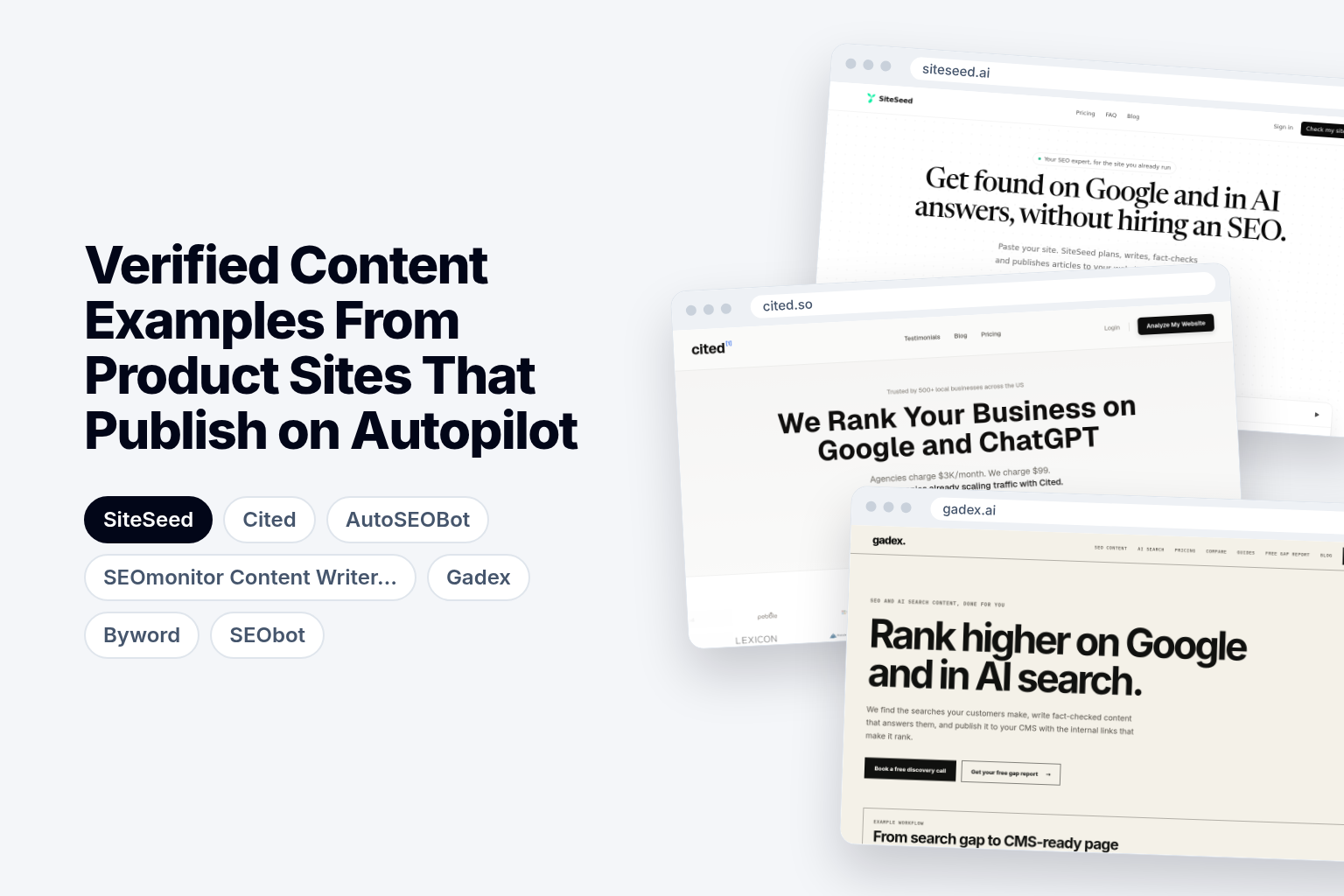
Verified content examples show more than polished text: they display named sources, a stated checking process, and direct publishing into an existing CMS without extra steps. Seven services make those claims, and this guide separates what each one says from what a reader can confirm on a finished page.
What makes verified content examples different
A generic AI draft reads smoothly and tells you nothing about where its claims came from. A verifiable article does. Look for source links attached to specific claims, not a loose list at the bottom. Look for a plain statement that the service removes a claim it cannot verify instead of rewriting it into something new. And confirm the article reaches the site's own CMS automatically, not as a file you download and paste.
Those three checks also keep you honest about vendor language. ContentBuck frames the test this way: a cited article is not automatically a verified one, so ask whether claims link to identifiable sources and whether a separate checking step happens before publication.
Autopilot publishing and approval workflows
Autopilot means the article goes live without manual review. Some services let you switch on an approval step, so a draft waits for you before it publishes. Others are export-ready only, which leaves you to move the text yourself.
The setting matters more than the label. Ask which mode is the default, and whether you can change it. A direct CMS connection also removes the copy-and-paste step after generation, so the article lands in your site's editor or goes straight live. Cited notes that services differ in supported destinations and in whether publication is automatic, reviewed or merely export-ready.
Verified content examples compared
The table sets all seven services side by side on price, limits and publishing targets. Pricing runs from a free plan to a managed monthly fee in the thousands, and the allowances and CMS lists differ widely.
| Tool | Starting price | Entry plan limits | Publishing targets | Target audience |
|---|---|---|---|---|
| SiteSeed | Starter: $39/month billed yearly | 30 articles a month, 2 websites, just you | WordPress, Webflow, Ghost, or webhook | Founders with a site or two |
| Cited | $99/monthly | 15 articles per month | WordPress, Wix, Shopify & more | Local businesses |
| AutoSEOBot | Not stated | Not stated | Not stated | Not stated |
| SEOmonitor Content Writer 2.0 | Starter: €79/month billed yearly | Not stated | Not stated | Not stated |
| Gadex | Managed Content: $2,900/month | Eight new pages a month | WordPress, Shopify, Ghost, or your headless setup | Not stated |
| Byword | Not stated | 25 articles/month | WordPress, Webflow, Ghost, HubSpot, Medium, Airtable, Notion, Google Docs, Google Sheets, Webhooks | Content teams |
| SEObot | $49/month | Not stated | Not stated | Project-busy founders |
Every service claims fact-checking or source citation, but only some name their publishing targets in the same detail.
1. SiteSeed: founders with one or two product sites
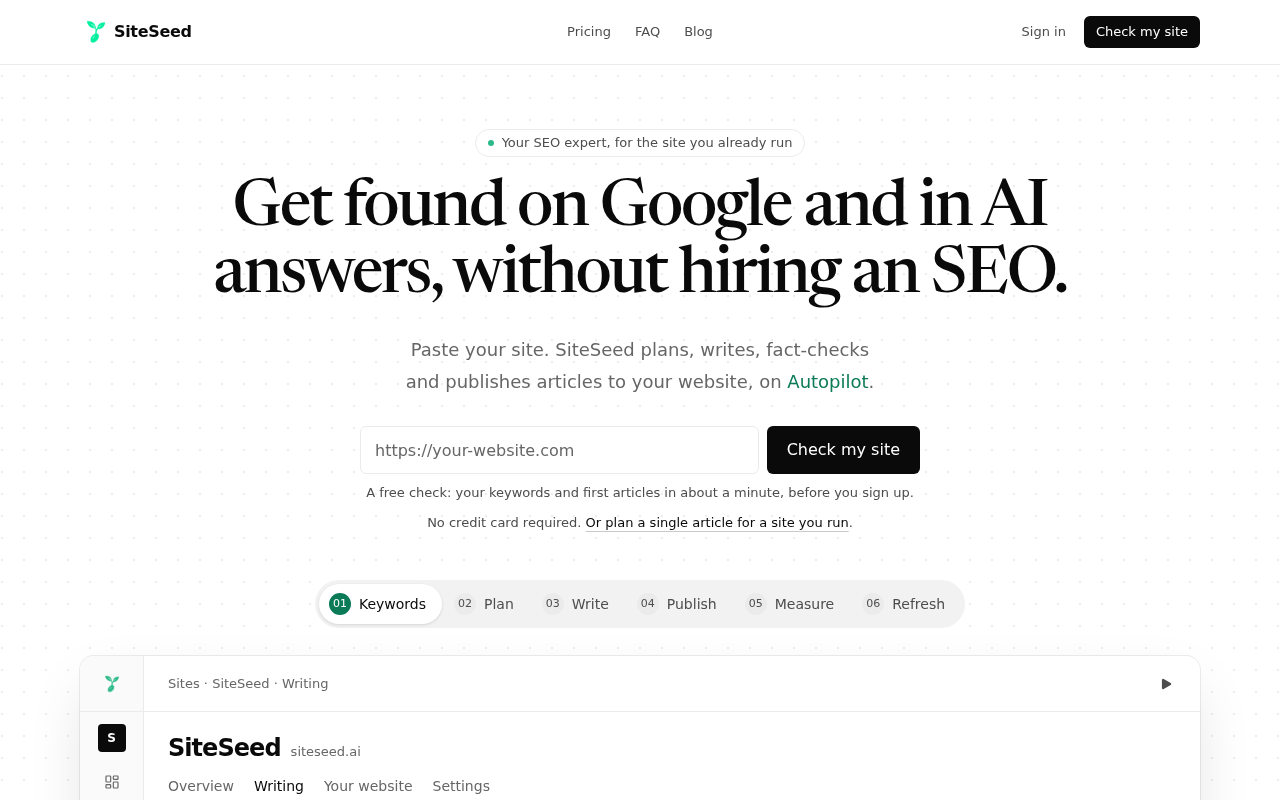
This is our own entry, so read it with that in mind. SiteSeed plans, writes, fact-checks and publishes articles directly to a client's existing website, running on autopilot or manual mode through the site's own CMS.
We built it for founders and small teams who already run a product site but have no time for SEO. When our fact-check cannot verify a claim, SiteSeed removes the sentence and never swaps in a new one. We use it to plan, write, fact-check and publish every post on our own blog. It supports 150+ languages.
- Price: Starter is $39/month billed yearly, with 30 articles a month and 2 websites for one user; Pro is $99/month billed yearly.
- Free plan or trial: Free plan.
- Best for: Founders with a live site and a stalled blog.
- Look elsewhere if: you need a managed service run for you, as Gadex offers.
2. Cited: local businesses that need 15 articles per month
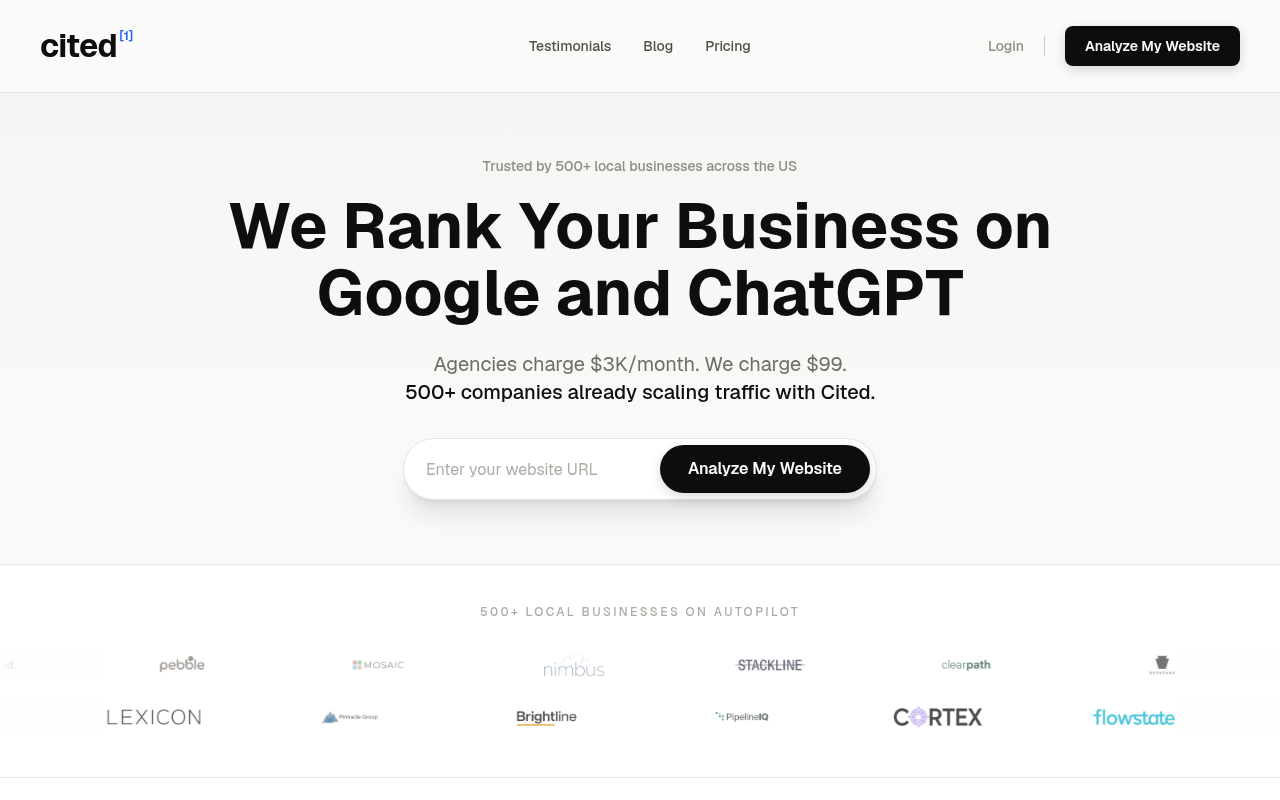
Cited lists $99 monthly for 15 articles per month, publishing to WordPress, Wix, Shopify and more. Its llms.txt describes one workflow covering keyword research, SERP analysis, fact verification, link injection, image generation and auto-publishing.
Articles publish directly to the CMS without manual review, so you give up a checkpoint for speed. Cited says setup takes under 10 minutes, and that you can cancel anytime with no contracts.
- Price: $99/monthly for 15 articles per month.
- Best for: Local businesses wanting a fixed fee.
- Limitation: Articles go to your CMS without manual review.
3. AutoSEOBot: teams starting with one website and a 14-day trial
ContentBuck lists AutoSEOBot's Starter plan at $39/month with 1 connected website and 15 AI articles a month. Features include keyword research, fact-checking on all content, CMS auto-publishing and basic analytics.
Claims are described as verified with confidence scoring and source citations. Publishing reaches WordPress, Webflow, Ghost, Sanity and more than 10 other platforms. A $79/month tier appears with 2 websites and 50 articles per month.
- Price: $39/month for 1 website and 15 AI articles a month.
- Free plan or trial: 14-day free trial, no credit card required.
- Best for: Teams testing one site first.
- Limitation: The Starter plan covers only 1 website.
4. SEOmonitor Content Writer 2.0: teams that want one LLM choice and a 14-day trial
SEOmonitor says every claim is cross-referenced against live web sources. You connect the CMS once, and the system handles scheduling, publishing and updating existing posts. That is the end-to-end workflow this guide asks you to look for.
On pricing, Starter includes one LLM of choice, and yearly billing takes 17% off.
- Price: Starter is €79/month billed yearly.
- Free plan or trial: 14-day free trial.
- Best for: Teams wanting existing posts updated.
- Limitation: Starter gives you one LLM of choice only.
5. Gadex: teams that need managed content beyond eight pages per month
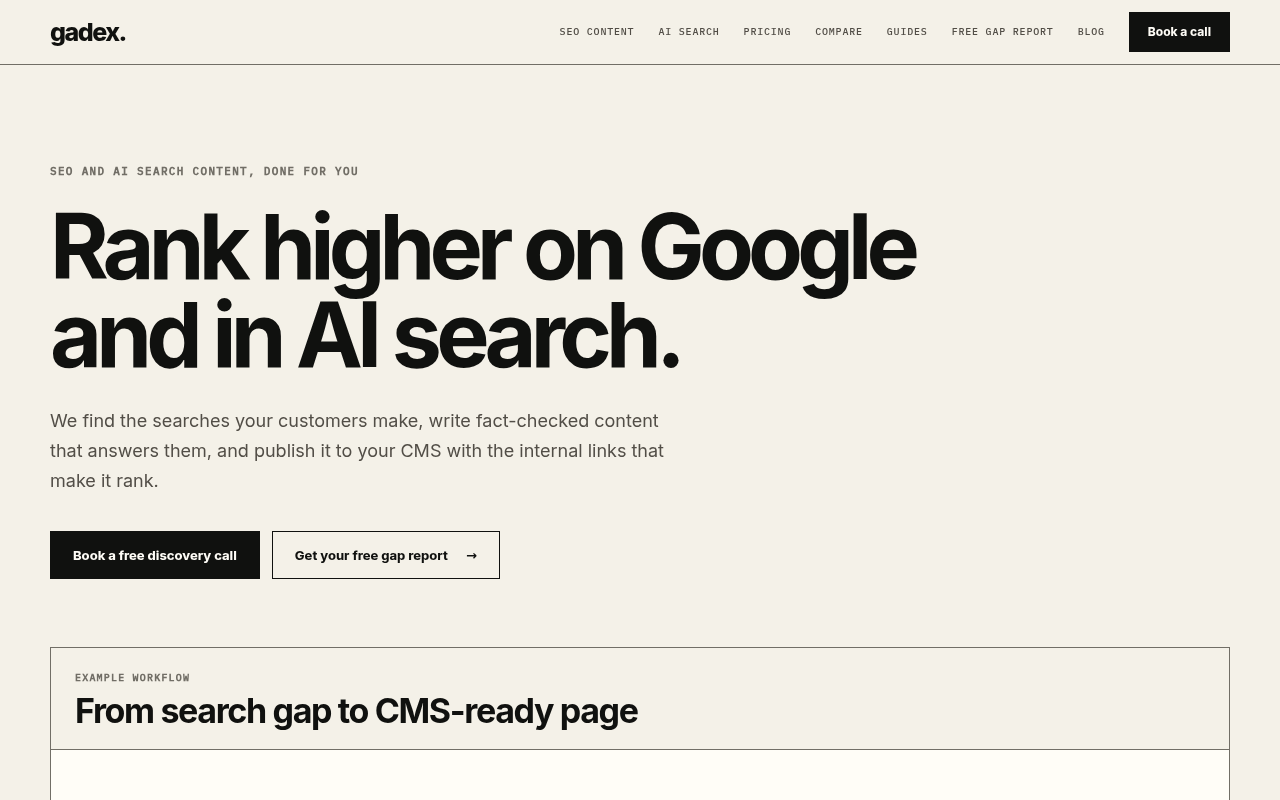
Gadex publishes articles directly to the customer's CMS as they are ready. Its pricing is not fixed: scope and price are set in a discovery call based on goals, volume, markets, languages and CMS setup.
On its pricing page, a $590 diagnostic comes first, then Managed Content at $2,900/month for eight new pages. A second tier, Managed Growth, costs $5,400/month. Named platforms are WordPress, Webflow, Shopify and Ghost.
- Price: $2,900/month for Managed Content.
- Best for: Teams buying a managed service.
- Limitation: Eight new pages a month on the entry tier.
6. Byword: content teams publishing to six or more CMS platforms
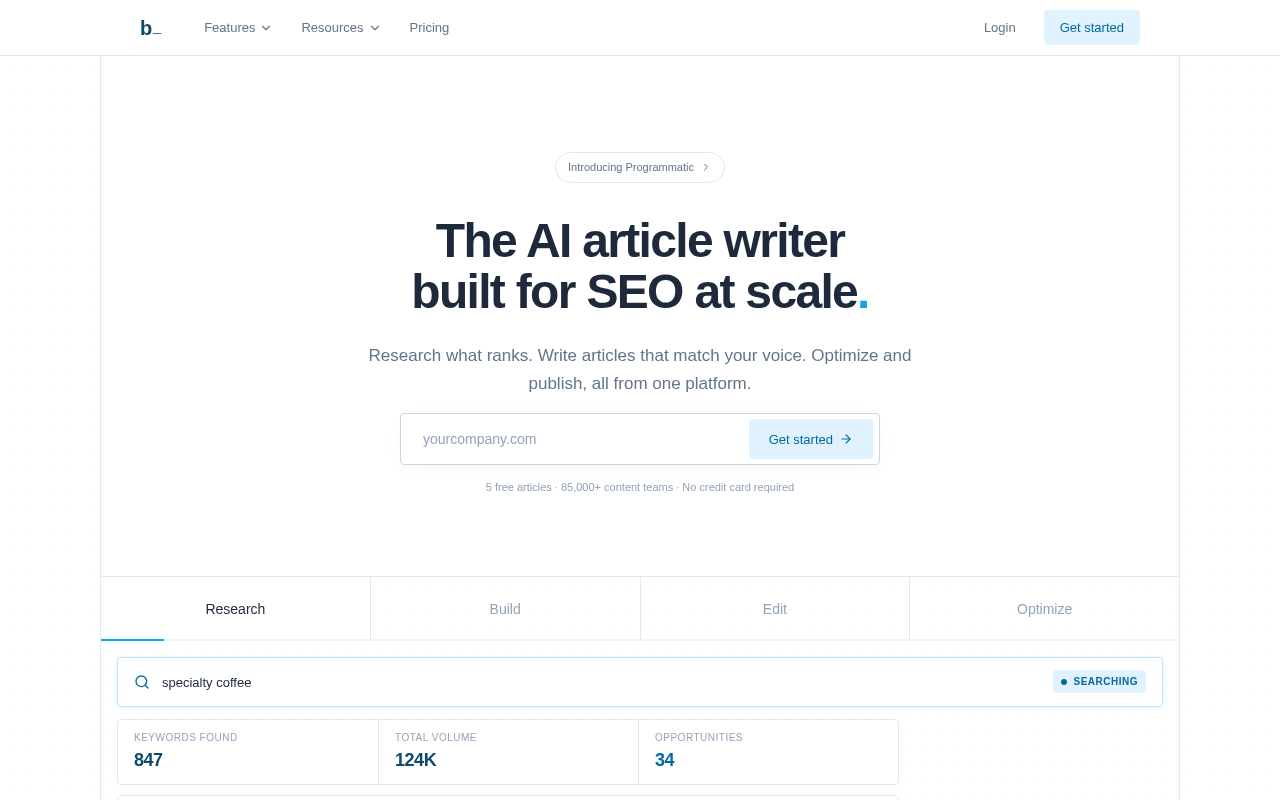
Byword publishes to WordPress, Webflow, Ghost, HubSpot, Medium, Airtable, Notion, Google Docs, Google Sheets and webhooks. Its publisher page describes built-in fact-checking and source citation as features.
The entry plan allows 25 articles/month, and 5 free articles let a team test the output first.
- Free plan or trial: 5 free articles.
- Best for: Content teams on many platforms.
- Limitation: The entry plan stops at 25 articles/month.
7. SEObot: project-busy founders who accept up to 4000-word articles
The Agentic Index profile describes full autopilot as the default, with articles live without review unless you choose an approval workflow. It also describes a fact-checking layer that cites sources, and lists Framer, Ghost, HubSpot, Notion, Shopify, Unicorn Platform, Webflow, Wix, WordPress and custom sites through a REST API.
SEObot starts at $49/month, with articles up to 4000 words, and offers a full refund on the $49 plan if you contact it after the first article.
- Price: $49/month.
- Best for: Project-busy founders.
- Limitation: Articles top out at 4000 words.
Choosing the service that fits your stalled blog
Judge each service by visible evidence: source links in the article, a stated checking process, direct CMS publishing and a clear publication-control setting. A vendor's claim about its workflow is not the same as proof on a live page, so open a sample before you commit.
If you run one or two product sites, SiteSeed fits. Cited and AutoSEOBot suit a fixed fee at the low end with direct publishing. Gadex suits teams ready for a discovery call and a bigger budget. Byword suits teams across many platforms, and SEObot suits those wanting longer articles with a refund option. See SiteSeed pricing for plan details.
Frequently asked questions
What makes a content example genuinely verified?
A verified example shows named source links attached to individual claims. It also states what happens to a claim it cannot confirm. SiteSeed says it removes such sentences rather than rewriting them. Citations alone are not enough, since a separate checking step before publication is what the label should mean.
Which services publish directly to an existing CMS?
All seven list direct publishing. SiteSeed, Cited, AutoSEOBot, SEOmonitor Content Writer 2.0, Gadex, Byword and SEObot each describe sending articles to a connected CMS, and most name WordPress and Webflow among their targets. Details differ by service, so match the exact platform you use to each list.
Does autopilot mean instant publication or an approval workflow?
Autopilot means the article goes live without review. The Agentic Index profile of SEObot describes full autopilot as the default, with an approval workflow available if the customer chooses one. Cited says its articles publish without manual review. Ask each service which mode you start in.
How much do the services cost on their entry plans?
Entry prices vary widely. SiteSeed has a free plan and a Starter plan at $39/month billed yearly. SEObot starts at $49/month, and Cited at $99/monthly. Gadex lists Managed Content at $2,900/month after a $590 diagnostic, with scope set in a discovery call.
Which CMS platforms does each service support?
Most services support WordPress and Webflow. Byword lists WordPress, Webflow, Ghost, HubSpot, Medium, Airtable, Notion, Google Docs, Google Sheets and webhooks. SEObot lists Framer, Ghost, HubSpot, Notion, Shopify, Unicorn Platform, Webflow, Wix, WordPress and custom sites through a REST API.
What limits should you expect from automated fact-checking?
Automated checks do not remove the need for human judgment on sensitive topics. Google's guidance on content that affects people's well-being points toward review in those areas. Treat any fact-check as a way to cut errors, not a guarantee that every statement is correct, and read the sources yourself.
Starting your first verified article
SiteSeed suits founders who already run a product site and want direct publishing with unverifiable claims removed, so you can begin with its free plan or Starter plan. Pair it with SEObot when you need articles up to 4000 words and a refund option after the first piece. If you'd like to see it on your own site, you can add your site to SiteSeed.
Free tools to put this into practice
- Free SEO Site Check
Paste your website: the keywords it can win, how often they are searched, and your first 3 articles.
- SEO Content Plan Generator
Build a week-by-week publishing plan with target keywords, search intent, and topic clusters.
- Blog Topic Generator
Get 10 blog topics with a target keyword each, ready to preview, illustrate, and write.