AI Search Visibility for Small Sites: What Changes in 2026
AI search visibility for small sites in 2026 relies on foundational SEO practices and clear textual answers to real questions your product handles.

Mike Du
Founder, SiteSeed
· 8 min read
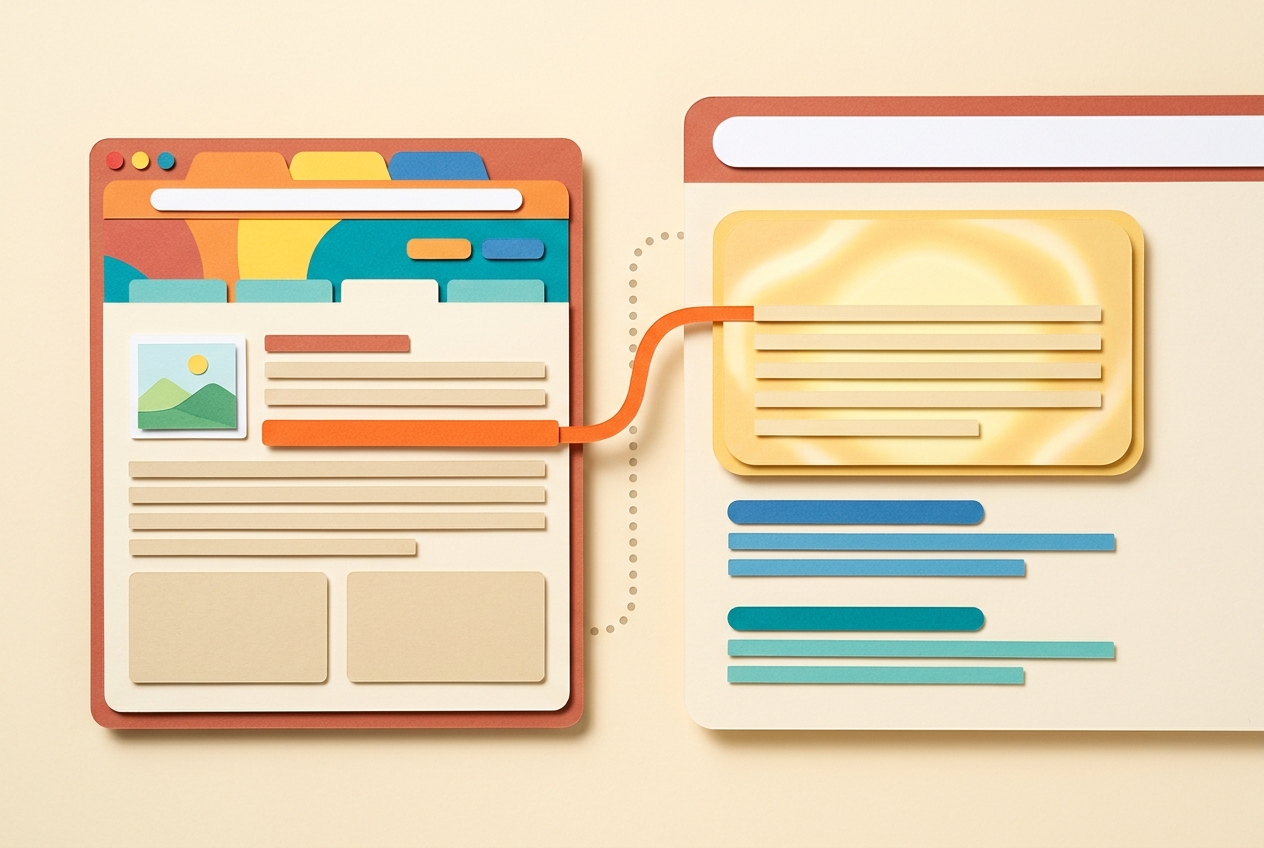
AI search visibility for small sites in 2026 rests on the same foundations Google already recommends for regular search. It isn't a separate set of tricks, and it doesn't need code changes. If you run a product site and have no SEO on staff, that's good news: the work happens in the CMS you already use.
What AI Search Visibility for Small Sites Means in 2026
Here, visibility means your page is eligible to be used in an AI-generated answer. It doesn't mean a ranking promise, and nobody can give you one. Google Search Central says a page must be indexed and eligible to appear in Google Search with a snippet to be eligible for its generative-AI Search features. If a page isn't indexed, nothing else on this list matters yet.
The second rule is just as plain. Google also says the same foundational SEO best practices apply to AI features as to Google Search overall. So you don't need a parallel strategy, a new acronym or a second content calendar.
What does that mean for a founder? Focus on clear textual answers to real questions your product handles. Write them in plain sentences. Name your sources. Skip anything that promises to "game" a new system, because we can't point to a confirmed rule behind such promises.
If you're updating existing pages rather than starting fresh, using AI for SEO on product site content follows the same logic: improve what's there, keep it accurate, and publish through your own CMS.
Suppose you sell scheduling software. Your page on "how to handle time zones in team calendars" is a better candidate than a vague page about "the future of work." It answers one question, and only you can answer it from experience with your product.
Google's Official Content Rules for AI Features
Strip away the folklore and Google's stated guidance is short. Google Search Central recommends valuable, unique, non-commodity content for visibility in generative-AI Search features. Commodity content is the material already available everywhere: generic definitions, the same five tips every competitor lists.
The second recommendation is about format. Google recommends making important content available in textual form. If your best answer lives only in an image, a video or a pop-up, move it into the page text as well.
Small sites can compete here because you hold things large publishers don't: first-hand details about your product, your customers' real questions, your own numbers and process. None of this guarantees inclusion. It just gives you something specific to say.
Before you publish, run a simple comparison. Search the question your page answers and open the top few results. Then ask what your draft says that they don't. If the honest answer is "nothing," rework it. Add a concrete step, a limitation you know about, or a sourced figure. If you still can't add anything, pick a different question.
Keep the key answer near the top of the page, in full sentences, not buried in a table image or a slider. Then support it below.
Steps to Prepare and Publish Extractable Answers
You can follow this cycle in any CMS.
- Pick one narrow question. Choose something your product actually answers. Write the response in full sentences on a single page.
- Verify before you publish. Read the page aloud. For every claim, ask whether you can name the source and link to it. If you can't, cut the claim or soften it.
- Publish, then request indexing. Use Google Search Console to request indexing, and write down the date. That note lets you connect later changes to this launch.
- Update, don't duplicate. When new evidence appears, edit the same page. A second version of the same answer splits the signal and leaves readers unsure which one to trust.
Then repeat with the next question. The cycle is research, verification, publishing and review. It's slow on purpose, and each page you ship is one you can defend.
How to Check Indexing and Crawlability Without Code Changes
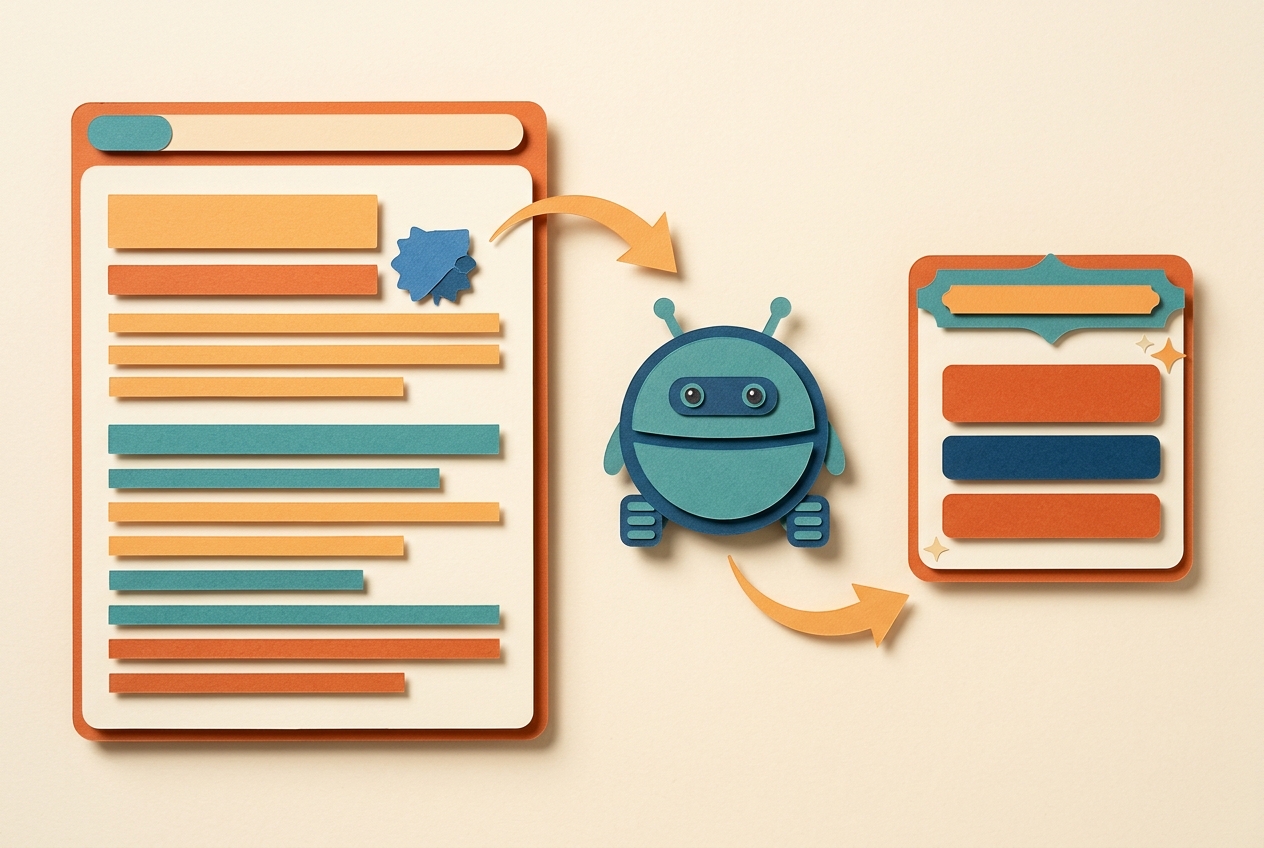
Start with the URL Inspection tool in Search Console. Paste in the page address and confirm the page is indexed and shows no crawl errors. That one check tells you whether the page is even in the running.
Next, open the page in an incognito browser window. You want to see the full text load without logging in and without needing scripts to reveal it. If the answer only appears after a click, a login or a delay, treat it as hidden and move it into the visible body of the page.
If inspection shows the page isn't indexed, don't start editing site templates. Add the page to your sitemap and resubmit it. In your CMS this is usually a setting, not a coding job. Then inspect the URL again.
Keep a short log: page, date published, date inspected, status. It's dull, but it turns a vague worry ("is this working?") into a list you can scan in a minute. Pages that stay unindexed after resubmission need a closer look at the content itself. Is it thin? Does it duplicate another page on your site? Fix that first.
Measuring AI Visibility When Clicks Are Not the Main Outcome
Set your expectations with data on behavior. Pew Research Center found that 58% of respondents ran at least one Google search in March 2025 that produced an AI-generated summary.
The click picture is less comfortable. Visits with an AI summary included a click on a traditional result 8% of the time, against 15% without one. Users clicked a link inside the summary itself in 1% of visits. And 26% of visits with a summary ended the browsing session, compared with 16% for traditional results only.
So treat impressions as one success signal and clicks as another. Track both in Search Console for the pages you updated, and note any change after indexing. If impressions rise while clicks stay flat, your page may be present in answers without sending visits. Track conversions where you can.
Also look at the control Google announced. Google announced a Search Console toggle that lets site owners decide whether their site can appear in and help ground responses in AI Overviews, AI Mode, and AI Overviews in Discover. Review it, and leave it on unless you have a specific reason to turn it off.
Frequently asked questions
Does Google require a separate AI SEO strategy for small sites?
No. Google states that the same foundational SEO practices that help regular search also apply to its generative AI features. That means you can keep your existing publishing routine and put your effort into useful, accurate, people-first pages rather than building a second strategy for AI.
How can I tell if my pages are eligible for AI summaries?
Check whether the page is indexed and eligible to appear with a snippet, since Google Search Central names both as requirements. Google Search Console lets you inspect a URL for both. If a page isn't indexed, fix that before you change anything in the content.
What content should I update first for better AI visibility?
Start with pages that already answer specific questions unique to your product. Those are your best chance at non-commodity content. Make sure the answers appear as plain text on the page, not only in images or video, and back each claim with a source you can name.
Will being cited in an AI answer bring clicks to my site?
Not necessarily. Pew Research Center found that traditional results got a click on 8% of visits when an AI summary appeared, against 15% without one. Treat visibility and clicks as separate outcomes, and measure both in Search Console.
Should I add special markup like llms.txt for AI systems?
There's no verified requirement for such files in Google's guidance. Spend your time on indexed, textual content that meets Google Search Central's stated recommendations: unique, useful pages whose key answers sit in the page text, where crawlers can read them.
Where this usually ends up
Treat AI search visibility for small sites as ongoing content hygiene, not a one-time project. Keep answers specific and sourced, confirm indexing, and watch Search Console for impressions. That stays within Google's stated guidance and gives you measurable checks without link building. If you'd like a hand running that cycle, you can connect your site to SiteSeed.
Free tools to put this into practice
- SEO Content Plan Generator
Build a week-by-week publishing plan with target keywords, search intent, and topic clusters.
- Blog Outline Generator
Turn a topic into a full content brief with word targets and FAQs, exportable as Markdown.
- Keyword Cluster Generator
Turn one seed keyword into pillar pages, supporting posts, and the internal links between them.