Best AI Writer for SEO When Your Team Already Runs the Product Site
Find the best AI writer for SEO that integrates with your existing CMS, comparing seven tools on publishing, cost, and manual steps for product sites.

Mike Du
Founder, SiteSeed
· 11 min read
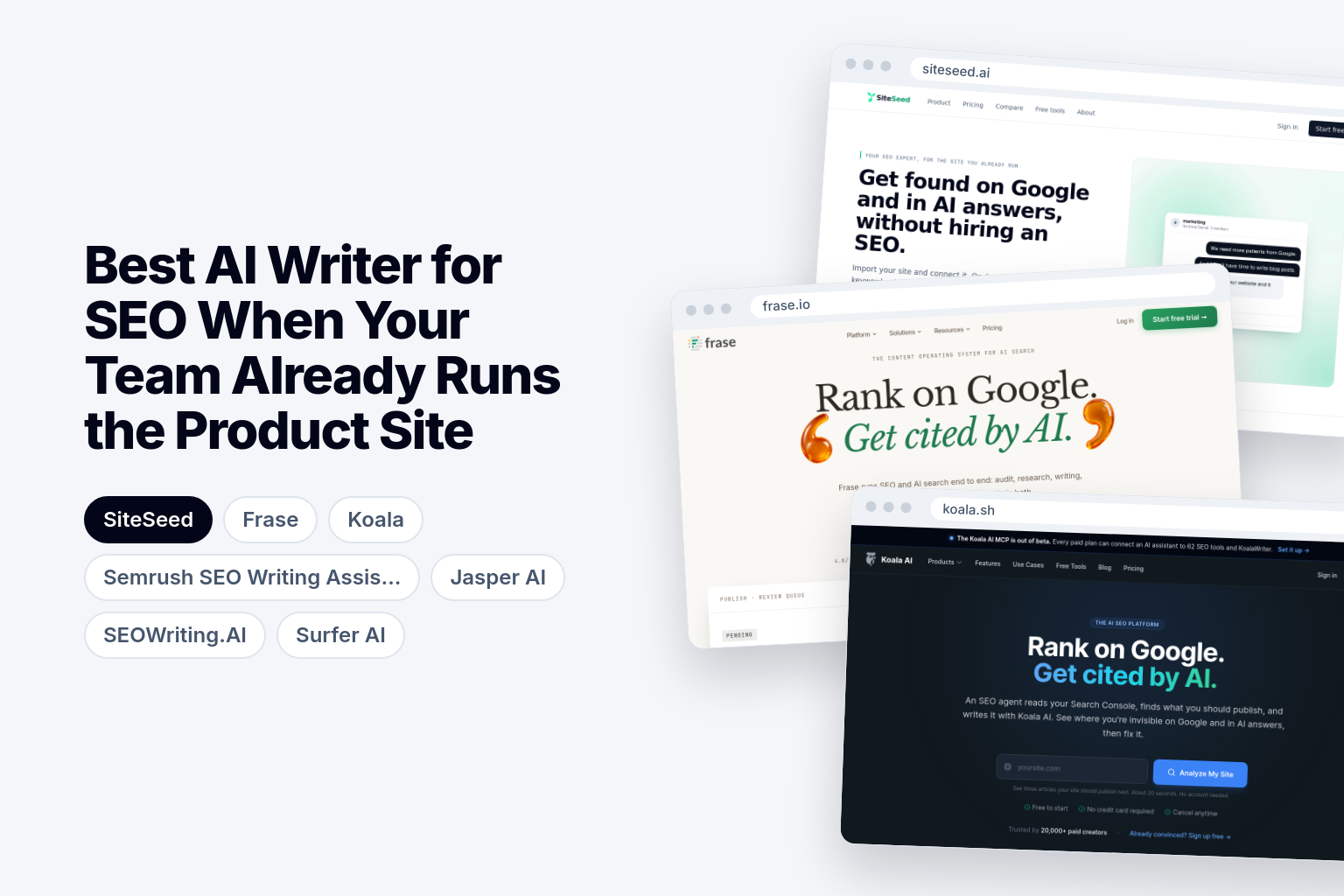
Finding the best AI writer for SEO gets simpler once you accept one thing: your team already runs the product site, so the tool has to connect to the CMS you have. No new logins. No export-and-upload handoffs. Below, we compare seven tools on how they publish, what they cost on the entry plan, and how many manual steps they leave you with.
What the best AI writer for SEO must deliver for an existing product site
Start with fit, not draft length. A tool that writes a long article but leaves you copying text into your CMS has only done half the job.
Look for three things. First, a connection to the CMS you already use, so the finished article lands in your site without a separate export step. Second, research, drafting and publishing in one flow, so you aren't switching between a keyword tool, a writing app and your CMS. Third, claims you can check against sources before anything goes live.
SiteSeed, our own tool and the publication you're reading, was built around this brief. It serves founders and small teams with a live product site whose blog is empty or stalled and who haven't hired an SEO.
Rules for judging AI writers when you already have a live site
Apply three filters before you look at any feature list.
Does it publish, or only export? Integration lists differ. Frase names WordPress, Webflow, Sanity, Wix and FraseCMS. Koala lists WordPress, Shopify, Webflow, Ghost and webhooks. SEOWriting.AI lists WordPress and Shopify. SiteSeed lists WordPress, Webflow, Shopify, Ghost, Wix, HubSpot, Notion and webhook. If your CMS isn't on a tool's list, cross it off.
What does a month really cost? Compare the entry price, the billing term and the extra fees beyond the allowance. A yearly rate and a monthly rate are not the same number.
Does it state its review requirements? Prefer a tool that tells you plainly what a human must read before publishing over one that promises fully automatic output.
How the seven AI writers compare on publishing and pricing
The table puts each tool's entry price, trial, limits and integrations side by side, so you can drop tools that don't fit your CMS or budget before reading further.
| AI Writer | Starting price | Free plan or trial | Entry plan limits | Publishing integrations | Target audience |
|---|---|---|---|---|---|
| SiteSeed | Starter: $39/month | Free plan | 30 articles a month, 1 site, 8,500 tokens/mo | WordPress, Webflow, Shopify, Ghost, Wix, HubSpot, Notion, webhook | Founders who already have a site, small teams |
| Frase | $39 per month billed yearly | 7-day free trial | Not stated | WordPress, Webflow, Sanity, Wix, FraseCMS | Not stated |
| Koala | $25/month | Yes, 5,000 free words and 25 credits | 45,000 words/month, 500 credits/month, 1 brand, 25 messages/month | WordPress, Shopify, Webflow, Ghost, webhooks | Content creators, businesses, agencies, large sites |
| Semrush SEO Writing Assistant | $117.33/mo billed annually | Not stated | 5 websites to monitor, 500 keywords to track daily, basic keyword research and competitor analysis | Not stated | Freelancers and small businesses |
| Jasper AI | Pro: $59/month billed yearly | Free 7-Day Trial | Includes 1 seat | Gmail, Wordpress, Docs, HubSpot, LinkedIn | Modern marketing teams |
| SEOWriting.AI | The service offers a free start with 3 articles. Paid plans start at $19/month, or $14/month when billed yearly. | Free plan | Not stated | WordPress, Shopify | Businesses, bloggers, agencies, content creators, SEO specialists, teams |
| Surfer AI | Not stated | Not stated | Not stated | Not stated | Not stated |
Prices cover different billing terms and different kinds of limits, so read each row on its own terms rather than ranking by the first number.
1. SiteSeed: the direct-publishing choice for founders with one product site
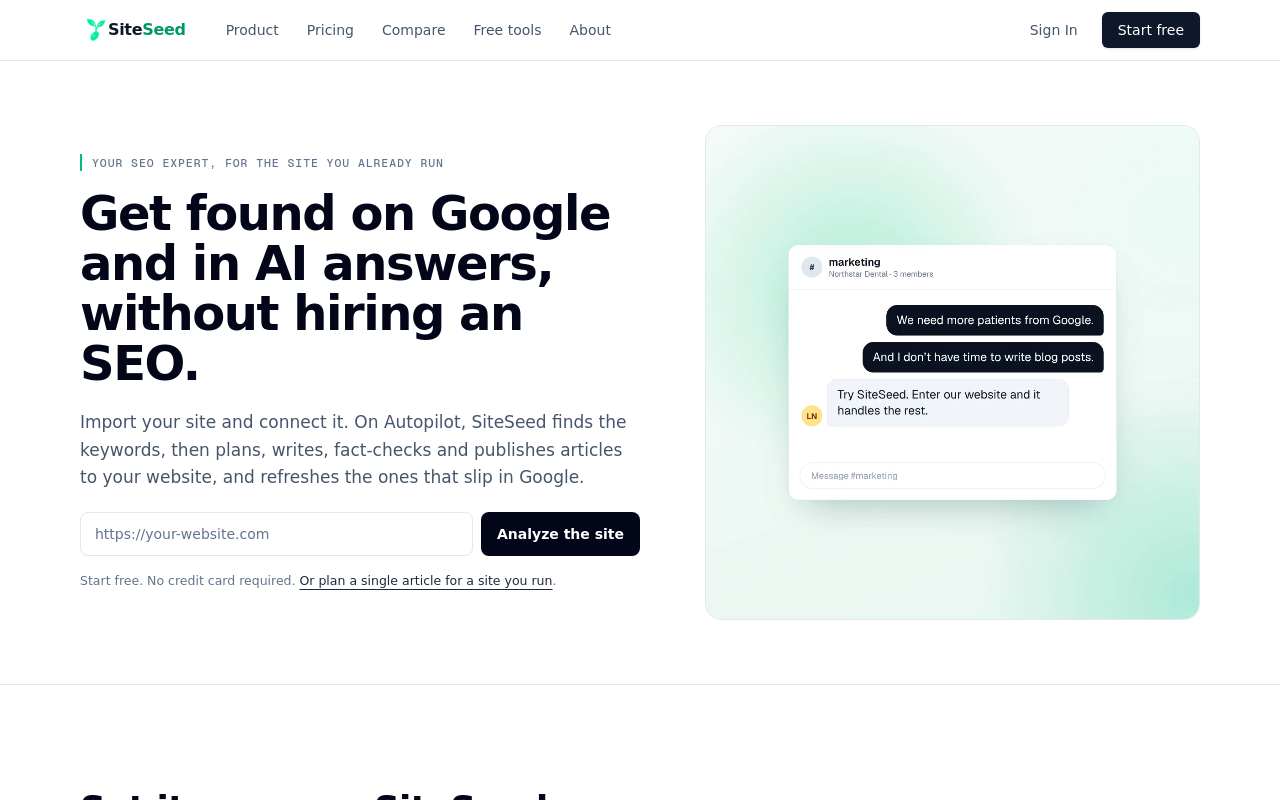
SiteSeed is our own, so weigh this entry with that in mind. It plans, writes, fact-checks and publishes articles directly to your existing website. It runs on autopilot or manual mode, connects through the site's own CMS, and removes any claim it can't verify against sources.
The Starter plan covers 30 articles a month on 1 site, and unused tokens roll over. At $1.30 per article on Starter, the cost per piece is easy to work out. The free plan allows 3 articles a month, which is enough to test the full flow on your own site. Learn more at SiteSeed.
- Price: Starter is $39/month, with 30 articles a month, 1 site and 8,500 tokens/mo.
- Free plan or trial: Free plan, with 3 articles a month, 1 site and 850 tokens/mo.
- Best for: Founders and small teams with one live product site.
- Look elsewhere if: you need more than 30 articles a month or want to cover more than 1 site on the entry plan.
2. Frase: the option with built-in CMS publishing and a short trial
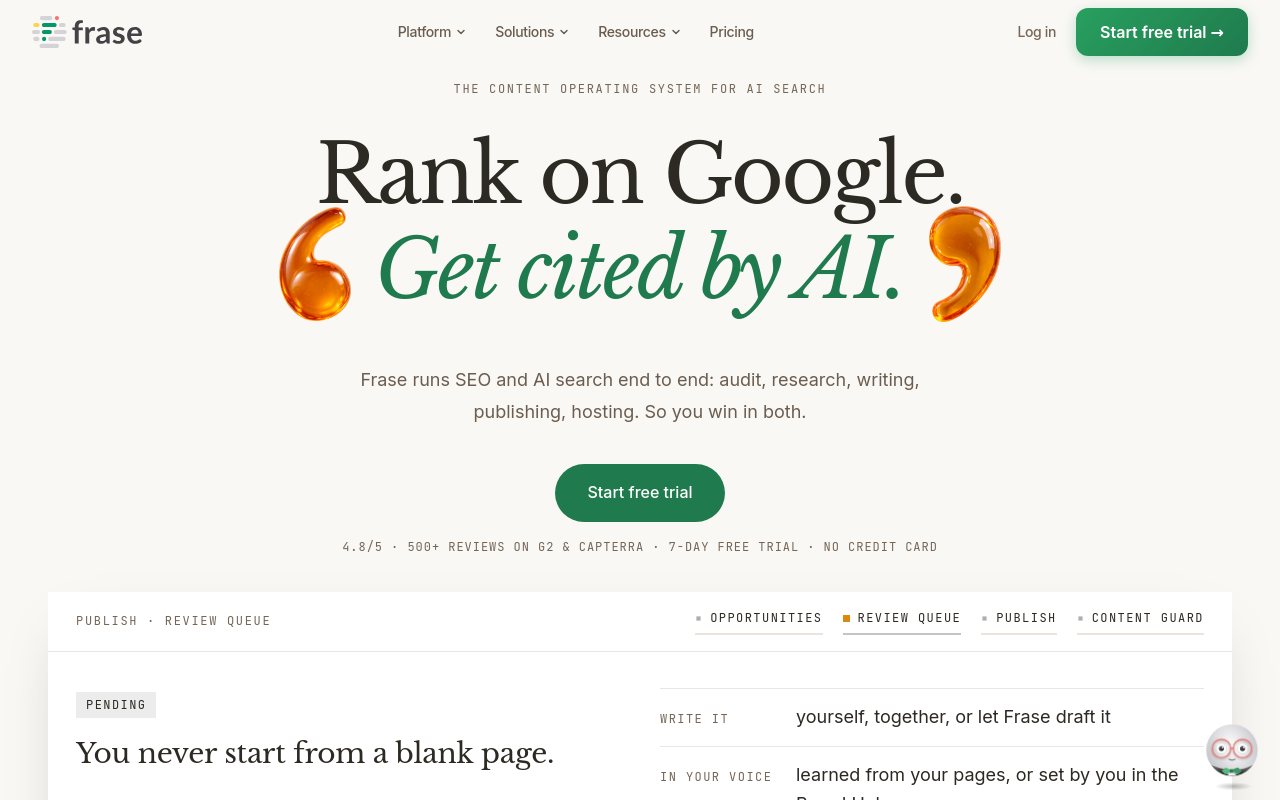
Frase publishes to WordPress, Webflow, Sanity and Wix, and also offers its own hosted CMS. Its features page lists a 7-day trial that needs no credit card, and says Frase Agent, SEO and GEO scoring, site audits and API access come on every plan.
Billing terms matter here. The entry price is $39 per month billed yearly, or $49 month to month. The Professional plan runs $103 per month billed yearly or $129 per month monthly. On Professional, extra usage costs $5 per extra article, $0.50 per audit page and $0.25 per AI prompt. Test the trial by publishing one article to your CMS, then price your expected volume.
- Price: $39 per month billed yearly, or $49 month to month.
- Free plan or trial: 7-day free trial, no credit card required.
- Best for: Teams that want audits and publishing in one place.
- Limitation: Articles beyond the Professional allowance cost $5 each.
3. Koala: the tool with one-click publishing to multiple CMS platforms

Koala advertises one-click publishing to WordPress, Shopify, Webflow, Ghost and more, per its integrations page. That cuts copy-and-paste steps for teams that publish often.
The entry plan is $25/month with 45,000 words, 500 credits, 1 brand and 25 messages a month. You can start with 5,000 free words and 25 credits. Annual billing saves 20%, and there's a 15-day refund window. Its listed models are GPT-6 and Claude Sonnet 5.
- Price: $25/month for 45,000 words/month and 500 credits/month.
- Free plan or trial: 5,000 free words and 25 credits.
- Best for: Content creators, businesses, agencies and large sites that publish often.
- Limitation: The entry plan covers 1 brand, so multi-brand teams must work around it.
4. Semrush SEO Writing Assistant: the assistant that works inside Google Docs and WordPress
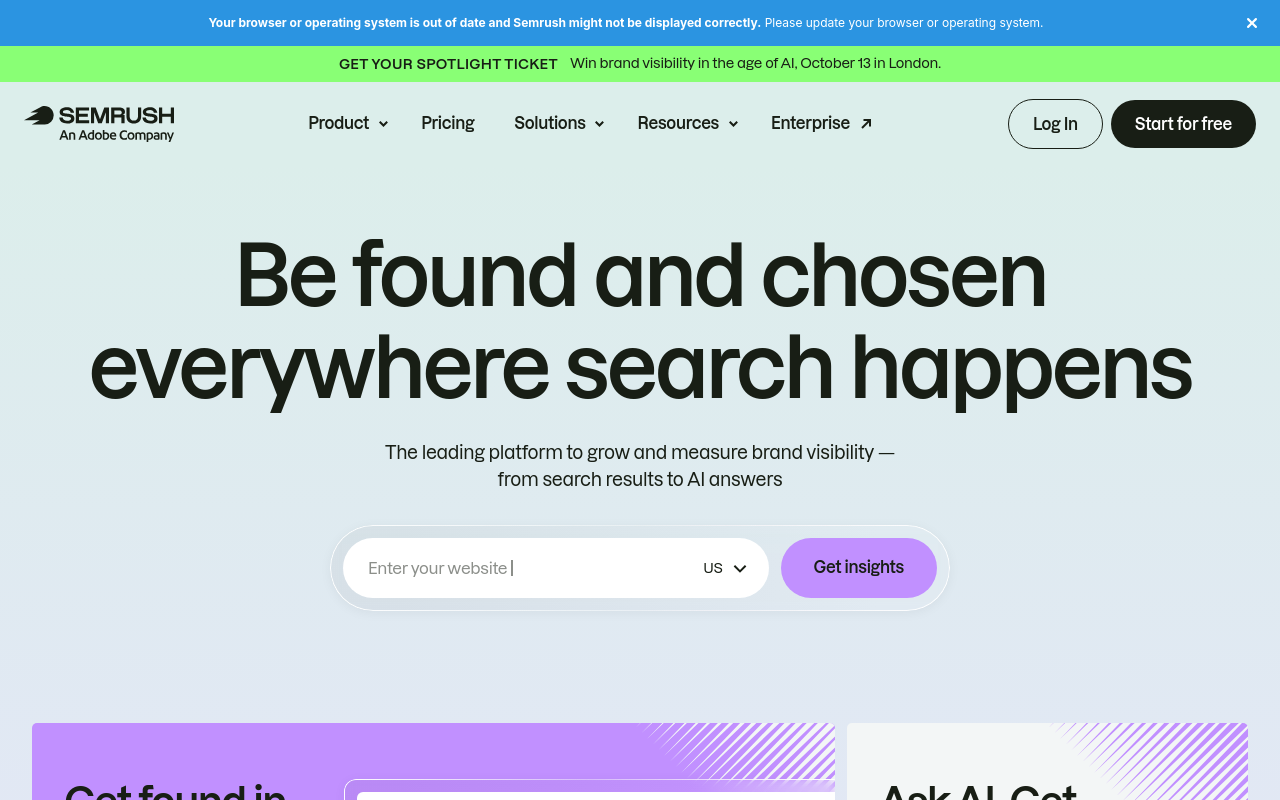
Semrush analyzes readability, SEO, originality and tone of voice, and works in Google Docs, WordPress and Microsoft Word. Treat it as an SEO editing workflow rather than a hands-off publisher.
Limits vary by tier. Semrush's documentation says free and SEO Toolkit Pro users can generate up to 2 documents per account, while Guru and Business users get unlimited documents. Smart Writer words run 500 lifetime on Pro, 1,000 a month on Guru and 2,000 a month on Business. Extra words cost $20 per month for 10,000 on Guru or Business. The documentation also says to review AI-generated content before publishing, so build that read into your routine.
- Price: $117.33/mo billed annually.
- Best for: Freelancers and small businesses already using Semrush.
- Limitation: Pro users get only 500 Smart Writer words for life.
5. Jasper AI: the platform built for teams that need brand controls
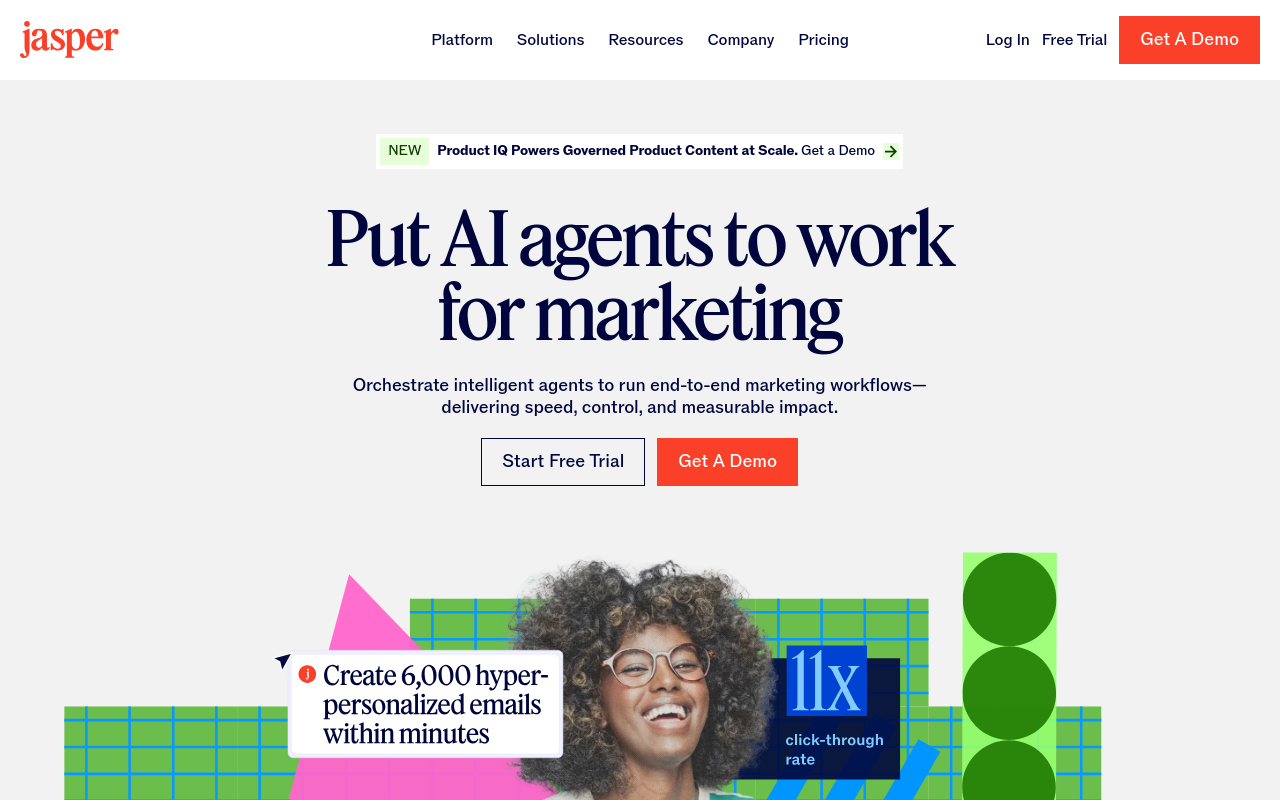
Jasper targets modern marketing teams. Its Pro plan costs $69/month billed monthly or $59/month billed yearly, and includes advanced AI features for creating content for multiple brands and collaborating on campaigns.
Brand controls are the draw: 3 audiences, 2 brand voices and 5 multi-modal knowledge assets. Listed integrations are Gmail, Wordpress, Docs, HubSpot and LinkedIn. If you only need plain article publishing, those campaign tools may be more than you use.
- Price: Pro is $59/month billed yearly, or $69/month billed monthly.
- Free plan or trial: Free 7-Day Trial.
- Best for: Marketing teams managing brand voice across campaigns.
- Limitation: The entry plan includes 1 seat.
6. SEOWriting.AI: the one-click generator with a free article allowance
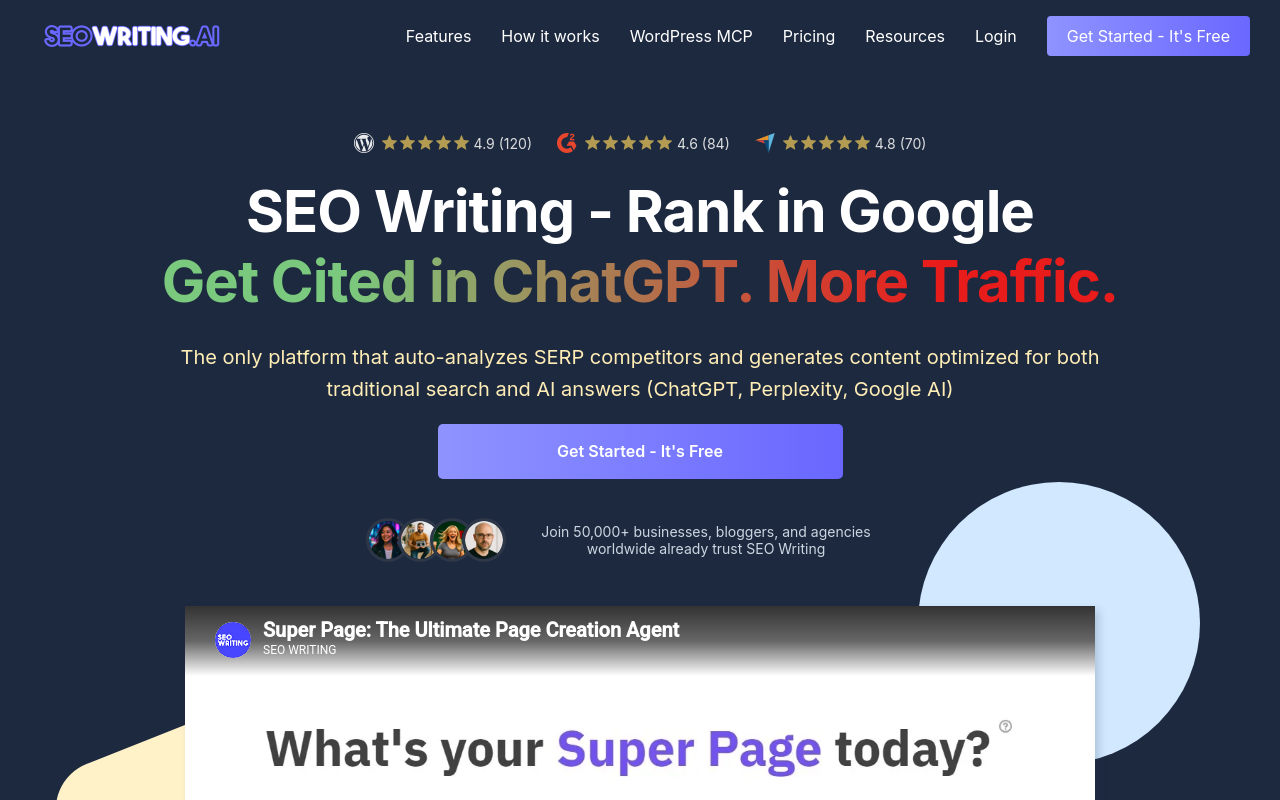
SEOWriting.AI offers a free start with 3 articles. Paid plans start at $19/month, or $14/month billed yearly. It publishes to WordPress and Shopify, and uses models from OpenAI, Anthropic, Google and DeepSeek.
Articles can run to 5,200 words, so check that matches your usual post size. Use the 3 free articles to test publishing to your site before paying.
- Price: $19/month, or $14/month billed yearly.
- Free plan or trial: Free plan with 3 articles.
- Best for: Bloggers, small teams and agencies that want a low entry cost.
- Limitation: Only WordPress and Shopify are listed, so other CMS users should pick another tool.
7. Surfer AI: the automated writer that follows Content Editor guidelines
Surfer AI uses the Content Editor guidelines you provide to automate article creation, per Surfer's documentation. It suits teams already optimizing in Surfer.
One comparison lists the Essential plan at $99/month with 5 AI articles a month, or 60 a year, and extra articles at $15 or less each. The same comparison source describes Essential as fitting freelancers and small sites, and caps articles at 5,000 words.
- Price: Essential is $99/month with 5 AI articles a month.
- Best for: Freelancers and small sites already using Surfer.
- Limitation: Articles are capped at 5,000 words.
How to choose the right AI writer for your product site
Match the tool to your situation. Start with SiteSeed if you want direct publishing to one existing CMS and a free plan to test the whole flow. Pick Frase or Koala when you want several CMS options and a trial or free allowance before committing. Choose Semrush SEO Writing Assistant if you already work in Google Docs and want SEO scoring beside drafting.
Jasper AI fits when brand voice matters more than simple publishing. SEOWriting.AI suits you if the lowest entry price and quick generation matter most. Surfer AI makes sense when you already follow Surfer's Content Editor guidelines.
Whatever you pick, decide in advance what a person reads before publishing. Our pricing page lays out SiteSeed's plans.
Frequently asked questions
Which AI writers publish directly to WordPress without export steps?
SiteSeed, Frase, Koala and SEOWriting.AI each list WordPress among their publishing integrations. Jasper AI also lists Wordpress, and Semrush's documentation says its assistant works with WordPress. Match the tool to the CMS you already run, then test with a single article.
What is the lowest starting price among these tools?
SEOWriting.AI is the lowest listed. Its paid plans start at $19/month, or $14/month when billed yearly, after a free start with 3 articles. Koala's entry plan is $25/month, and SiteSeed's Starter plan is $29/month.
Do any of these tools require review before publishing?
Yes. Semrush's SEO Writing Assistant documentation says to review AI-generated content before publishing. Plan for a human read with any tool here, whether or not its own documentation says so, and decide who does it before you start.
Which tool offers a free plan instead of a trial?
SiteSeed and SEOWriting.AI both list a free plan. SiteSeed's free plan allows 3 articles a month, and SEOWriting.AI's free start includes 3 articles. Frase and Jasper AI offer 7-day trials instead.
How many articles does the Surfer AI Essential plan include?
One comparison source lists the Essential plan at $99/month with 5 AI articles per month, or 60 per year. Additional articles cost $15 or less each. Articles are limited to 5,000 words, according to the same comparison source.
Can I connect these tools to Webflow or Shopify?
Yes, for several. SiteSeed, Frase and Koala list Webflow, and SiteSeed, Koala and SEOWriting.AI list Shopify. Frase doesn't list Shopify, and SEOWriting.AI doesn't list Webflow, so match each tool's list to your CMS.
Which tool works inside Google Docs?
Semrush's SEO Writing Assistant documentation says it works with Google Docs, WordPress and Microsoft Word. If your drafting happens in Google Docs, start with it.
Where this leaves your team
Start with SiteSeed if you're a founder or small team with one live product site and a stalled blog. It connects through your existing CMS, and its free plan lets you test the research-to-publish flow before you pay. Pair it with Frase when you also want audits and more CMS choices. Try the free plan on your own site through SiteSeed's site setup.
Free tools to put this into practice
- SEO Content Plan Generator
Build a week-by-week publishing plan with target keywords, search intent, and topic clusters.
- Blog Outline Generator
Turn a topic into a full content brief with word targets and FAQs, exportable as Markdown.
- Keyword Cluster Generator
Turn one seed keyword into pillar pages, supporting posts, and the internal links between them.