AI SEO Content Writer Workflows for Founders Managing Product Sites
AI SEO content writer workflows help founders create reliable content for product sites by turning customer questions into published articles.

Mike Du
Founder, SiteSeed
· 7 min read

Most one-click article generators hand you a draft and walk away. They skip the checks Google asks for, and you end up publishing claims nobody verified. AI SEO content writer workflows fix that by turning customer questions into published articles through a fixed set of steps, with review built in and no daily babysitting.
Here's how the pieces fit, in order.
AI SEO content writer workflows start with a real customer question
Before any tool writes a word, you decide what the article is for. Pick one question your current users already ask about your product. Not a keyword list. One question.
Write it in the exact words you hear in support tickets or sales calls. Google Search Essentials tells publishers to create helpful, reliable, people-first content and to use words people would use to look for it in prominent places such as the title, main heading, alt text and link text. Your customers' own phrasing does that job for free. Keep it as written, and don't spin up three variations of the same question.
Google's AI optimization guidance warns against creating separate content for every possible query variation primarily to manipulate rankings or generative-AI responses. So when two questions overlap, combine them into one useful article.
Then list the sources you'll check before any draft begins. Your own product docs, your support answers, and a few outside references are a fair start. Write the list down. The later steps depend on it.
Suppose your users keep asking how your tool imports data from a spreadsheet. That's your question, in their words. The source list might be your help page, a changelog entry and one industry reference. Nothing else enters the draft.
Gather traceable sources before the AI draft begins
This is the step that stops thin, unreviewed content. Work through it the same way every time:
- Open each source in its own tab.
- Copy the exact sentence that supports the point you plan to make.
- Paste the URL and the quoted sentence into the same note.
- Add your own first-hand detail where you have it, such as how a feature behaves when you use it.
- Hand the note, not a blank prompt, to the AI draft.
Why the same note? Because the review step needs the original evidence within reach. If the quote and the link live in different places, nobody checks them.
Step 4 matters more than it looks. Google's helpful-content guidance asks whether content demonstrates first-hand expertise and depth of knowledge, including expertise gained from actually using a product or service. You're the one who uses your product. An AI can't invent that, and shouldn't try.
Google also says automatically generated content should meet standards for accuracy, quality and relevance, and calls it critical to manually fact-check and review AI-generated content before publishing. Source capture is what makes that review possible. Without stored quotes, "fact-checking" becomes a guess about what the draft probably meant.
Verify claims and flag anything the AI cannot support
Now compare every sentence in the draft against the stored quotes. Each sentence either matches a quote or it doesn't. Mark the ones that don't.
Don't delete marked sentences. Move them to a separate review list. Then you decide, one at a time, whether to find new evidence or drop the point. Deleting silently hides the gap. A list keeps it visible and lets a person make the call.
This is where a low-oversight process still needs a human. You aren't reading every line daily. You're only looking at the exceptions. To be clear, a check like this lowers risk. It doesn't guarantee every statement is correct, so the review list matters.
Google gives two reasons to take this seriously. Its automated ranking systems are designed to prioritize helpful, reliable information created to benefit people, rather than content made to manipulate search rankings. And it says that using generative AI to generate many pages without adding value for users may violate its scaled-content-abuse spam policy.
Publish fewer, better-supported pages.
Publish directly through your existing WordPress site
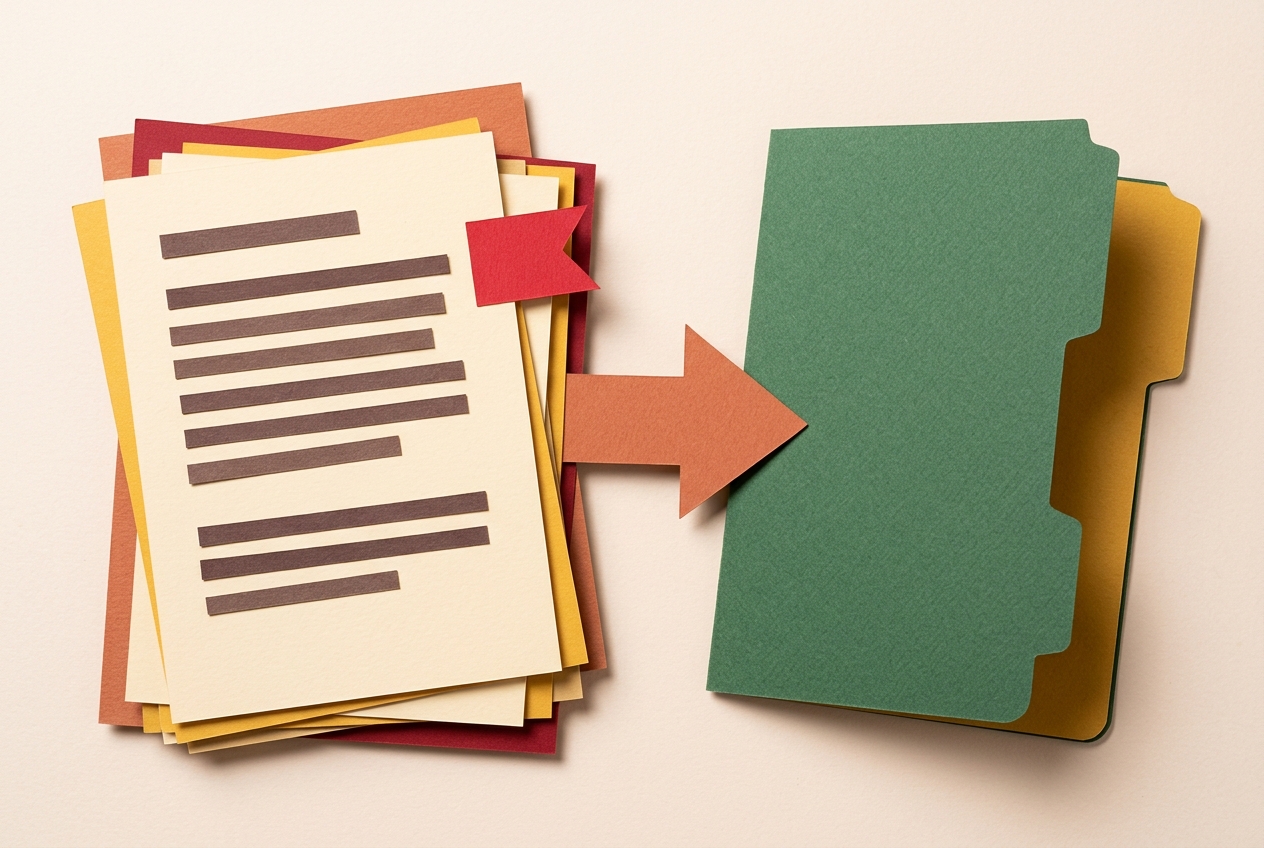
Once claims are cleared, the article moves into your own site. WordPress documents a REST API for this: per WordPress Developer Resources, applications can use it to query, modify and create content, and it uses JSON for requests and responses.
The steps:
- Send the verified article as a draft post to the documented
/wp/v2/postsroute, so it stays in draft status until you approve it. - Include the
dateandslugfields in the same JSON request. The posts reference defines date as the date the post was published in the site's timezone, and slug as an alphanumeric identifier unique to the post type. - Open the draft in your editor and read it once.
- Change the status to publish when you're satisfied.
The point is control. The content lands inside your own site, with your URL and timing set, and nothing goes live until you say so. You can see the plans that automate this on the pricing page.
Refresh published articles when new evidence or performance data appears
Publishing isn't the end. Set a monthly calendar reminder. On that day, check the page's own performance data and look for new sources that contradict earlier claims.
Then edit narrowly. Update only the sentences that now have fresh supporting quotes, and leave the rest alone. The article stays focused on the original question, and you don't reopen settled points.
Don't chase length. Google's helpful-content guidance says there's no preferred word count and asks whether content gives a satisfying experience, not whether it hits a target size. A refresh that adds padding works against you.
Keep the standard in mind too. Google describes E-E-A-T as experience, expertise, authoritativeness and trustworthiness, and says its systems aim to reward original, high-quality content that shows those qualities. Google's guidance also says AI use itself brings no special ranking benefit. So a refresh is about keeping the page accurate and useful, not about signalling that AI touched it.
For example, if a vendor changes a feature your article describes, you find the new source, copy the sentence, store it with the URL, and rewrite only that line.
Frequently asked questions
What should happen before an AI-written article reaches your CMS?
Research, source capture and manual fact-checking must all finish first. Every claim in the draft should trace to a stored quote. Anything without one gets pulled out for review. Only after that should the article be sent to your site, and even then as a draft you approve yourself.
How do you verify claims in AI-generated SEO content?
Compare each sentence in the draft against the quotes you saved from your sources. Where a sentence has no matching evidence, mark it. Those marked sentences go on a separate list, so nothing unsupported slips through unnoticed while the supported text stays untouched.
What should the AI writer do when it cannot verify a claim?
It should flag the sentence and move it to a review list rather than keep it in the text. A person then decides whether to look for new evidence or remove the point. That keeps the judgment call with you and leaves a record of what was set aside.
How can a founder publish directly to an existing WordPress site?
Use the WordPress REST API posts endpoint to send the verified article as a draft. Include the date and slug in the request. The draft stays under your control until you approve it and change its status to publish.
How should you refresh published articles using performance data?
Pick a set schedule, such as monthly, and check the page's performance data along with any new sources. Then update only the sentences that now have fresh supporting quotes. Everything else stays as it was, so the article keeps answering its original question.
Where this usually ends up
The workflow turns AI assistance into a controlled publishing process. You stay inside Google's stated limits on accuracy and value, and you publish through the CMS you already use. If that's the setup you want, you can connect your site and start.
Free tools to put this into practice
- Agency Content Workflow Audit
Find the manual handoffs, quality risks, and reporting gaps in one client content workflow.
- SEO Content Plan Generator
Build a week-by-week publishing plan with target keywords, search intent, and topic clusters.
- Blog Outline Generator
Turn a topic into a full content brief with word targets and FAQs, exportable as Markdown.