SEO Automation Options for Founders Without Dedicated Staff
SEO automation can handle research, drafting, and publishing for founders without staff. Compare seven options on cost, CMS reach, and review controls.

Mike Du
Founder, SiteSeed
· 11 min read
Founders with a live product site and no SEO staff often watch the blog stay empty because SEO automation looks too technical to set up safely. The better question is which setups can research, verify and publish straight into the CMS you already use, without another hire. Below, we compare seven options on cost, review controls and CMS reach.
What SEO automation can handle for a founder without staff
A complete setup covers more than drafting. It pulls keyword data, runs verified research, writes a draft, applies a review gate, publishes to your existing CMS, and surfaces alerts after the article is live. AutoPublish makes the same point: a workflow should connect research, drafting, CMS formatting, publishing and monitoring rather than automate writing alone.
You keep the final check, and the daily writing work goes away. At SiteSeed, before we write for a keyword, we check its search volume, difficulty and current top 10 results with DataForSEO, so only viable topics move forward.
What matters when choosing SEO automation
Start with how the tool reaches your CMS. A direct connection removes setup steps that an API or third-party connector adds, and each extra layer is something you must maintain alone.
Next, look for a human review gate before anything goes live. It keeps you in the loop without daily oversight.
Then check volume limits and pricing. As a single-site founder, you want to match spend to one site, not pay for multi-site capacity you won't use.
Finally, ask how you'll monitor results after publishing. The setup should show indexing status and performance without forcing you to learn extra dashboards.
SEO automation options compared
The table puts all seven options side by side on free access, entry limits and intended audience. Only some of them write and publish; the rest cover hosting or monitoring and research.
| Tool | Free plan or trial | Entry plan limits | Built for |
|---|---|---|---|
| SiteSeed | Yes | 30 articles a month, 1 website, 5 writing at once | Founders with one site, like your product's blog |
| AutoPublish | Yes, 3 credits on signup | Not stated | Agencies, local SEO operators & multi-site teams |
| Webflow CMS | Starter plan free | Webflow.io domain, Limited Webflow CMS, 2 static pages, 1 GB bandwidth | Marketing teams, design teams, engineering teams, agencies |
| WordPress | Yes | 6 GB storage | Not stated |
| Google Search Console | Not stated | Not stated | Not stated |
| Semrush | Free. $0/mo | Not stated | For freelancers and small businesses looking to grow |
| Ahrefs | Yes, Ahrefs Free | 5 non-verified, unlimited verified projects, 750 tracked keywords, 100,000 crawl credits | Small businesses and personal projects |
1. SiteSeed: founders with one stalled product blog
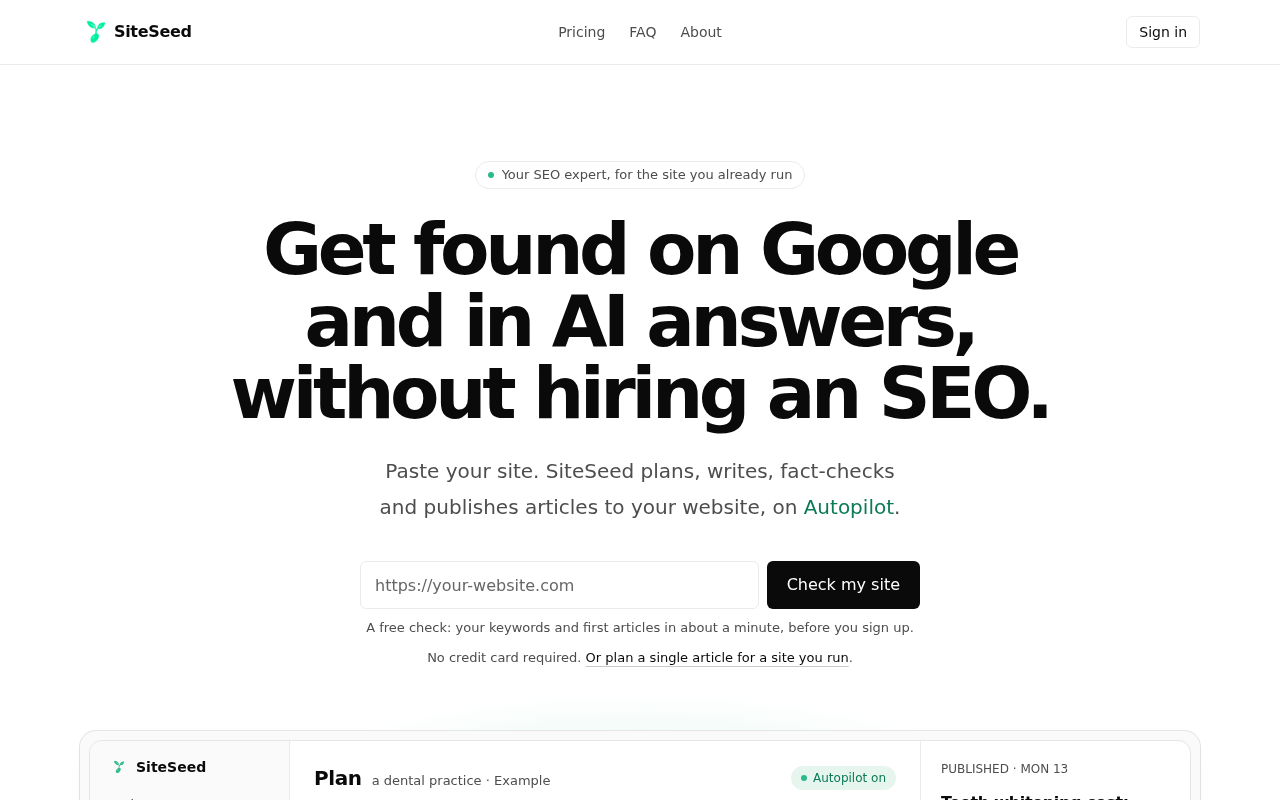
SiteSeed is our own product, so read this entry with that in mind. It plans, writes, fact-checks and publishes articles directly to your existing website, connecting through the site's own CMS. It runs on autopilot or manual mode.
We built it for founders and small teams who already run a product site, because most of them aren't SEO experts and have no time for SEO. When our fact-check can't verify a claim, SiteSeed removes the sentence and never swaps in a new one. We also use it ourselves to plan, write, fact-check and publish every post on siteseed.ai/blog.
The site lists 150+ languages, up to 10 workspace members, and secure checkout via Paddle.
- Price: Starter, $39/month, with 30 articles a month, 1 website and 5 writing at once.
- Free plan or trial: Yes.
- Best for: Founders with one product site and an empty blog.
- Look elsewhere if: you manage several client sites, as AutoPublish is aimed at multi-site teams.
2. AutoPublish: agencies and multi-site teams needing volume
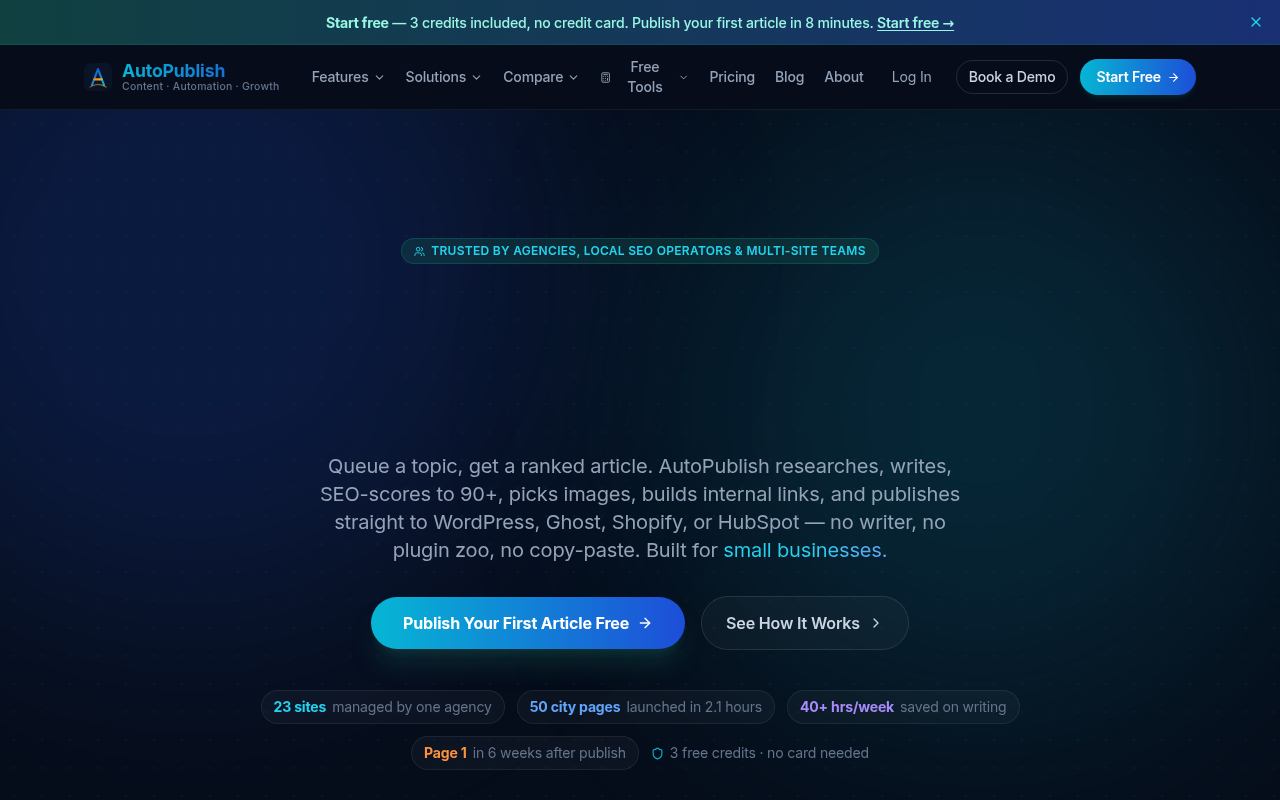
AutoPublish describes direct publishing with a human-review gate and publication in under 8 minutes per article. Its pricing page lists WordPress, Ghost, Shopify, HubSpot, Notion, Airtable and Google Docs as supported platforms, and the Starter plan includes WordPress, Ghost and Shopify.
The entry point is gentle: a free plan with 3 credits on signup, then Solo at $9/month for 10 posts. Credits never expire, there's a 14-day money-back guarantee, and annual billing saves 20%.
The tool is positioned for agencies, local SEO operators and multi-site teams, which can be more than a one-site founder needs.
- Price: Solo, $9/month, for 10 posts per month.
- Free plan or trial: Yes, 3 credits on signup.
- Best for: Teams running several sites that need publishing volume.
- Limitation: Its positioning targets agencies and multi-site teams, so a single-site founder may use little of it.
3. Webflow CMS: teams already inside the Webflow ecosystem
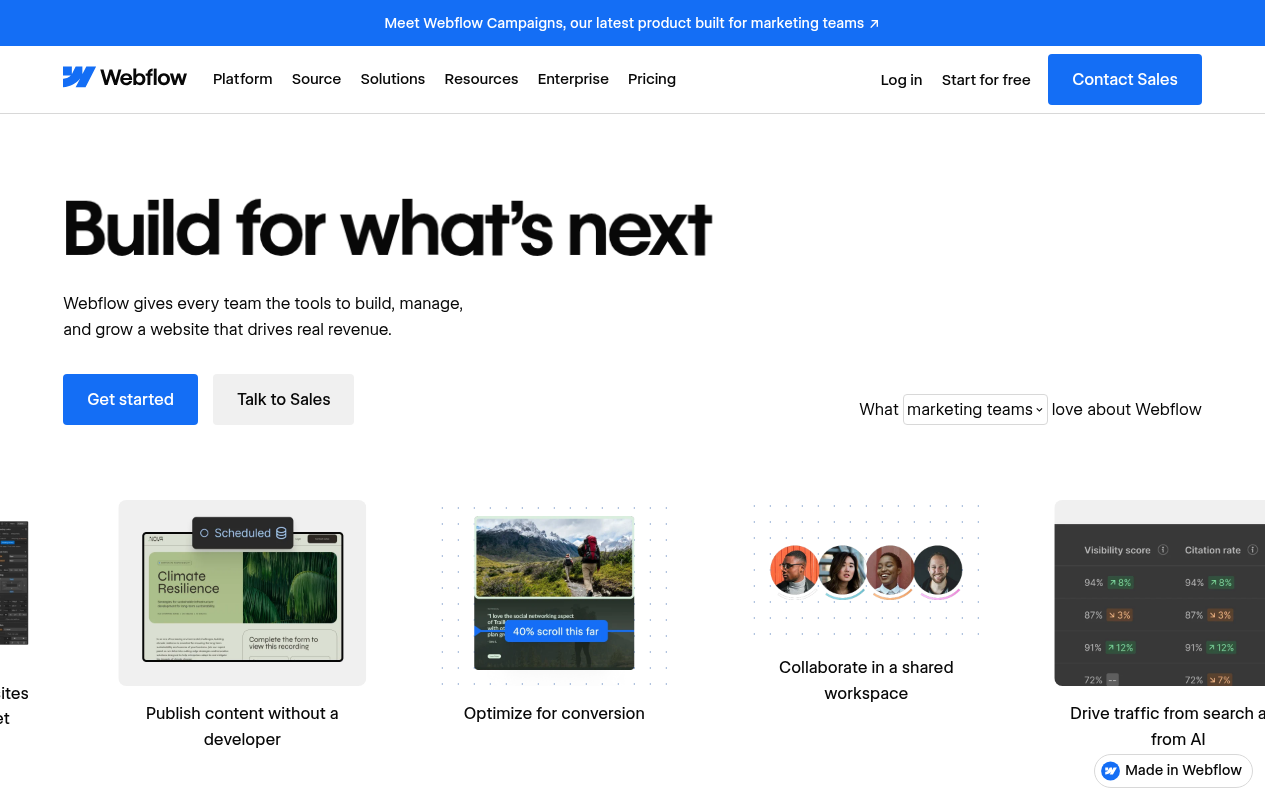
Webflow is where your site lives, not a tool that writes for you. Webflow lists its free plan as a webflow.io subdomain with limited CMS and two static pages. The Basic plan is $25/month, or $15/month billed annually, with a custom domain but no CMS.
The Premium plan, at $39/month or $25/month billed annually, is the first tier with the full CMS, CMS item indexing control and site search. That cost sits on top of whatever automation you add.
Webflow's site names marketing, design and engineering teams and agencies as its audience. The facts we have show no research or writing engine.
- Price: Premium, $39/month, for the full CMS.
- Free plan or trial: Starter plan free, with 1 GB bandwidth.
- Best for: Teams already building on Webflow.
- Limitation: It offers no built-in research or writing, so you still need a separate tool for content.
4. WordPress: founders who already host their own site
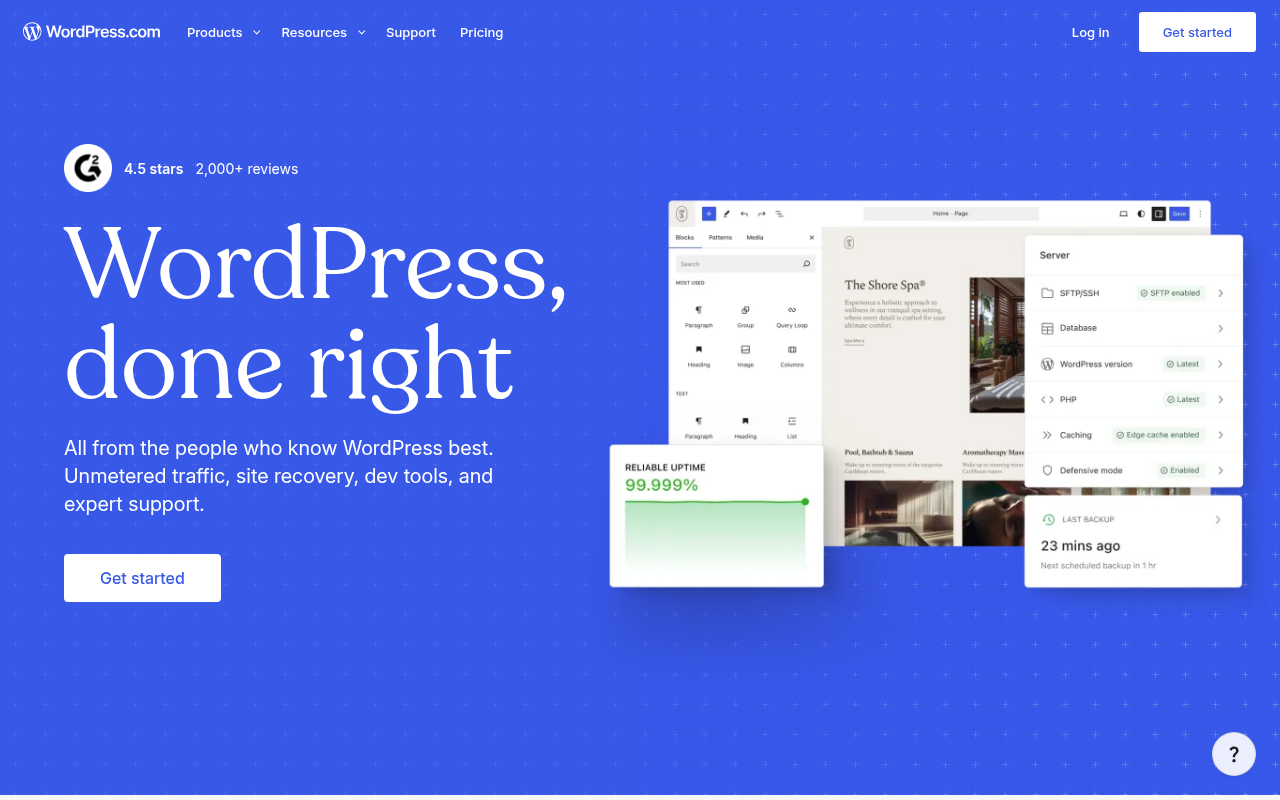
WordPress.org is free to download, but hosting, domain, premium plugins and themes are separate costs. Webflow cites Yoast SEO Premium at $118.80 per year. WordPress.com Support describes WordPress.org as self-hosted and WordPress.com as a hosted service.
Paid WordPress.com plans were listed at $4 to $45 per month with annual billing. Every paid plan includes unlimited bandwidth and visits, plus security protections, backups, updates and expert support.
Pairing WordPress with a writing tool like SiteSeed fits when your blog needs content, not hosting.
- Price: WordPress.com paid plans from $4/month with annual billing.
- Free plan or trial: Yes, with 6 GB storage.
- Best for: Founders who already run on WordPress.
- Limitation: Hosting and plugins cost extra, and it adds no research or writing on its own.
5. Google Search Console: founders who need free monitoring only
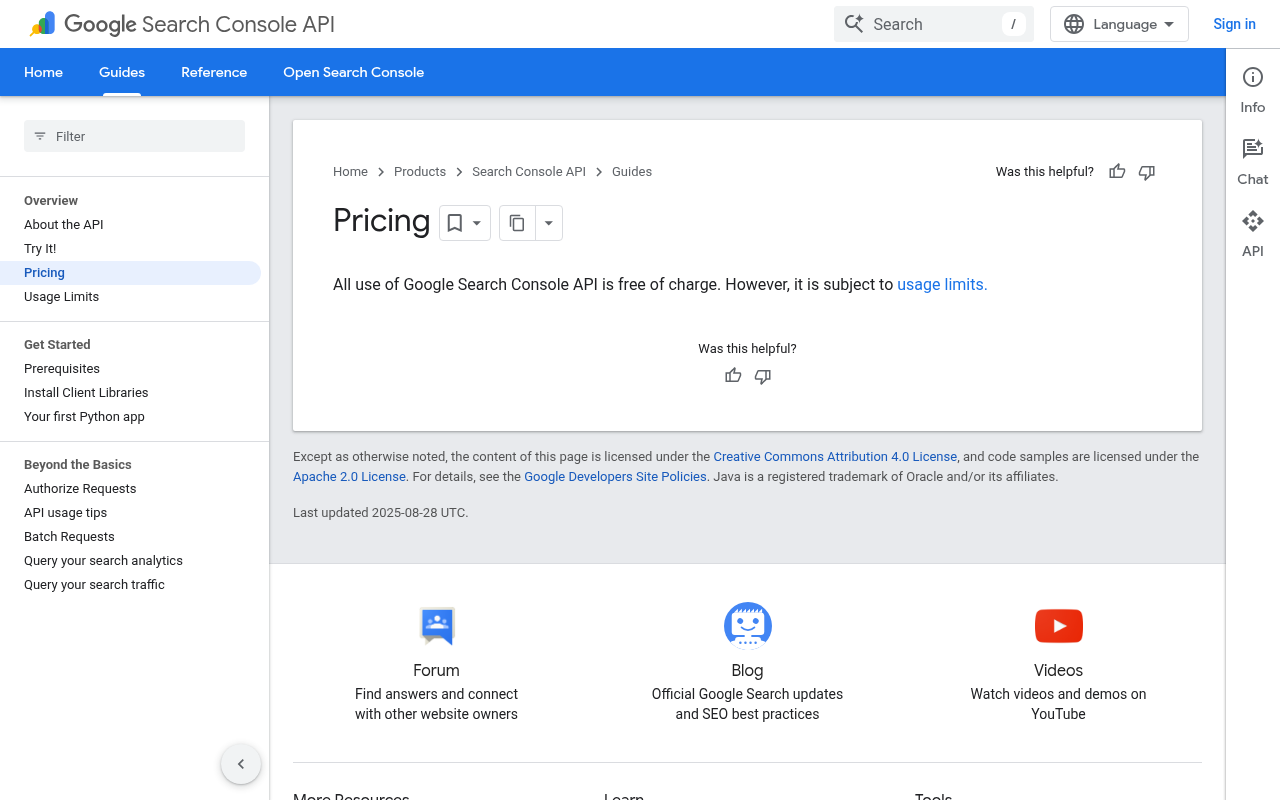
Google Search Central describes Search Console as helping owners monitor, maintain and troubleshoot their presence in Google Search, with search-traffic reporting, indexing diagnostics, re-indexing requests, alerts and link reporting. Its API is free of charge, subject to usage limits.
Its data has gaps. Performance reports don't show all data, since privacy protections exclude some low-volume queries. The interface exports a maximum of 1,000 rows.
It watches your site; it doesn't write or publish, so pair it with a writing option.
- Price: Free of charge, with usage limits on the API.
- Best for: Founders who want free post-publish monitoring.
- Limitation: It doesn't write or publish articles, and reports leave out some queries.
6. Semrush: freelancers and small teams tracking keywords
Semrush prices its Pro plan at $139.95/month, described as best for freelancers, small business owners and SEO beginners. It includes 5 websites to monitor, 500 keywords to track and 100,000 pages crawled per month.
The free account tracks up to 10 keywords and audits up to 100 pages, and going past that needs a paid plan. The pricing page also shows a Starter plan at $117.33/mo billed annually, a 1 demo project limit and 10 reports per day on free.
Its toolset covers keyword research, site audits, rank tracking and competitor analysis. We found nothing in our facts about publishing into your CMS.
- Price: Pro, $139.95/month; Starter, $117.33/mo billed annually.
- Free plan or trial: Free, $0/mo, plus a seven-day trial.
- Best for: Freelancers and small businesses focused on keyword research.
- Limitation: The free account stops at 10 keywords and 100 pages audited.
7. Ahrefs: small businesses needing competitive analysis
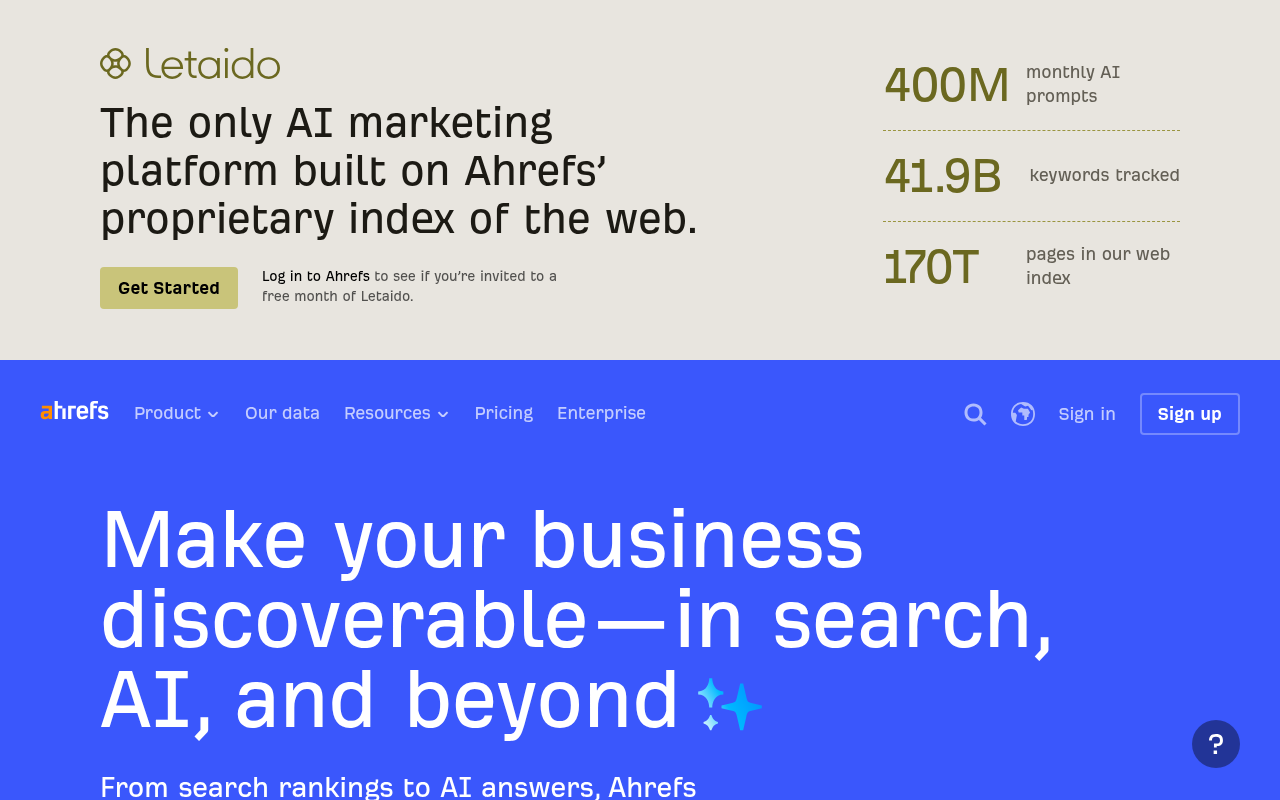
Ahrefs starts paid plans at $29/month with Starter. The entry plan covers 750 tracked keywords and 100,000 crawl credits, and its pricing page lists tools such as Site Explorer, Keywords Explorer, Site Audit and Rank Tracker.
Watch usage. For plans other than Starter, additional credits cost $50 per 500 when billed monthly, an extra charge once limits are exceeded. Historical data included is 6 months.
Ahrefs is built for small businesses and personal projects, and it handles analysis rather than writing or publishing.
- Price: Starter, $29/month, with 750 tracked keywords and 100,000 crawl credits.
- Free plan or trial: Yes, Ahrefs Free.
- Best for: Small businesses that want competitive analysis.
- Limitation: Extra credits on other plans cost $50 per 500 billed monthly, and it doesn't publish for you.
How to choose between these options
Begin with your CMS and how much review control you want. If you need verified drafts published straight into one site's CMS, start with SiteSeed. If you need more monthly volume and already use WordPress, Ghost or Shopify, AutoPublish fits better.
When you only need free monitoring after publication, add Google Search Console to one of those writing options. Pick Semrush or Ahrefs when keyword research and competitor data matter more than end-to-end publishing.
Whatever you choose, keep the review gate on at first. AutoPublish describes a human-review gate before publication, and speed means little without a way to correct mistakes.
Frequently asked questions
What should SEO automation handle for a founder without dedicated staff?
It should research keywords, verify facts, produce a draft you can review, publish to your existing CMS, and surface indexing alerts afterward. Writing alone isn't enough. You keep the final check, while the repeated daily work is handled for you.
Which options can publish directly into an existing CMS?
SiteSeed connects through your site's own CMS, and AutoPublish lists direct publishing to platforms such as WordPress, Ghost and Shopify. The other options here cover hosting, monitoring or research, so publishing there stays a manual step for you.
What does each setup cost in USD?
SiteSeed Starter is $39/month and AutoPublish Solo is $9/month. Webflow Premium is $39/month, WordPress.com paid plans start at $4/month, and Google Search Console's API is free. Semrush Pro is $139.95/month, and Ahrefs Starter is $29/month.
Which tools support review gates before publication?
AutoPublish describes a human-review gate before publication. SiteSeed offers manual mode alongside autopilot. For the remaining options, the review and publishing steps stay with you, since they don't write articles for you.
What is the difference between native CMS integration and an API or connector?
Native integration means the tool connects to your CMS directly. An API or connector adds a layer between the two, with extra setup you must maintain yourself. AutoPublish, for one, separates direct publishing from platforms reached through integrations, such as Webflow.
How should you pilot autopilot content safely?
Begin with a free trial or a low-volume plan, and keep the review gate on. Publish a small number of articles first, such as one a week, and read each before it goes live. Move up only when the workflow feels stable to you.
What should you monitor after automated publishing?
Use Google Search Console each week to watch indexing status, search impressions and any alerts. Google Search Central describes it as covering search-traffic reporting, indexing diagnostics and re-indexing requests, so it's the natural place to spot a page that didn't get indexed.
Matching the automation to your single site
SiteSeed fits founders who already run one product site and want verified articles published into their existing CMS without hiring staff. Pair it with Google Search Console for free monitoring after publication, or choose AutoPublish if you need more volume across several sites. When you're ready, you can start with your own site on SiteSeed.
Free tools to put this into practice
- Free SEO Site Check
Paste your website: the keywords it can win, how often they are searched, and your first 3 articles.
- SEO Content Plan Generator
Build a week-by-week publishing plan with target keywords, search intent, and topic clusters.
- Blog Topic Generator
Get 10 blog topics with a target keyword each, ready to preview, illustrate, and write.