AI Blog Writer Options for Founders Without Dedicated Staff
Compare five AI blog writer options for founders without dedicated staff, including their full workflow support, pricing, and limitations.

Mike Du
Founder, SiteSeed
· 9 min read
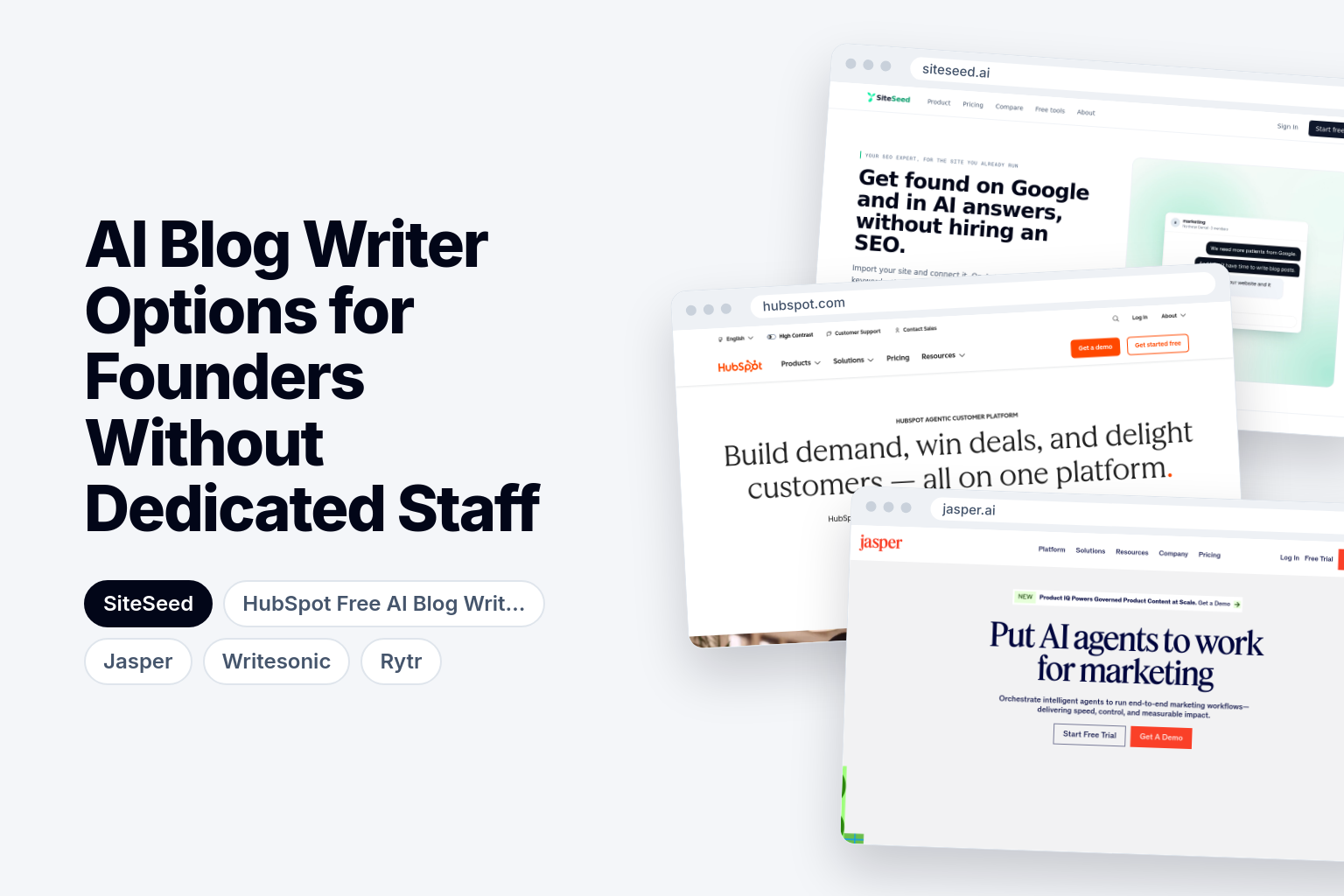
An AI blog writer can handle research, drafting and publishing for founders who run a product site with no dedicated staff, provided it connects straight to your existing CMS and removes unverified claims. Most tools on the market do only part of that. This guide compares five options by the full workflow they support, shows their prices and limits side by side, and lists the human checks you still own before anything goes live.
What an AI blog writer must do beyond generating a first draft
A founder choosing a tool has to compare the complete workflow, not text generation alone. HubSpot treats research, drafting, editing, optimization and publication as separate capabilities, and its own AI blog writer page establishes drafting and refinement but not every publishing detail. So ask a plain question of each tool: does the article land in your CMS, or do you paste it in by hand?
Then ask whether the tool researches sources and removes any claim it cannot verify. A fluent draft that contains an invented statistic can mislead your readers. Our piece on an AI SEO content writer that fact-checks every claim goes deeper on that point.
Last, look at brand voice controls and collaboration. Check whether they work without extra seats or separate marketing tools.
Key factors that matter when you have no content team
Five checks cover the key factors. Run each tool through them before you look at any feature list.
- Cost and unit of purchase. Note whether you pay per month, per seat or per article, and whether an article cap limits how many posts you can publish each month.
- Publishing route. See which tools publish directly into WordPress, Webflow or whichever CMS you already use.
- Verification. Find out whether unsupported claims are removed or simply left for you to catch.
- Voice control. Confirm you can keep one consistent brand voice across posts.
- Human review. Decide where your own eyes stay necessary even after the tool finishes.
For example, if you want four posts a month, a plan capped well above that is fine. A plan that bills per seat matters only if more than one person writes.
AI Blog Writer Options compared
The table puts the five options on the same axes: starting price, free access, publishing route and intended buyer. Read the publishing column first, since it shows who removes the copy-and-paste step.
| Tool | Starting price | Free plan or trial | Integrations or publishing | Built for |
|---|---|---|---|---|
| SiteSeed | $39/mo | Free plan | WordPress, Webflow, Shopify, Ghost, Wix, HubSpot, Notion, webhook | Founders who already have a site |
| HubSpot Free AI Blog Writer | Not stated | Free HubSpot CRM | Connect your favorite apps to HubSpot | Startups and small businesses |
| Jasper | Pro: $59/month billed yearly | 7-day trial | Gmail, Wordpress, Docs, HubSpot, LinkedIn | Marketers |
| Writesonic | $79 per month, billed annually | Not stated | Not stated | Marketing teams of all sizes |
| Rytr | $7.50/m | Free forever | Chrome Extension | Individuals getting started with generative AI |
Prices aren't directly comparable, because the unit of purchase differs between tools. Compare what you buy, not only the lowest monthly number.
1. SiteSeed: Founders who already run a live product site
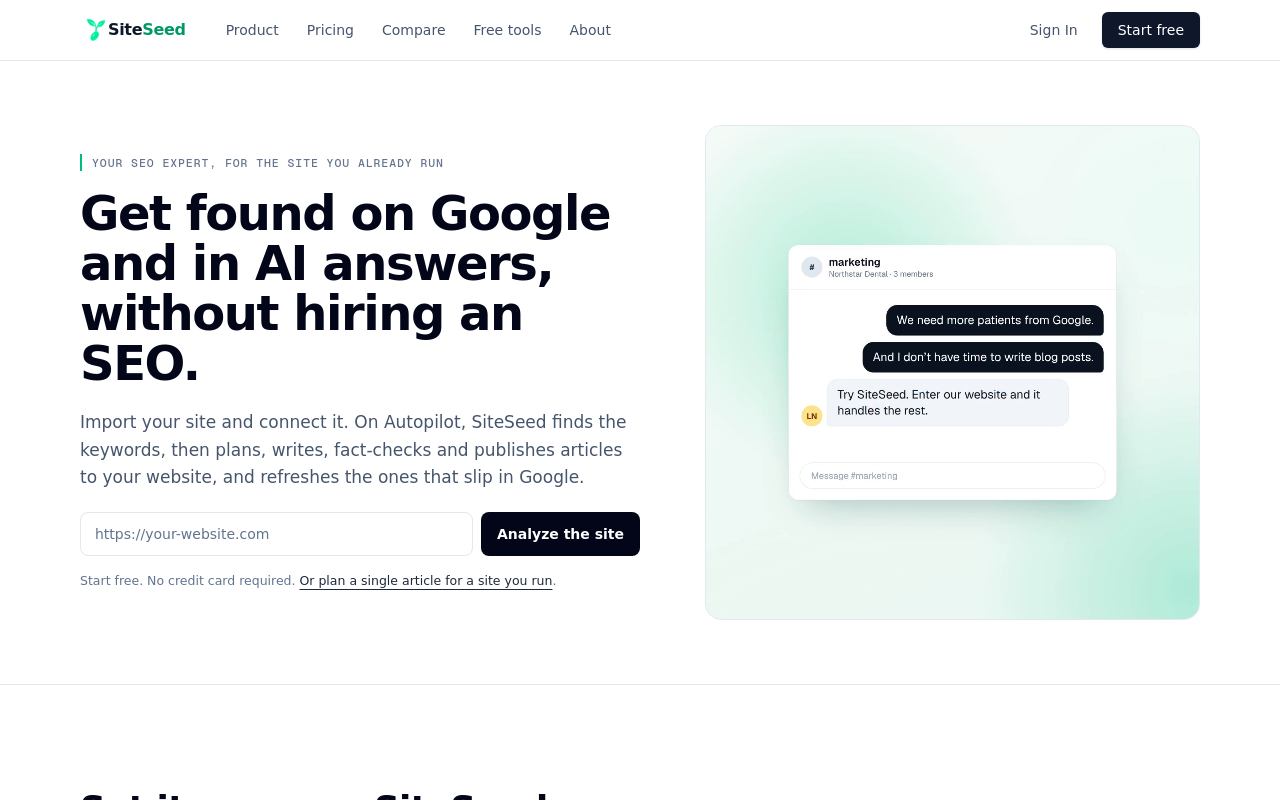
This one is our own, so weigh it with that in mind. SiteSeed plans, writes, fact-checks and publishes articles directly to a client's existing website. It runs on autopilot or manual mode, connects through the site's own CMS, and removes any claim it cannot verify against sources.
It serves founders and small teams whose blog is empty or stalled and who haven't hired an SEO. Connections cover WordPress, Webflow, Shopify, Ghost, Wix, HubSpot, Notion and webhooks.
The pricing page lists three tiers. Free allows 1 site and up to 3 articles a month. The $39/mo entry plan allows 1 site and up to 30 articles a month. Pro allows 3 sites and up to 90 articles a month.
- Price: $39/mo for the entry plan, with 1 site and up to 30 articles a month.
- Free plan or trial: A free plan, with 1 site and up to 3 articles a month.
- Best for: Founders with a live site and no SEO hire.
- Look elsewhere if: you only want drafting help and plan to publish by hand.
2. HubSpot Free AI Blog Writer: Startups that want to begin with free drafting tools
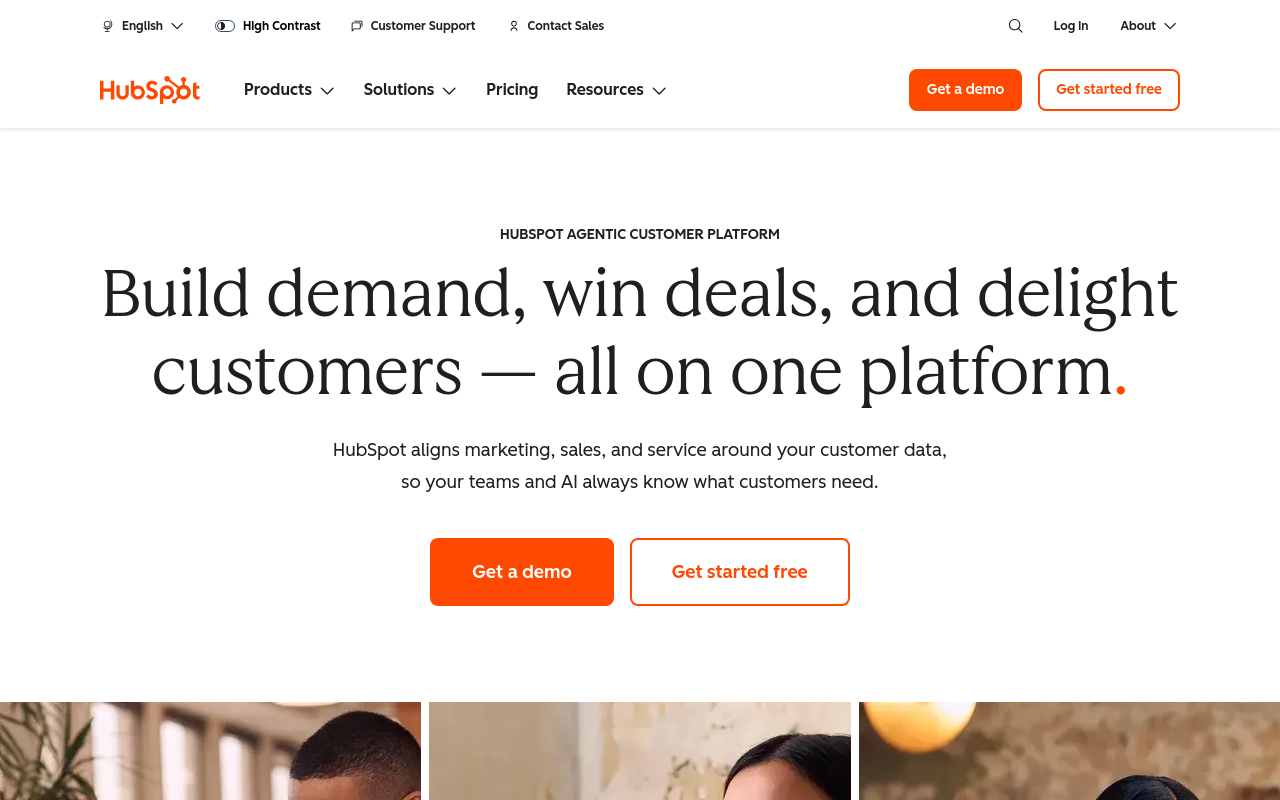
HubSpot says users can get started blogging for free. The tool drafts blog copy from basic commands and prompts, and it can rewrite copy, change its tone and refine your writing.
That makes it a writing assistant inside a wider CMS workflow. How far publishing goes depends on the HubSpot setup you connect, and the product page doesn't settle every detail. Treat it as a drafting aid until you've tested the publishing step yourself.
It's built for startups and small businesses, and free access comes through the free HubSpot CRM.
- Price: Not stated.
- Free plan or trial: Free HubSpot CRM.
- Best for: Startups already working in HubSpot that need basic drafting.
- Limitation: Direct publishing details depend on the connected HubSpot plan, so you may still move copy by hand.
3. Jasper: Marketers who need brand voice controls and campaign collaboration
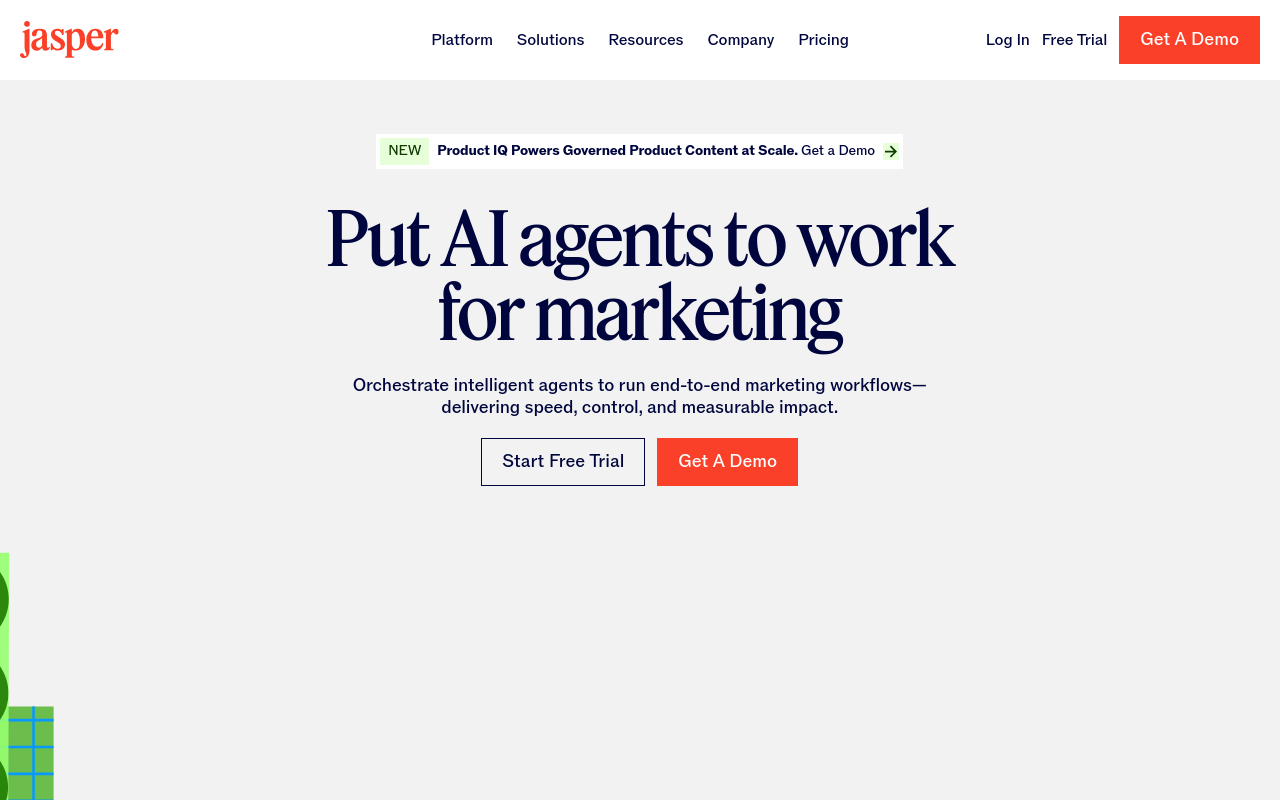
Jasper lists Pro at $59 per month billed yearly, or $69 per month billed monthly. Pro includes advanced AI features for creating content for multiple brands and collaborating on campaigns, plus 2 brand voices. Business pricing is custom.
The page also lists integrations with Gmail, WordPress, Docs, HubSpot and LinkedIn. Connections involving Webflow, Zapier, Make and Slack appear too.
Jasper is built for marketers. If you're a solo founder, note that Pro includes 1 seat.
- Price: Pro at $59/month billed yearly, with 1 seat and 2 brand voices.
- Free plan or trial: 7-day trial.
- Best for: Marketers managing several brands or campaigns.
- Limitation: Its entry plan costs more per month than the cheapest options here, and it includes only 1 seat.
4. Writesonic: Marketing teams that track output by article volume
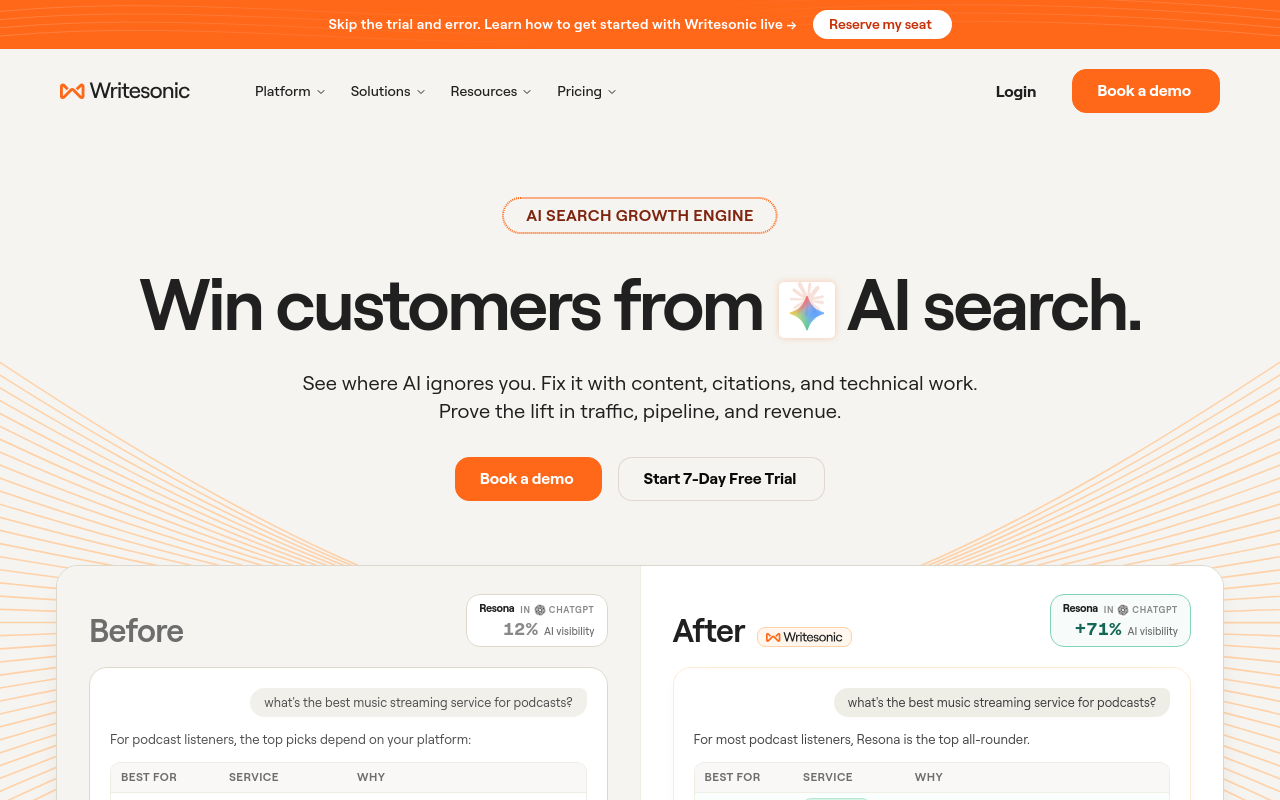
Writesonic describes its product as an AI Article Writer. Its pricing lists article-volume options of 15, 25 and 50 articles per month, plus an additional 20 articles for $100 per month.
That per-article framing is easy to plan around if you know your cadence. The Starter plan tracks ChatGPT, Gemini and Google AI Overviews, while Enterprise tracks all 8 AI platforms. It's built for marketing teams of all sizes.
- Price: $79 per month, billed annually.
- Best for: Marketing teams that plan output by article count.
- Limitation: Output is capped by the volume option you pick, and extra articles cost more.
5. Rytr: Individuals getting started with generative AI on a very low budget
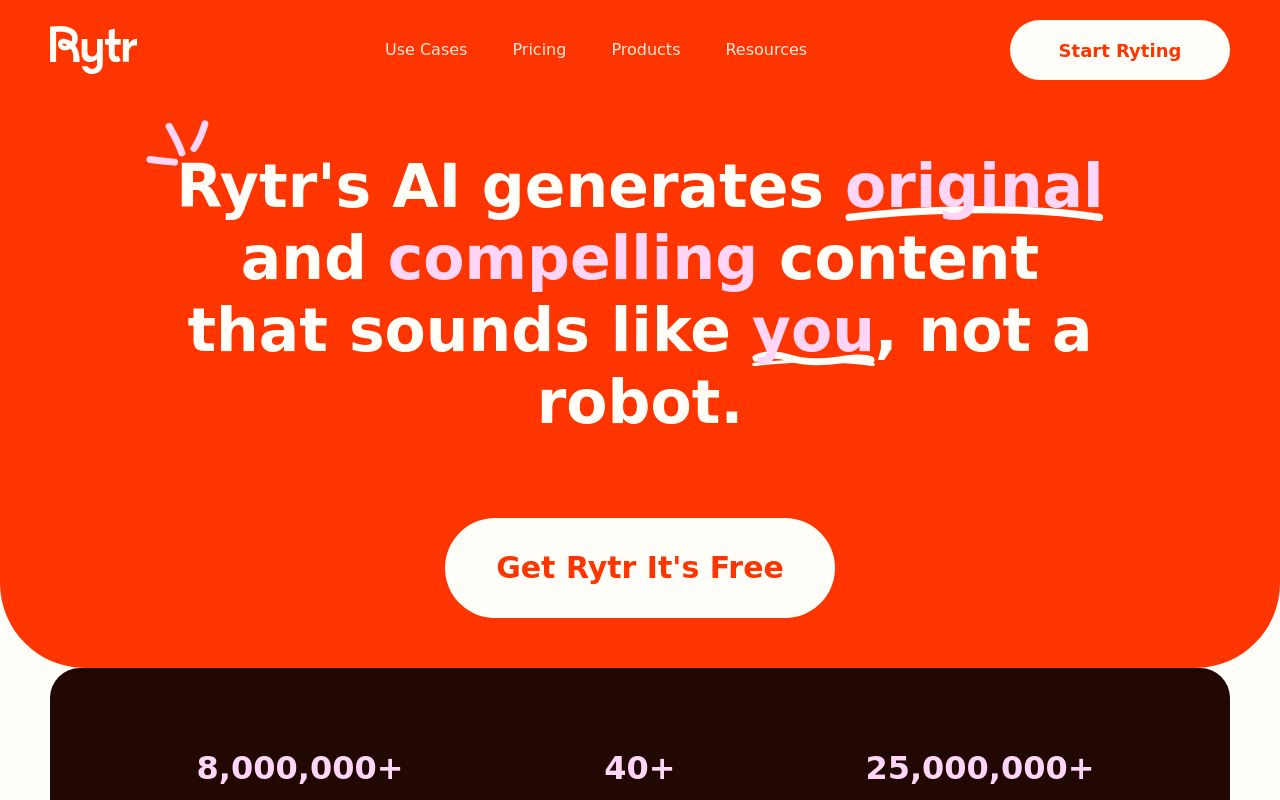
Rytr lists a Free plan at $0 per month, an Unlimited plan at $7.50 per month and a Premium plan at $24.16 per month with annual billing displayed. The Free plan includes 10,000 characters per month, needs no credit card, and has no plagiarism checks or tone-of-voice matching.
Rytr offers 40+ use cases and 20+ tones. Paid plans add unlimited generation, tone-of-voice matching, plagiarism checks and additional language support. Unlimited is positioned for individuals getting started with generative AI, and Premium for freelancers creating content for multiple brands.
Its listed publishing route is a Chrome Extension, so expect to paste finished text into your site.
- Price: $7.50/m for the Unlimited plan.
- Free plan or trial: Free forever, capped at 10,000 characters per month.
- Best for: Individuals on a small budget.
- Limitation: Its listed route is a Chrome Extension, not direct CMS publishing, so pick SiteSeed or another item if you need that.
How to choose between these AI blog writer options
Start from the workflow you're missing. If you want research, verification and direct publishing into your existing CMS, start with SiteSeed. If you already live inside HubSpot and only need basic drafting at no cost, use HubSpot's free writer.
Pick Jasper when you need multiple brand voices and campaign collaboration. Choose Writesonic when clear per-article pricing matters and you publish within its listed monthly volumes. Pick Rytr when your budget is tight and you accept manual copy-and-paste.
Whatever you choose, keep a human pass. Read every article for accuracy, tone and fit before it goes live. You can also compare plan details on the SiteSeed pricing page.
Frequently asked questions
Which AI blog writer publishes directly to an existing CMS?
SiteSeed does. It connects through WordPress, Webflow, Shopify, Ghost, Wix, HubSpot and webhooks, so articles go to the site you already run. Other tools here list drafting or app connections, which may still leave you pasting text into your CMS by hand.
How much does HubSpot Content Hub Starter cost?
HubSpot lists Content Hub Starter at $9 per seat per month. Because the price is per seat, your total depends on how many people need access. A solo founder pays for one seat, while a larger team multiplies the figure.
Does Jasper include a free trial?
Yes. Jasper offers a 7-day trial before you commit to a paid plan. Its Pro plan is listed at $59 per month when billed yearly, and Pro includes 1 seat. Use the trial to test voice controls before paying.
What article limits does Writesonic list?
Writesonic lists article-volume options of 15, 25 or 50 articles per month on its paid plans. Its pricing also lists an additional 20 articles for $100 per month. Pick the tier closest to your real publishing cadence.
Is Rytr free forever?
Yes, Rytr has a free plan with no end date. Rytr caps it at 10,000 characters per month and asks for no credit card. It also leaves out plagiarism checks and tone-of-voice matching, which paid plans add.
Which tool removes claims it cannot verify?
SiteSeed does. It removes any claim it cannot verify against sources as part of its workflow. That isn't a guarantee that every statement is correct, so you should still read each article before it goes live.
Where this leaves you
SiteSeed fits founders who already have a product site and want research, fact-checking and publishing handled in one workflow. If you also need occasional extra drafting on a tight budget, pair it with Rytr. If you work inside HubSpot, its free writer is the natural second tool. When you're ready, add your site to SiteSeed.
Free tools to put this into practice
- SEO Content Plan Generator
Build a week-by-week publishing plan with target keywords, search intent, and topic clusters.
- Blog Outline Generator
Turn a topic into a full content brief with word targets and FAQs, exportable as Markdown.
- Keyword Cluster Generator
Turn one seed keyword into pillar pages, supporting posts, and the internal links between them.