AI Tools for Content Creators Managing Product Site Updates
AI tools for content creators help manage product site updates by drafting verified claims, automating workflows, and connecting directly to your CMS.

Mike Du
Founder, SiteSeed
· 9 min read
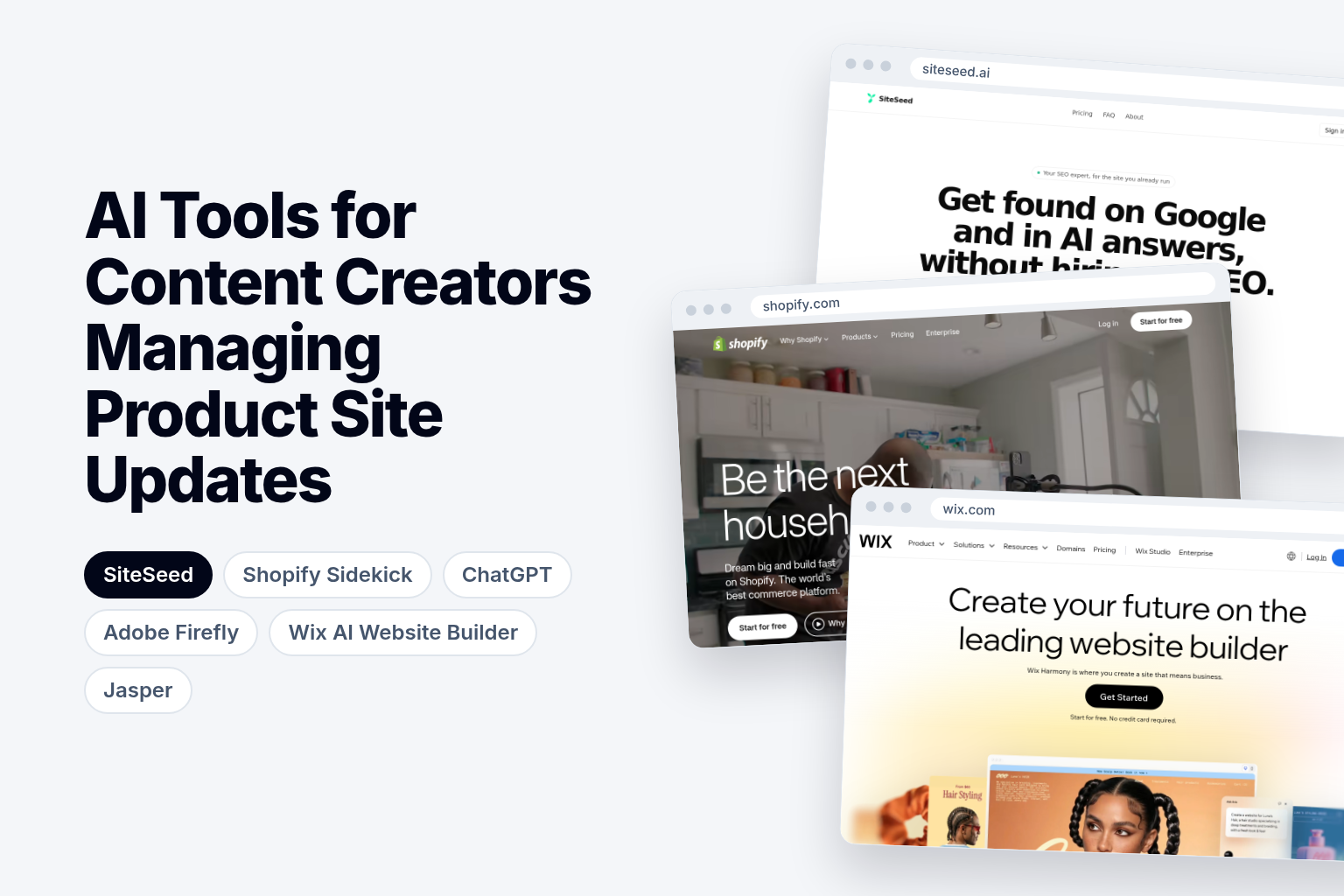
Updating a product site with AI tools for content creators sounds quick until you reach the part most of them skip: checking every claim and getting the approved text into your CMS. Founders with a live site often end up verifying each sentence by hand before anything goes out. Here's how six tools fit the full job, from sourcing material to publishing.
What the verified product-update workflow looks like
Start with current source material: product docs, release notes, changelogs. Draft only claims that match those sources exactly, and keep the source next to each claim so a reviewer can trace it.
Then run an automated check that removes any sentence the engine cannot verify against the original material. Only after that should the draft reach your CMS. A tool that stops at the draft leaves the checking and the handoff to you.
What matters when choosing AI tools for content creators
Two questions separate a useful tool from a generic writer. First, does it connect to your CMS, so an approved update publishes without copy-and-paste? Copying text between windows is where stale or edited-by-accident claims slip in.
Second, does it keep drafting and verification apart? A tool that hands you fluent text and calls it done treats generated copy as ready by default. For product pages, where a wrong spec or price does real damage, you want a tool that shows what was checked and what was dropped.
Also ask what role the tool plays. Some write copy, some make images, some build whole sites, and some only work inside one platform.
How commercial-use rules and plan limits affect product updates
Plan terms shape what you can safely publish. Adobe says outputs from Adobe Firefly AI models are safe for commercial use, which matters when an update carries promotional images. Adobe's credits FAQ adds that paid plans include monthly generative credits, used for generative AI features, and that allocations reset each billing cycle. Ongoing updates need a monthly budget you can predict.
Site builders add their own limits. Durable's review notes that the Wix free plan displays Wix ads and uses a wix.com subdomain, while custom domains and ad removal require a paid plan. Read these terms before you build a workflow around a free tier.
AI Tools compared
| Tool | Starting price | Free plan or trial | Best for |
|---|---|---|---|
| SiteSeed | Starter: $39/month | Yes | Founders with one product site |
| Shopify Sidekick | Basic: $29/mo | Try 3 days free | Solo entrepreneurs on Shopify |
| ChatGPT | Plus: $20/month | Free plan available | General drafting on a zero budget |
| Adobe Firefly | Standard: US$9.99 per month | — | Visual assets |
| Wix AI Website Builder | — | Available on the free plan | Wix site generation |
| Jasper | Pro: $69 per month | — | Brand voice across brands |
Prices differ, but so do jobs: only some rows draft copy, and each tool covers a different slice of the workflow.
1. SiteSeed: founders running one product site
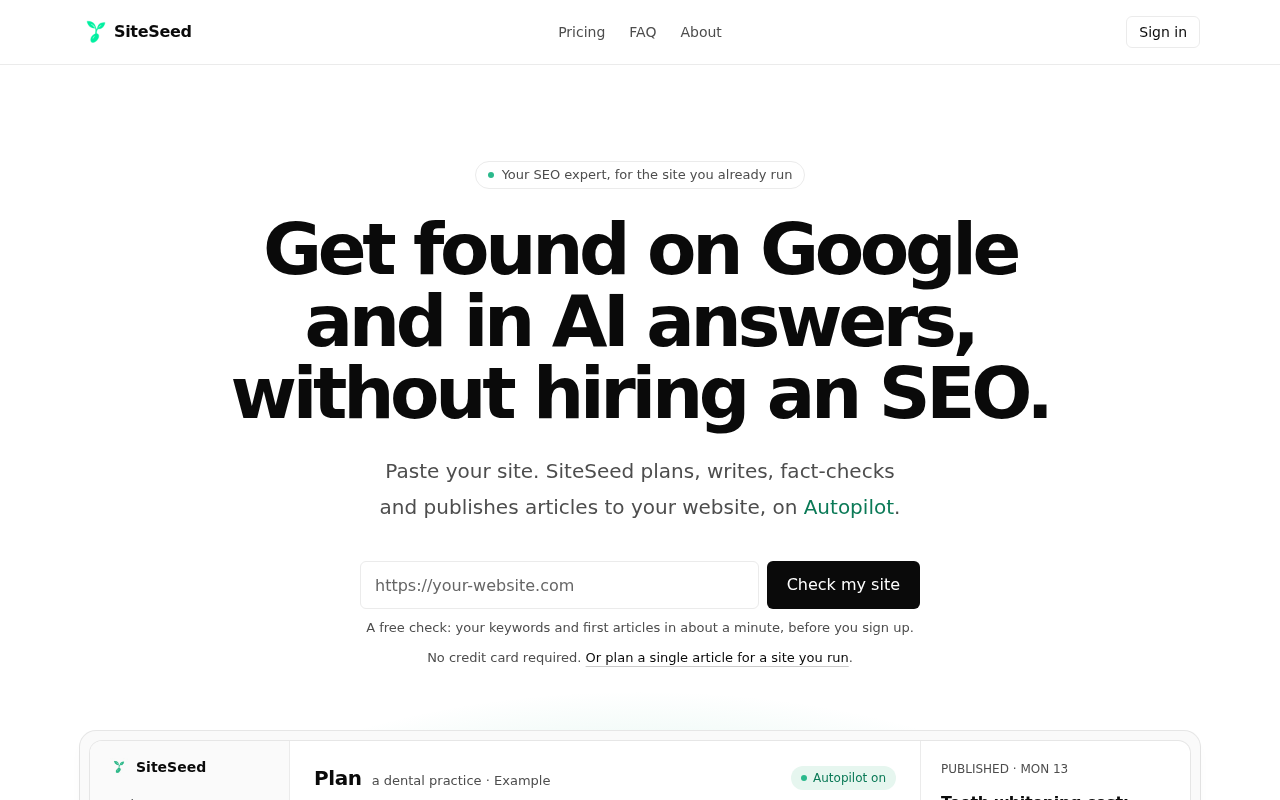
This one is our own, the publication you are reading. SiteSeed plans, writes, fact-checks and publishes articles directly to a client's existing website. It runs on autopilot or manual mode, connects through the site's own CMS, and removes any claim it cannot verify against sources.
It serves founders and small teams with a live product site whose blog is empty or stalled and who haven't hired an SEO. The entry plan covers 30 articles a month, 1 website and writing 5 at once, with WordPress, Webflow, Ghost or webhook connections. It supports 150+ languages, and workspaces hold up to 10 members. Checkout runs through Paddle.
We use SiteSeed for every post on our own blog. When the fact-check can't verify a claim, it removes the sentence and never swaps in a new one.
- Price: Starter at $39/month, with 30 articles a month and 1 website.
- Free plan or trial: Yes.
- Best for: Founders with one site and no SEO staff.
- Look elsewhere if: you need images, as with Adobe Firefly, or you run a Shopify store and want an assistant inside that platform.
2. Shopify Sidekick: solo entrepreneurs inside Shopify
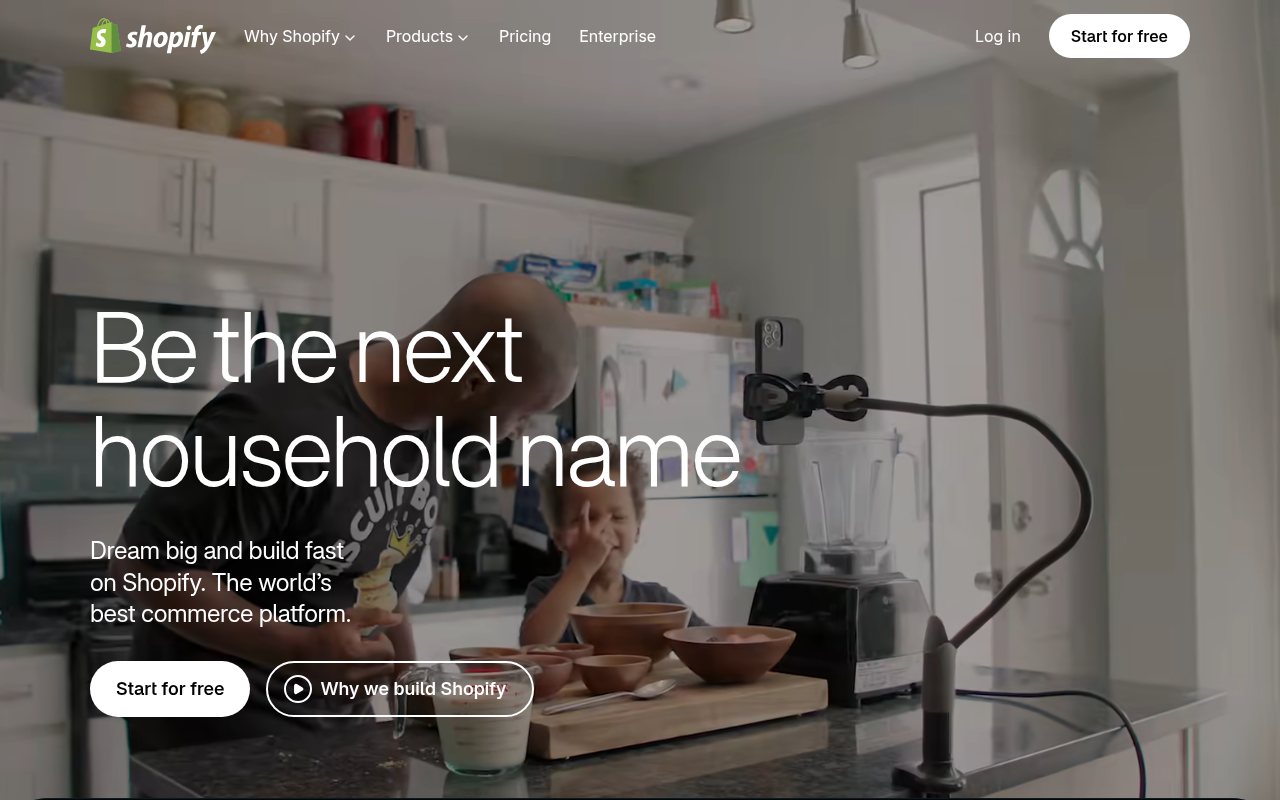
Shopify says Sidekick is included with a Shopify plan, and that features and usage limits vary by plan. It can create customers and companies from a description and handle form-filling, so it's a commerce helper more than a copy checker.
Shopify's pricing page lists the Basic plan at $29/mo, aimed at solo entrepreneurs, with a built-in AI assistant. Don't read Sidekick as unlimited or available on other platforms.
- Price: Basic at $29/mo, with a built-in AI assistant.
- Free plan or trial: Try 3 days free.
- Best for: Solo store owners already on Shopify.
- Limitation: features and usage limits vary by Shopify plan, and it only helps if your product site lives on Shopify.
3. ChatGPT: general drafting with manual verification
ChatGPT offers a free version to everyone. The free plan includes unlimited text chats, limited messages with uploads, image creation and voice chats, and the Plus plan costs $20/month.
It drafts well enough, but it isn't a product-CMS publishing system. Checking each claim against your release notes and moving the text into your site remain your jobs, so budget time for both.
- Price: Free at $0/month; Plus at $20/month.
- Free plan or trial: Free plan available.
- Best for: Founders drafting on a zero budget who will verify by hand.
- Limitation: fact-checking and CMS handoff stay with you.
4. Adobe Firefly: visual assets for product updates
Firefly covers the image side of an update. Adobe's plan comparison lists Firefly Standard at US$9.99 per month with 2,000 generative credits, and says outputs from its AI models are safe for commercial use.
Credits reset each billing cycle, so plan your monthly image volume. It supplies visuals; it doesn't draft or verify product copy for a CMS. Commercial-use permission is also not a promise that every output is risk-free.
- Price: Firefly Standard at US$9.99 per month, with 2,000 generative credits.
- Best for: Teams needing launch graphics.
- Limitation: it doesn't write or verify copy, so pair it with a text tool.
5. Wix AI Website Builder: complete site generation on Wix

Wix says its AI website builder is available on the free plan, and generated sites can be edited with drag-and-drop controls. Wix describes Harmony as generating a complete site from a prompt, refining layouts conversationally with Aria, and supporting ongoing management through natural-language instructions.
Wix's annual-billing tiers run Light at $17/month, Core at $29/month, Business at $36/month and Business Elite at $159/month.
- Price: Light at $17/month on annual billing.
- Free plan or trial: Available on the free plan.
- Best for: Founders building a new site on Wix.
- Limitation: the free plan shows Wix ads and a wix.com subdomain, so a custom domain needs a paid plan.
6. Jasper: tone-consistent content for multiple brands
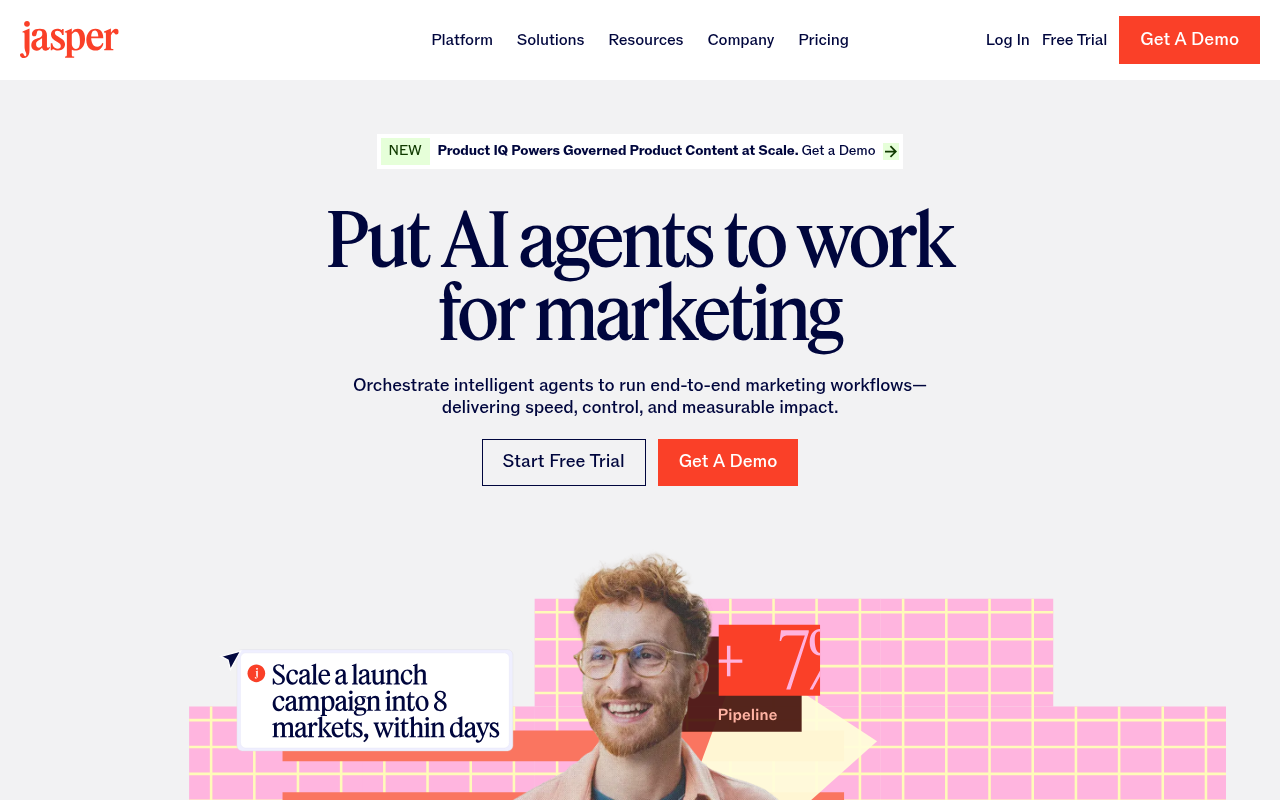
Jasper can analyze your content to establish tone-of-voice and formatting rules, then apply them when generating. The Pro plan is positioned for content across multiple brands and campaign collaboration, while Business adds personalized AI features, security, team training and technical support.
Pro costs $69 per month billed monthly, or $59 per month billed yearly.
- Price: Pro at $69 per month, or $59 per month billed yearly.
- Best for: Agencies or teams keeping several brand voices consistent.
- Limitation: Business pricing isn't public, so you must get a tailored quote.
How to choose between these AI tools for content creators
Start with SiteSeed when you run one product site and want updates published after verification. Use Shopify Sidekick only when your store already lives inside Shopify and you need commerce-form help. Pair ChatGPT with a separate verification step when your budget is zero, and add Adobe Firefly when updates need new visuals cleared for commercial use.
Frequently asked questions
What should an AI tool do before a product-site update is published?
It should pull source material, draft only claims those sources support, and strip any sentence it can't verify. Then it should hand the approved update to your CMS. If a tool skips the middle steps, you inherit the checking work yourself.
Which tools can draft product copy, release notes, and update summaries?
SiteSeed, ChatGPT and Jasper can draft text. The others focus elsewhere: Adobe Firefly on images, Wix AI Website Builder on whole sites, and Shopify Sidekick on commerce tasks. Of the three writers, only SiteSeed removes unverifiable claims and publishes to your CMS.
Which tools can create visual assets for a product update?
Adobe Firefly generates images, and Adobe says its outputs are safe for commercial use. ChatGPT's plans also list image creation. The remaining tools here center on text, site generation or commerce tasks rather than visuals.
Can the tool connect directly to your CMS or commerce platform?
SiteSeed connects to WordPress, Webflow, Ghost or webhook. Shopify Sidekick works inside Shopify, since Shopify includes it with its plans. For the other tools listed here, you would move text into your site yourself.
How should you verify product claims and source dates?
Run an automated check that removes any sentence the engine can't match to an original source before publishing. Keep the release notes or docs beside the draft. A claim without a source match shouldn't go live, however fluent the sentence reads.
What do the current plans include, and where do usage limits apply?
SiteSeed's Starter plan covers 30 articles a month on 1 website. Shopify says features and usage limits vary by plan. ChatGPT Plus is $20/month, and Adobe says Firefly credits reset each billing cycle on paid plans.
Which workflow works best when you want minimal oversight without publishing unsupported claims?
SiteSeed fits, since it removes claims it can't verify and publishes straight to your connected CMS. That means you aren't checking each article by hand. Other tools here would leave verification and publishing steps with you.
Finding the workflow that fits your site
SiteSeed suits founders who already run one product site and want the whole workflow handled without extra verification work on their side. Pair it with Adobe Firefly when visual assets are also required, or pick Shopify Sidekick if your store lives inside Shopify. When you're ready, you can connect your site to SiteSeed.
Free tools to put this into practice
- Free SEO Site Check
Paste your website: the keywords it can win, how often they are searched, and your first 3 articles.
- SEO Content Plan Generator
Build a week-by-week publishing plan with target keywords, search intent, and topic clusters.
- Blog Topic Generator
Get 10 blog topics with a target keyword each, ready to preview, illustrate, and write.