AI SEO tools that publish straight to your CMS
Explore AI SEO tools that publish directly to your CMS, including their costs, integrations, and publishing modes for WordPress, Webflow, and more.

Mike Du
Founder, SiteSeed
· 11 min read
Most founders don't lose time writing. They lose it moving a finished draft into the CMS, fixing the formatting, and hitting publish by hand. The real question about AI SEO tools is which ones connect to WordPress, Webflow, Shopify, Ghost or Wix, and how much plugin or webhook upkeep each connection adds to your workflow. Below are seven tools, what each plan costs in USD, and how much editorial control you keep.
What counts as publishing straight to your CMS
Direct publishing means the tool creates a live post or a ready draft inside your existing CMS, with no copy-paste in between. Gauge notes that direct CMS publishing removes that manual step and can reduce formatting errors and publishing delays.
Not every connection works the same way. Okara points out that the market mixes native integrations, plugins, webhooks, scheduled publishing and approval-based drafts, and they shouldn't be treated as equivalent. Plugins and webhooks need setup, and they can break when your CMS updates.
Publishing mode matters too. Auto-publish saves time, while approval-required drafts give a small team a chance to review each piece.
What to check before you connect any tool to your live site
Run through this short list before you give any tool access to your site:
- Your exact CMS. Confirm it appears in the tool's own list of integrations, not just in a third-party roundup.
- Publishing mode. Find out whether posts go live automatically, land as drafts, or need an approval step.
- Plan limits. Compare the entry plan's article or word allowance with what you actually plan to publish each month.
- Verification rules. See whether the tool removes claims it can't back up before publication, or leaves them for you to find.
- Connection type. Ask whether it's native, a plugin or a webhook, since each one adds different upkeep.
Suppose you run a Ghost blog and plan weekly posts. A tool that only lists WordPress fails the first check, however good its writing is.
AI SEO tools compared
Here is every tool side by side, so you can scan prices, trials and CMS lists before the individual write-ups.
| Tool | Starting price | Free plan or trial | Entry plan includes | Publishes to | Built for |
|---|---|---|---|---|---|
| SiteSeed | $39/mo | Free plan | Not stated | WordPress, Webflow, Shopify, Ghost, Wix, HubSpot, Notion, webhook | Founders and small teams |
| RankAI | Not stated | Not stated | Not stated | Webflow, Framer, WordPress | Agencies & fast-growing businesses |
| Frase | Not stated | 7-day free trial | 1 seat, 1 site, 10 articles, 50 audit pages, publish to WordPress, Webflow, Sanity, Wix, FraseCMS | WordPress, Webflow, Sanity, Wix, FraseCMS | Solos, freelancers, single-site teams |
| Koala AI | $25/month | Yes, 5,000 free words and 25 credits | 45,000 words, 500 credits, 1 brand, 25 agent messages | WordPress, Shopify, Webflow, Ghost, webhooks | Content creators |
| Outrank | $99 per month | Free trial | 30 SEO-optimized articles per month, automated keyword research, automated backlink building, AI images, unlimited users, every publishing integration | WordPress, Webflow, Shopify, Framer, Wix, Notion, Ghost, WordPress.com, Webhook, Next.js Blog | Busy Entrepreneurs |
| SEOwriting.ai | The service offers three free articles without a credit card; paid plans start at $19 per month, or $14 per month when billed yearly. | Free plan for 3 articles | 50 Credits, Rewriter Tool, AI Editor, Content Score, Super pages, Real-Time SERP, 1 Brand Voice, Bulk Generation, WordPress Integration, Shopify App, Unlimited MCP Generation | WordPress, Shopify | Bloggers, SEO specialists, teams, agencies, companies, content creators, business owners |
| Writesonic | Starter: $79 per month, billed annually | Not stated | Not stated | Not stated | Marketing teams of all sizes |
Prices span a wide range, and the CMS lists differ more than the prices do. Match your CMS first, then compare cost.
1. SiteSeed: founders who want autopilot or manual control on their own CMS
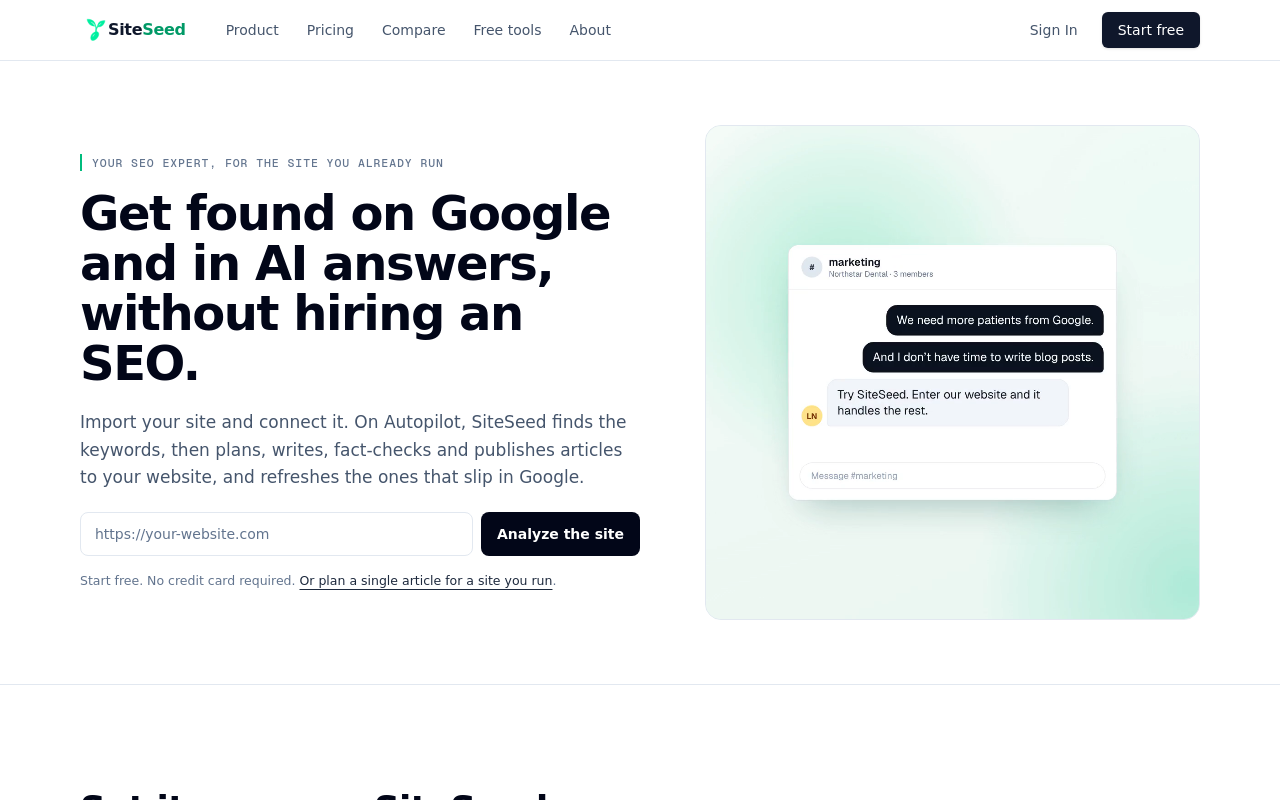
This one is our own, the publication you're reading, so weigh it with that in mind. SiteSeed plans, writes, fact-checks and publishes articles directly to an existing website. It connects through the site's own CMS and runs in autopilot or manual mode.
It's aimed at founders and small teams with a live product site, a blog that's empty or stalled, and no SEO hire. The service removes any claim it can't verify against sources. That is a filter, not a promise that every statement is correct.
The free plan includes up to 3 articles a month and 850 tokens. The Starter plan gives 8,500 tokens a month.
- Price: $39/mo for Starter, with 8,500 tokens a month.
- Free plan or trial: Free plan, up to 3 articles and 850 tokens a month.
- Best for: Founders and small teams with a live site and no SEO staff.
- Look elsewhere if: you need unlimited articles or heavy backlink automation.
2. RankAI: agencies and fast-growing businesses that need multi-CMS reach
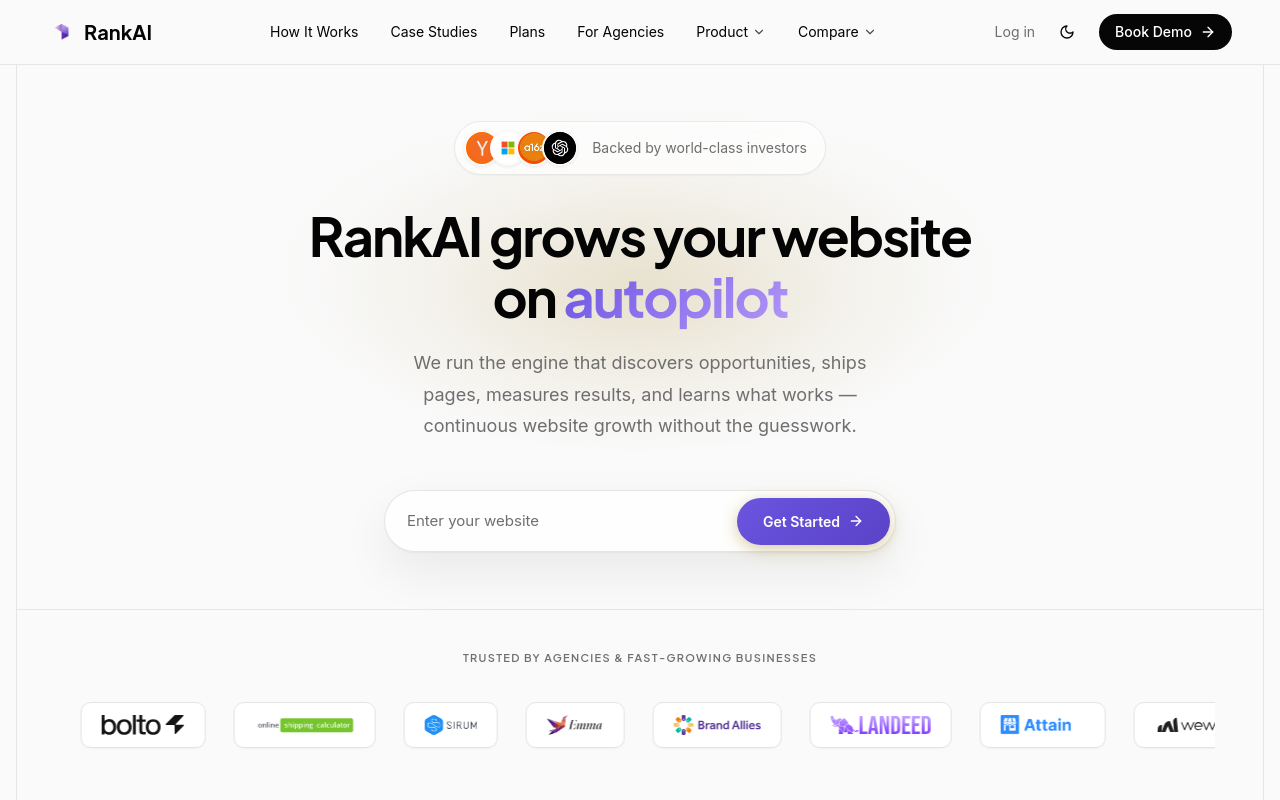
RankAI describes its approach as multi-CMS publishing rather than optimization alone. In its own comparison, RankAI lists a start price of $49 per month and publishing to 7 CMSs: WordPress, Shopify, Webflow, Wix, Sanity, Framer and custom CMS.
Read the CMS list before you commit, because your CMS may not be on it. Agencies and fast-growing businesses are the stated audience.
- Price: Starts at $49 per month.
- Best for: Agencies running several client sites.
3. Frase: solos and single-site teams that want a low-cost entry with trial access
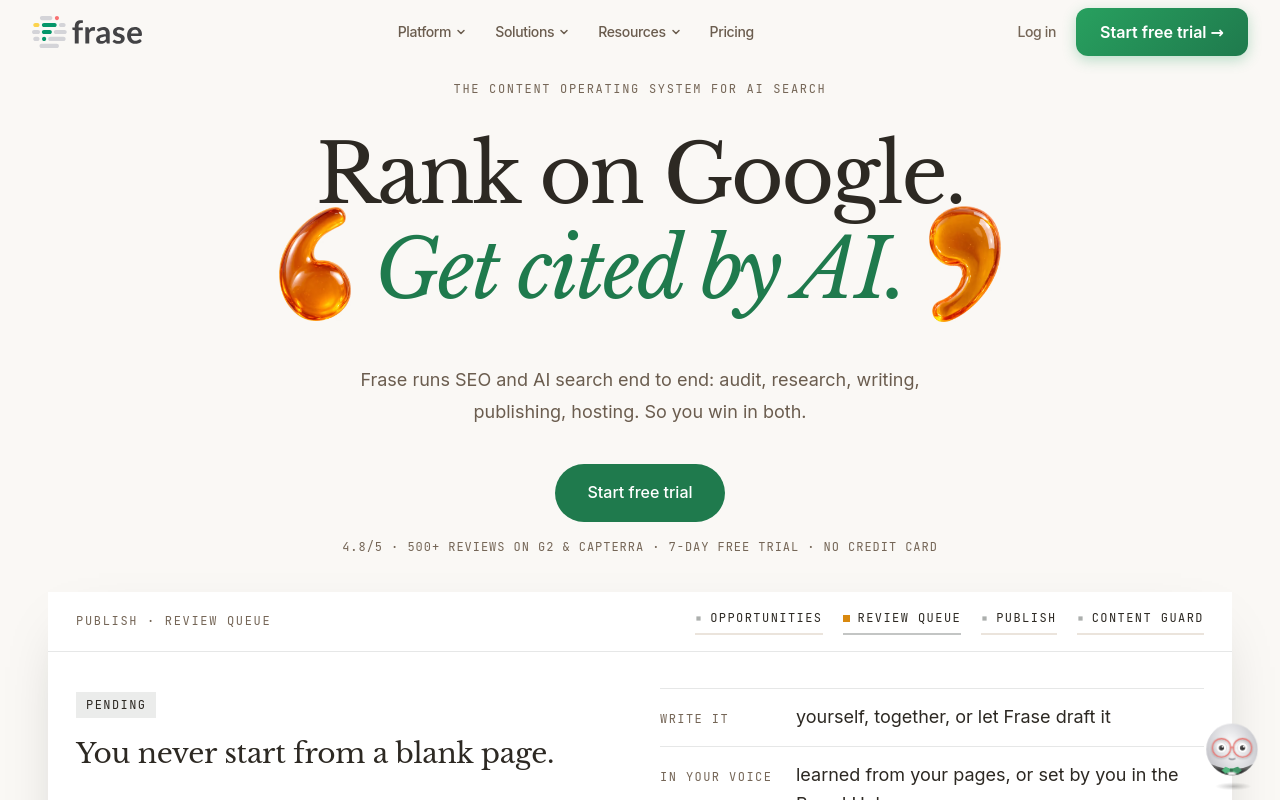
Frase publishes to WordPress, Webflow, Sanity, Wix and FraseCMS. Okara reports that auto-publish is opt-in, so nothing goes live unless you switch it on. That suits a founder who wants to read every post first.
SEO Takeoff lists the Starter plan at $49 month-to-month or $39 per month billed yearly, with 10 articles and 50 audit pages per month. Frase's pricing page adds 1 seat and 1 site, plus a FraseCMS free tier of 100,000 page views a month.
- Price: $49 month-to-month or $39 per month billed yearly.
- Free plan or trial: 7-day free trial.
- Best for: Solos, freelancers and single-site teams.
- Limitation: One seat and one site on the entry plan.
4. Koala AI: content creators who want the lowest starting price and free words to test
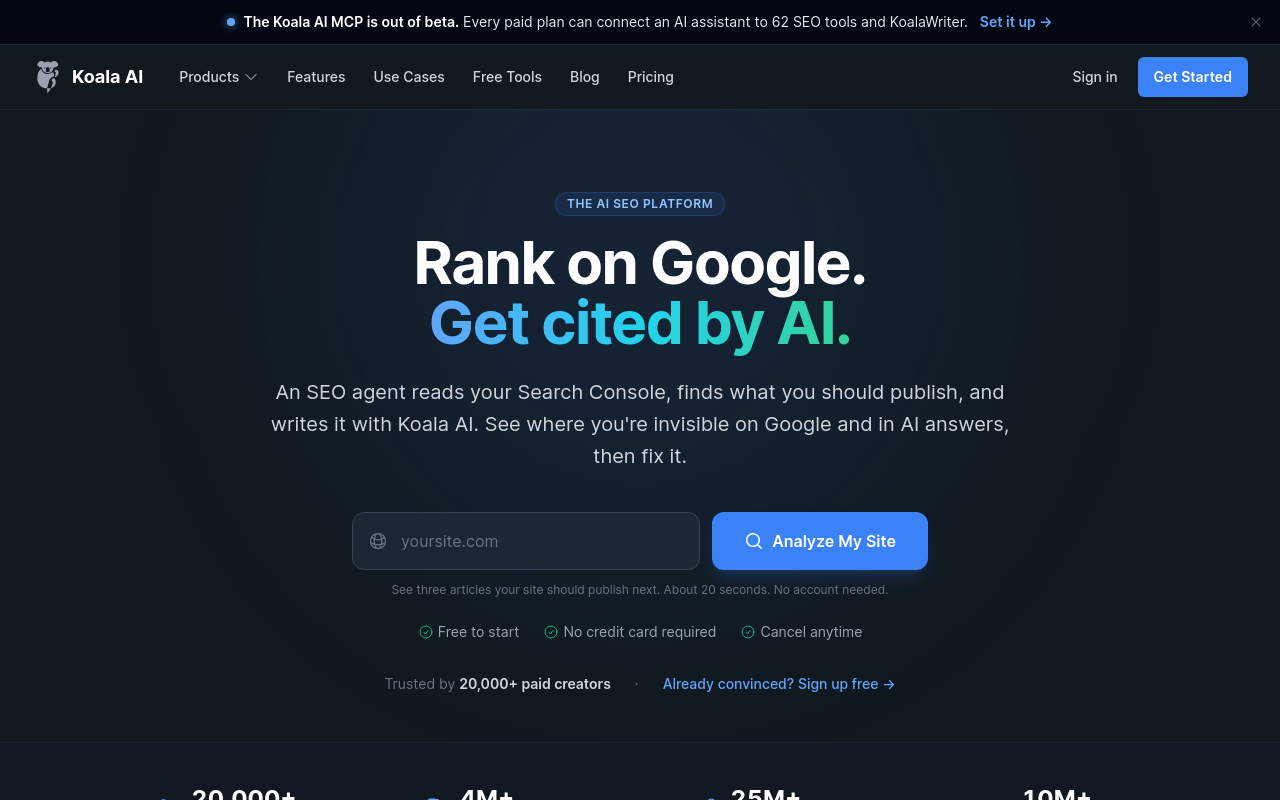
Koala AI's Starter plan costs $25/month and includes 45,000 words, 500 credits, 1 brand and 25 agent messages, according to its pricing page. Integrations include WordPress, Shopify, Webflow, Ghost and webhooks.
You can test it first with 5,000 free words and 25 credits. Annual billing saves 20%, and there's a 15-day refund window. Koala AI's site also mentions GPT-6 and Claude Sonnet 5.
- Price: $25/month, with 45,000 words and 500 credits.
- Free plan or trial: 5,000 free words and 25 credits.
- Best for: Content creators on a tight budget.
- Limitation: The webhook route needs your own setup, so pick a native-integration tool if you want none.
5. Outrank: busy entrepreneurs who want 30 articles on autopilot each month
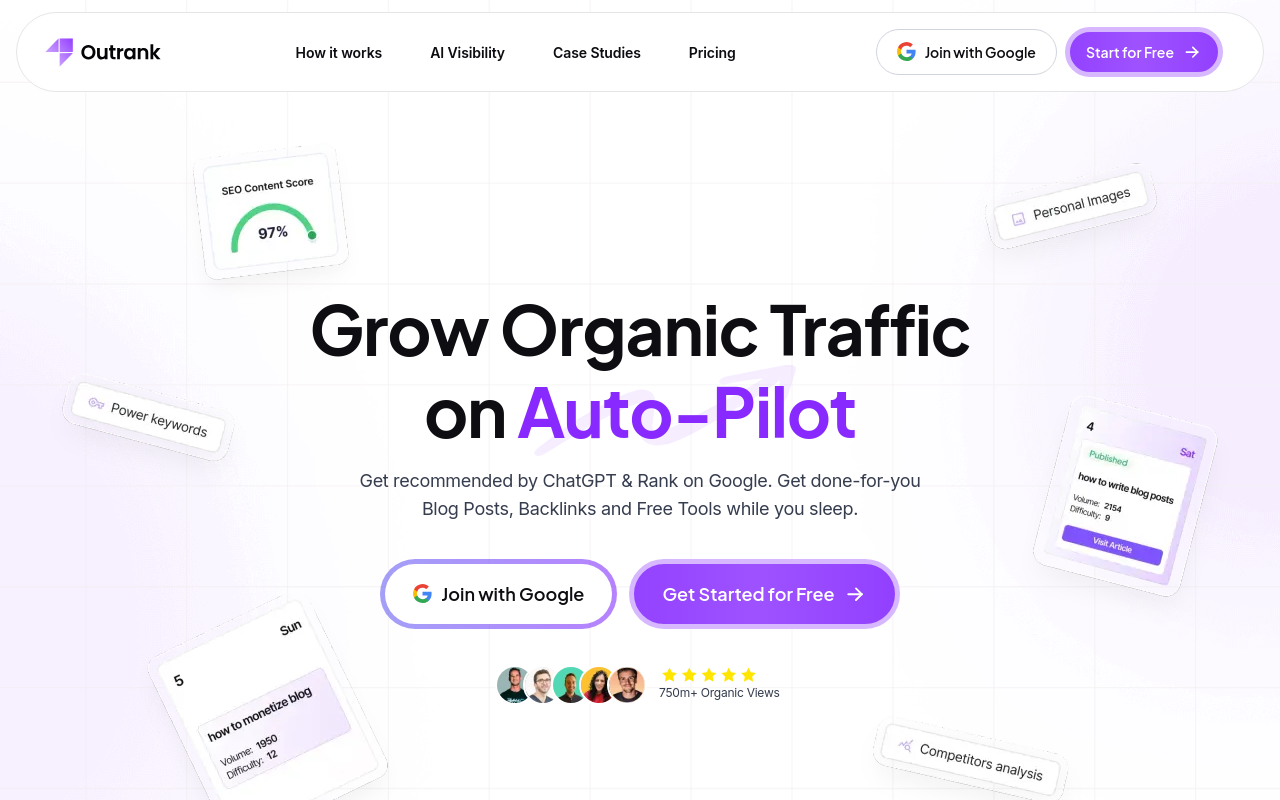
Outrank's Organic Growth Plan costs $99 per month or $999 per year. Its pricing page says the plan generates and publishes articles on autopilot, with 30 SEO-optimized articles a month, automated keyword research, automated backlink building and AI-generated images.
Publishing destinations run from WordPress, Webflow and Shopify to Framer, Wix, Notion, Ghost and a custom webhook. Okara lists unlimited users. Volume discounts apply across sites: 10% off for 2 to 4, 15% for 5 to 19, and 20% for 20 to 25.
- Price: $99 per month, or $999 per year, with 30 articles a month.
- Free plan or trial: Free trial.
- Best for: Busy entrepreneurs who want minimal oversight.
- Limitation: The plan is fixed at 30 articles a month.
6. SEOwriting.ai: bloggers and teams that need WordPress or Shopify at the lowest paid price
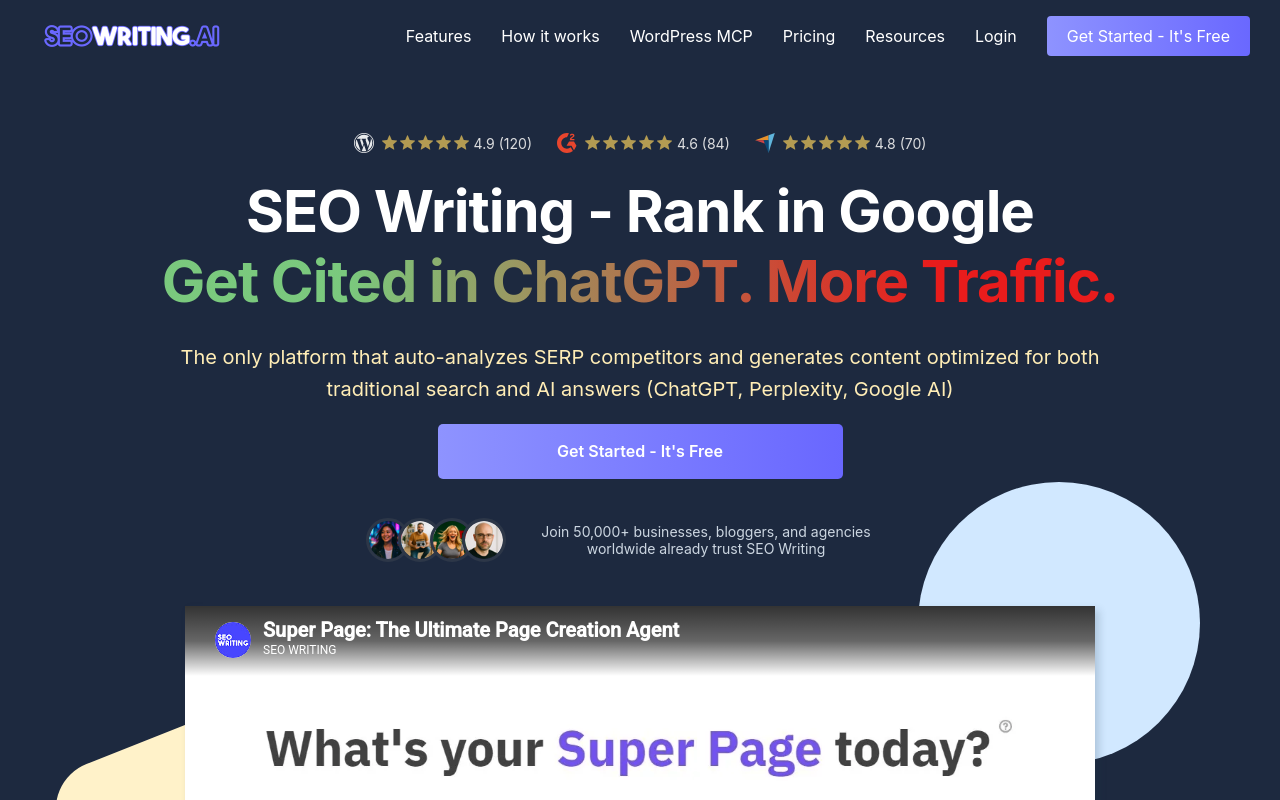
The SEOwriting.ai homepage offers three free articles without a credit card. Paid plans start at $19 per month, or $14 per month billed yearly, and the Starter plan allows up to 50 articles.
It publishes to WordPress and Shopify. Its pricing page says the WordPress MCP Server is free for seven days and unlimited on the paid plans shown. The homepage also lists a 5,200-word maximum article length and 50+ languages.
Okara notes that internal and external linking start on the $79 Professional plan, so Starter users add links by hand.
- Price: $19 per month, or $14 per month billed yearly, up to 50 articles.
- Free plan or trial: Free plan for 3 articles.
- Best for: Bloggers on WordPress or Shopify.
- Limitation: No internal or external linking on Starter.
7. Writesonic: marketing teams that already use a WordPress plugin workflow
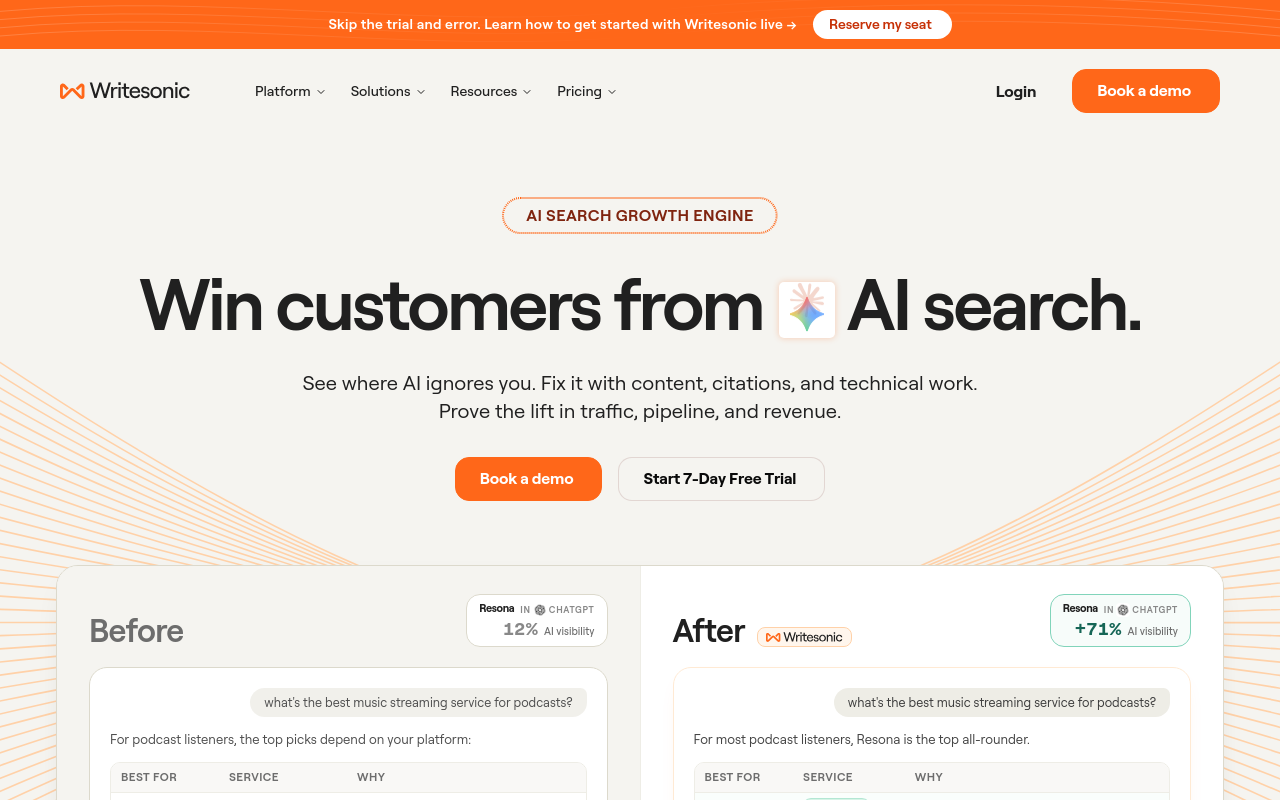
DeepSmith reports that Writesonic publishes to WordPress through a plugin. That's a plugin route, not a native connection, so it carries the upkeep we described earlier.
Starter costs $79 per month, billed annually, and tracks ChatGPT, Gemini and Google AI Overviews. Enterprise tracks all 8 AI platforms. Writesonic says it's built for marketing teams of all sizes.
- Price: Starter at $79 per month, billed annually.
- Best for: Marketing teams already working in WordPress.
- Limitation: Only the WordPress plugin route is listed, so teams on other CMS platforms should pick another tool.
How to choose between these AI SEO tools
Start with your CMS, then your budget, then how much review you want. Direct publishing with fact-checking in autopilot or manual mode points to SiteSeed. If the lowest entry price and free words matter most, Koala AI fits. If you want 30 articles generated and published each month with little oversight, look at Outrank.
Frase and SEOwriting.ai suit single-site or low-volume needs, and both let you try before paying. RankAI and Writesonic make sense when your team already works in the platforms they list. Whatever you pick, test the connection and the publishing mode before you trust it with your live site.
Frequently asked questions
Which AI SEO tools publish directly to WordPress?
All seven list WordPress support: SiteSeed, RankAI, Frase, Koala AI, Outrank, SEOwriting.ai and Writesonic. The connection type differs, though. Writesonic, for example, reaches WordPress through a plugin, according to DeepSmith, so setup and upkeep won't be the same across the list.
Do any of these tools publish automatically without approval?
Yes, some can. Outrank's pricing page says its Organic Growth Plan publishes articles on autopilot. Okara reports that Frase makes auto-publish opt-in, and SiteSeed runs in either autopilot or manual mode. Choose manual or opt-in settings if you want to review posts before they go live.
What is the cheapest paid plan among the seven tools?
SEOwriting.ai is the lowest, starting at $19 per month, or $14 per month when billed yearly, according to its homepage. Koala AI follows at $25/month on its Starter plan, per its pricing page. Plans differ in what they include, so compare allowances before you decide on price alone.
Which tool supports the most CMS platforms?
Outrank lists the longest set, per its pricing page: WordPress, Webflow, Shopify, Framer, Wix, Notion, Ghost and a custom webhook. Count only the ones you actually use.
Can I try any tool without a credit card?
Several let you start free. SiteSeed has a free plan, and SEOwriting.ai offers three free articles without a credit card, per its homepage. Koala AI's pricing page lists 5,000 free words and 25 credits. Frase has a 7-day free trial and Outrank a free trial.
What happens if the tool cannot verify a claim?
SiteSeed removes any claim it cannot verify against sources, per its site. The step reduces what reaches your blog, but it isn't a guarantee that every statement is correct. Read what gets published, especially in manual mode, and treat the check as a filter rather than a final sign-off.
Where this usually ends up
SiteSeed connects through your site's own CMS and removes unverified claims before publication, so it's a sensible first try when your blog is empty and you have no SEO staff. If you need more volume than the free or Starter limits allow, pair it with Outrank or Koala AI depending on your CMS list. Test the connection on a staging site first, then move to live posts once the workflow feels reliable. When you're ready, you can connect your site to SiteSeed.
Free tools to put this into practice
- Internal Link Opportunity Finder
Find the internal links your site is missing, and the pages nothing links to. Any CMS, no plugin.
- SEO Content Plan Generator
Build a week-by-week publishing plan with target keywords, search intent, and topic clusters.
- Blog Outline Generator
Turn a topic into a full content brief with word targets and FAQs, exportable as Markdown.