Surfer SEO Alternatives That Publish Straight to Your CMS
Explore Surfer SEO alternatives that publish directly to your CMS, streamlining content automation and publishing workflows.

Mike Du
Founder, SiteSeed
· 9 min read

Surfer SEO alternatives that publish straight to your CMS solve the real bottleneck founders face: getting finished, verified content out of a tool and into the site you already run, with no export step and no extra hire. Scoring a draft is the easy part. Moving it into WordPress, Webflow, Wix or Sanity is where small teams stall.
What matters when you need a Surfer SEO alternative for an existing site
Ask one question first: can the tool send finished content into your CMS as a draft, a scheduled post or a live entry? If it can't, you're back to copy, paste and reformatting.
Then look at what the connection needs from you and what review remains after generation. Some setups want only a login. Others want API tokens and IDs.
Compare only tools that state their publishing behavior in official sources. Frase's integrations page documents detailed CMS publishing, while comparable current pricing and publishing details for five other alternatives could not be confirmed to the same depth. So some entries below are shorter, and we say only what we can support.
How direct CMS publishing changes the workflow
An export-only tool hands you a file. A direct connection hands the article to your CMS for you. You pick the destination, pick the mode where the platform allows it, review and edit, then the tool formats and uploads.
Frase shows how flexible this can be. Per its guide on publishing from Frase to your CMS, a single site can connect multiple CMS platforms, with the destination chosen for each publish. If you run a main site and a separate docs site, one workflow can serve both.
Treat that as a test for any tool you try. Can you choose the destination per article? Can you leave the piece as a draft until you've read it? Those two answers tell you more than a content score does.
Surfer SEO alternatives compared
The table lists the free option and the intended audience for each tool. Scalenut and SE Ranking have gaps because nothing verified fills them.
| Tool | Free plan or trial | Built for |
|---|---|---|
| SiteSeed | Free plan | Founders and small teams |
| Frase | 7-day free trial | Solos, freelancers, single-site teams, content marketers, SEO teams, agencies, enterprise |
| SEOTakeoff | 3 free articles | Founders shipping content in SaaS, e-commerce, B2B services, and agencies |
| Scalenut | Not stated | Not stated |
| SE Ranking | Not stated | Not stated |
Three of the five state a free way in. The other two are better judged on their publishing scope, covered below.
1. SiteSeed: founders who want hands-off publishing to their own CMS

SiteSeed is our own, so weigh this entry with that in mind. It plans, writes, fact-checks and publishes articles directly to a client's existing website. It serves founders and small teams with a live product site whose blog is empty or stalled and who haven't hired an SEO.
It runs on autopilot or manual mode, connects through the site's own CMS, and removes any claim it can't verify against sources. Its listed destinations are WordPress, Webflow, Shopify, Ghost, Wix, HubSpot, Notion and webhook. The free plan covers 3 articles per month.
- Price: Starter is $29/month.
- Free plan or trial: Free plan.
- Best for: Founders and small teams with a stalled blog and no SEO hire.
- Look elsewhere if: you need per-platform scheduling details spelled out, in which case Frase documents them, or a fixed 30-article monthly volume, which SEOTakeoff lists.
2. Frase: teams that need flexible publishing modes across multiple CMS platforms
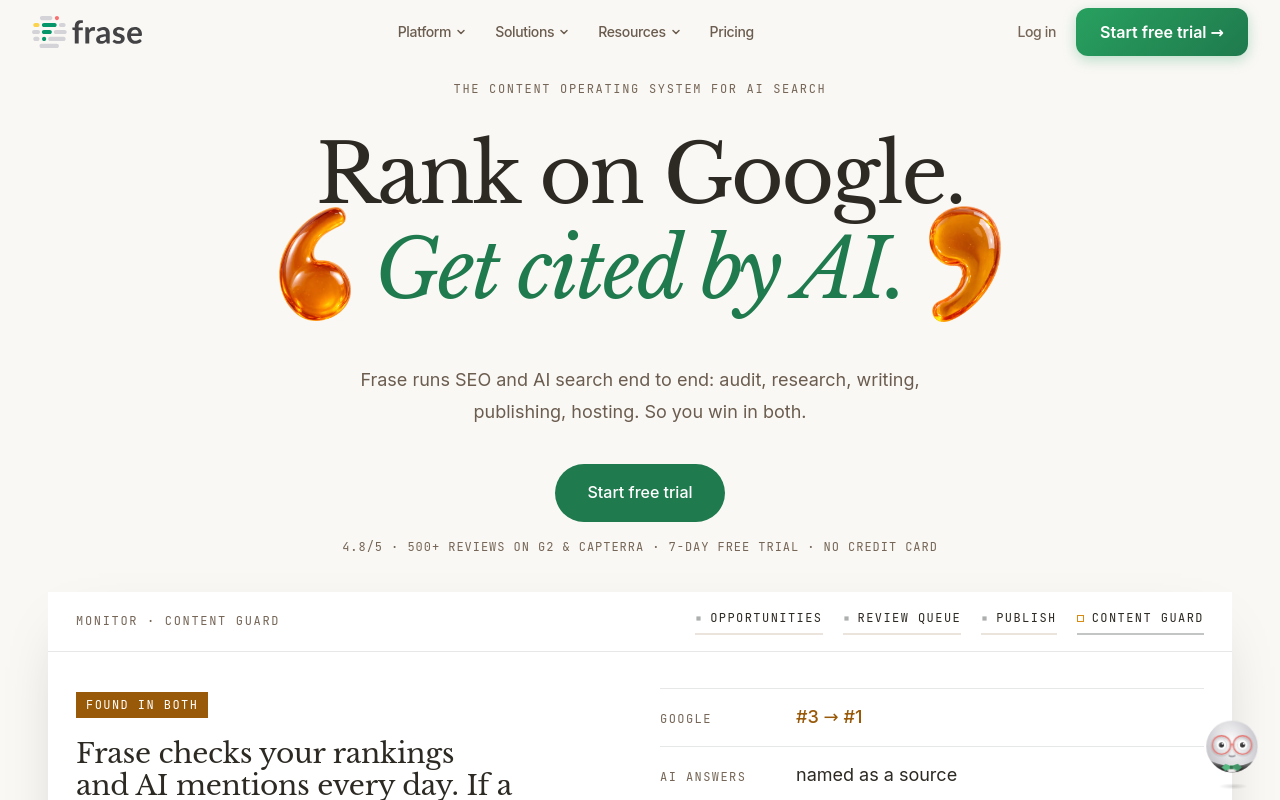
Frase starts at $39/month billed yearly, and its integrations page says every integration is included on every plan with no per-connection fees. It publishes to WordPress, Webflow, Sanity and Wix, and can also host content on FraseCMS.
Modes differ by platform. WordPress takes posts as drafts, scheduled or live. Webflow and Wix don't expose scheduled publishing through their APIs, so content goes out immediately or stays a draft. Sanity accepts a draft or published entry, and scheduling needs Sanity's separate plugin.
Setup also varies. WordPress needs your site URL, username and an Application Password from the WordPress dashboard. Webflow needs an API token plus the target site and collection. Sanity needs an API token, project ID and dataset name. Wix needs an API key, account ID and site ID.
- Price: From $39/month billed yearly; the entry plan includes 1 seat, 1 site, 10 articles and 50 audit pages.
- Free plan or trial: 7-day free trial.
- Best for: Teams comfortable with API credentials who want clear draft, scheduled or live options.
- Limitation: Scheduling isn't available on Webflow or Wix, and Sanity needs a plugin for it.
3. SEOTakeoff: founders shipping 30 articles a month with auto-publish
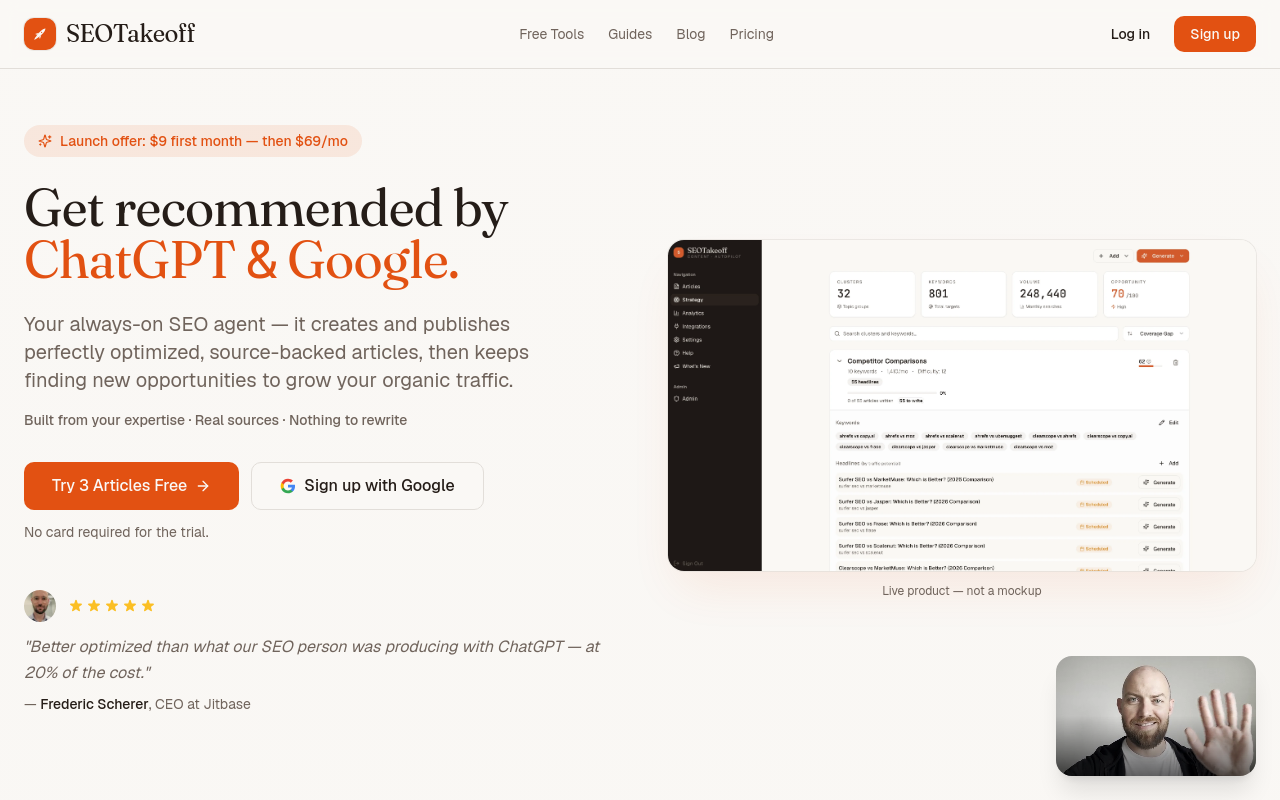
SEOTakeoff says it generates complete SEO articles and publishes them directly to your CMS. Its site also describes full control to review, edit and refine before publishing, so you can still read each piece first.
The entry plan lists 30 articles a month, a site audit and keyword strategy, internal links, AI images, YouTube and schema, and auto-publish. It also lists a 30-day indexing money-back offer. Treat that as a vendor claim, not an outcome you can count on.
- Price: $9 first month, then $69/month.
- Free plan or trial: 3 free articles.
- Best for: Founders in SaaS, e-commerce, B2B services or agencies who want a set monthly volume.
- Limitation: Its pricing is described as early access, and no connection steps or per-CMS publishing modes are stated.
4. Scalenut: users who want quick content turnaround with WordPress publishing
Scalenut is positioned for people who need quick content turnaround. SEO.com lists WordPress, Semrush and Copyscape integrations and confirms WordPress publishing.
That's the verified scope. Nothing here confirms publishing to Webflow, Wix or Sanity, or which modes it offers, so if your site isn't on WordPress, look at another entry.
- Price: Listed at $49/month.
- Best for: WordPress sites that need fast content turnaround.
- Limitation: Only WordPress publishing is stated.
5. SE Ranking: marketers who already use an all-in-one SEO suite
SE Ranking is an all-in-one SEO suite for marketers. Its content workflow covers competitive research, data-driven briefs, AI-assisted writing and optimization, direct WordPress publishing and performance analytics. The publishing piece is one step inside a larger suite, not a standalone service.
On pricing, SEO.com lists the Basic plan at $65.00/month, with Content Marketing Tools at +$29.00/month. They're available from the Pro plan or as a separate add-on.
- Price: Basic plan $65.00/month, plus $29.00/month for Content Marketing Tools.
- Best for: Marketers already working inside an SEO suite.
- Limitation: The content tools cost extra, either as an add-on or from the Pro plan.
How to choose between these Surfer SEO alternatives
Match the tool to your CMS and to how much of the workflow you want to hand off. Our guide to AI SEO content writer workflows for product sites goes deeper on that side.
Start with SiteSeed if you want verified articles published into your existing CMS with little ongoing input. Choose Frase if you need confirmed draft, scheduled or live options across WordPress, Webflow, Sanity or Wix and you're fine gathering API credentials. Pick SEOTakeoff if you want a set monthly volume with auto-publish and don't mind a newer platform. Consider Scalenut or SE Ranking when you already use them and only need WordPress publishing as an added step.
Prices differ in what they buy, so compare plans on our pricing page alongside the others.
Frequently asked questions
Which Surfer SEO alternatives publish directly to WordPress?
Frase, SEOTakeoff, Scalenut and SE Ranking all state direct WordPress publishing support. Frase adds draft, scheduled and live options for WordPress. For the others, the sources confirm the connection exists but say less about which modes you get.
Does Frase let you schedule posts to every CMS it connects to?
No. Frase supports scheduled publishing to WordPress, but Webflow and Wix don't expose scheduling through their APIs. Content there goes out immediately or stays a draft. Sanity scheduling needs Sanity's separate scheduling plugin.
What does the SiteSeed Starter plan include?
The Starter plan costs $29 per month. SiteSeed lists publishing to WordPress, Webflow, Shopify, Ghost, Wix, HubSpot, Notion or webhook. Its pricing page also gives the plan an allowance of 8,500 tokens per month.
Can I publish live articles from these tools without manual export?
Yes, when the tool's connection supports immediate publishing to your chosen CMS. Frase, for example, can publish live to WordPress, Webflow and Wix. Check that your platform is on the tool's list, since support differs by CMS.
Which tool offers the lowest entry price with a free option?
SiteSeed has a free plan limited to 3 articles per month, and its Starter plan is $29 per month. SEOTakeoff offers 3 free articles, then $9 for the first month and $69 per month. Frase offers a 7-day free trial.
Do any of these tools require a separate hosted content system?
No. Each tool can publish into your existing CMS. Frase also offers FraseCMS as an optional hosted destination, but its own documentation separates that from publishing to an existing blog, so you don't have to use it.
Where this usually ends up
SiteSeed fits founders who want the research-to-CMS workflow handled on autopilot or manual review, connected straight to the site they already run. If you need finer publishing controls across several platforms, pair it with Frase, or try SEOTakeoff when you want a higher fixed article volume. When you're ready, you can connect your site to SiteSeed.
Free tools to put this into practice
- Internal Link Checker
Find the internal links your site is missing, and the pages nothing links to. Any CMS, no plugin.
- SEO Content Plan Generator
Build a week-by-week publishing plan with target keywords, search intent, and topic clusters.
- Blog Topic Generator
Get 10 blog topics with a target keyword each, ready to preview, illustrate, and write.