Best Free AI Tools for SEO Founders Test on Product Sites
The best free AI tools for SEO founders are tested on product sites, focusing on research depth, file analysis, and claim verification for effective updates.

Mike Du
Founder, SiteSeed
· 10 min read
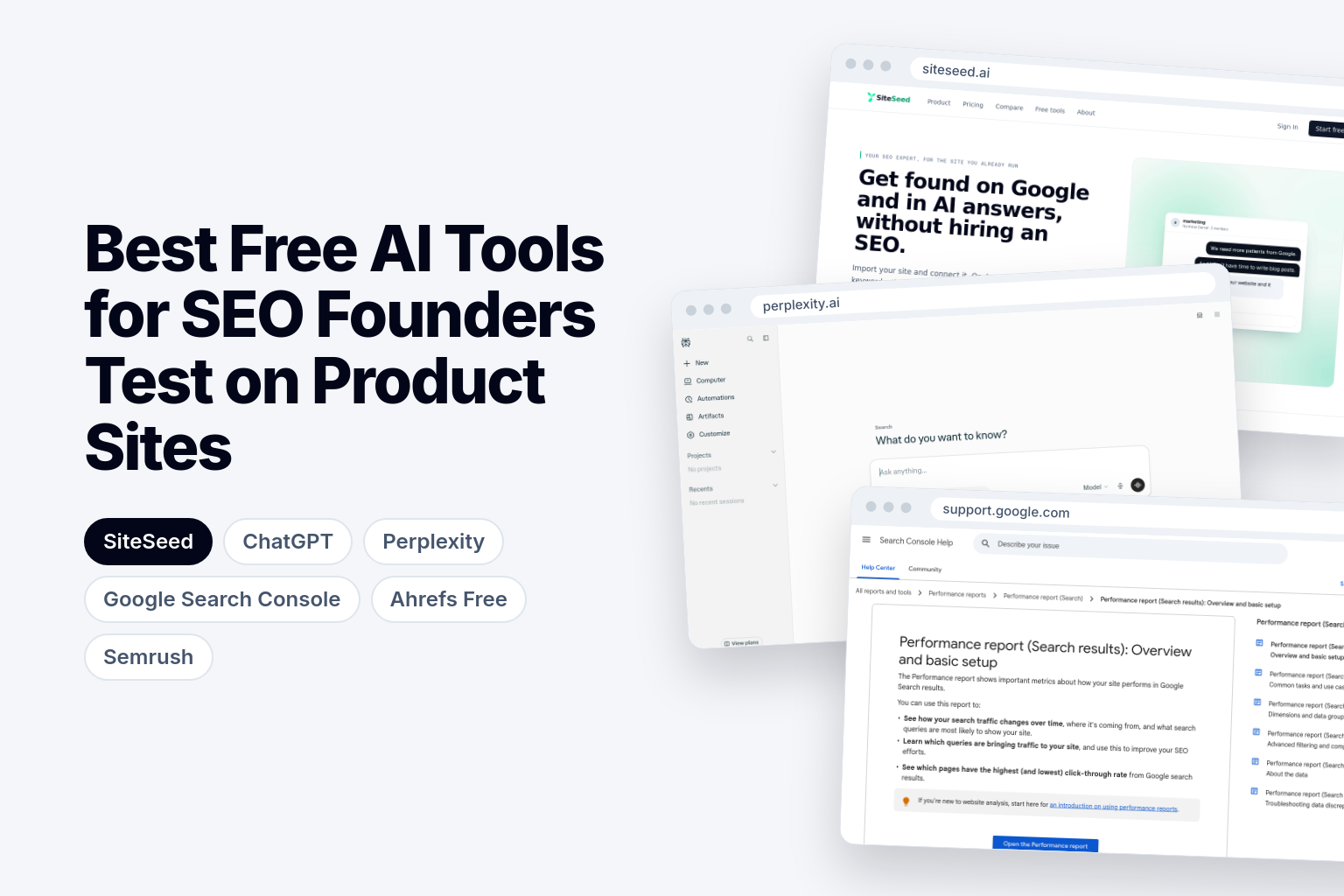
Best free AI tools for SEO differ sharply once you test them on a live product site. The gap isn't copy volume. It's research depth, file analysis and how easily you can verify a claim before an update goes live. We'll walk through six tools by the job each one does, and the limits that matter most for a small team.
What matters when choosing best free AI tools for SEO for product sites
Think in jobs, not brands. A product-site update needs evidence, a list of what to change, a draft that doesn't invent claims, and a check of every statement before publishing. No single free tool does all four equally well.
That's why limits count as features. Free tiers vary in research depth and file analysis, so a tool that writes a lot of text can still fall short on checking it. Test each one against your own site data, not against how much output it produces.
Verification matters most. A draft with one invented claim on a pricing or feature page costs you more than a slow draft. Judge each tool by how easily it lets you tie a sentence back to a source.
How to test the tools on your product site
Run the same sequence on each tool, so the results are comparable and cost nothing.
- Pick one stalled article on your site, ideally one that once mattered to buyers.
- Pull its queries from Search Console and save them in a plain list.
- Ask the tool for refresh ideas that cite sources, and note which suggestions come with a link you can open.
- Draft restrained copy: short sections, no superlatives, no numbers you didn't supply.
- Verify every claim against the original source, and strike anything you can't match.
- Write down each daily or monthly limit you hit, and in what order.
That last note is the useful one. The limit that breaks first on real product-site work tells you where the tool fits in your workflow.
Best free AI tools for SEO compared
Here's how the entry plans stack up before we look at each tool on its own.
| Tool | Entry plan includes | Built for |
|---|---|---|
| SiteSeed | Not stated | Founders who already have a site |
| ChatGPT | Unlimited text chats with GPT-6, Limited messages with uploads, Limited image creation, Limited voice chats, Limited deep research, Limited memory and context | Everyday tasks |
| Ahrefs Free | Limited access to Site Explorer & Site Audit | Website owners |
| Semrush | 5 websites to monitor, 500 keywords to track daily, basic keyword research and competitor analysis | Freelancers and small businesses |
Perplexity and Google Search Console get their own sections below. The spread shows how differently these tools are scoped: some are general assistants, some are audit tools, and one is built around an existing site.
1. SiteSeed: founders who already run a product site and want publishing included
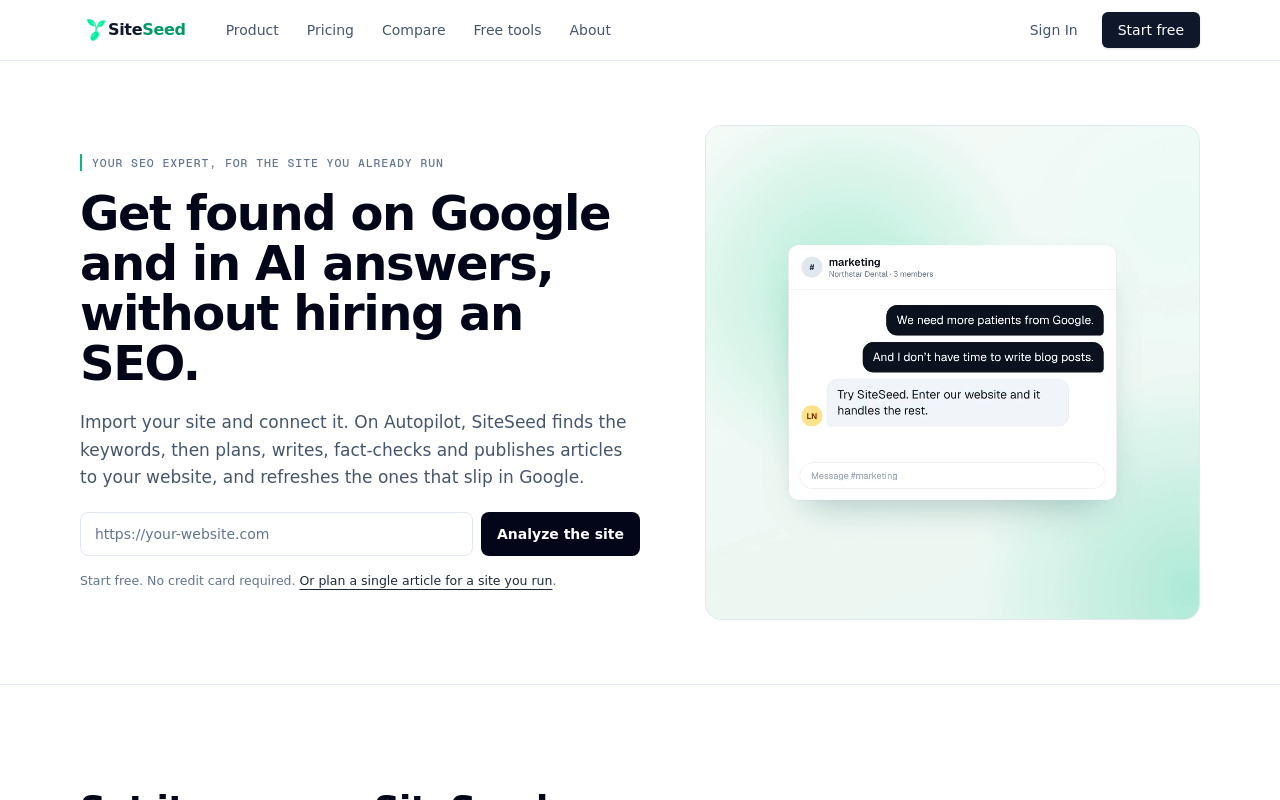
SiteSeed is our own tool, the publication you're reading, so weigh this entry with that in mind. SiteSeed plans, writes, fact-checks and publishes articles directly to a client's existing website. It serves founders and small teams with a live product site whose blog is empty or stalled and who haven't hired an SEO.
It runs on autopilot or manual mode and connects through the site's own CMS: WordPress, Webflow, Ghost, or any site through a webhook. It removes any claim it can't verify against sources. If you want a wider view of this category, here are AI SEO tools that publish straight to your CMS.
The free plan covers 3 articles.
- Price: Starter plan, $49/month.
- Free plan or trial: Free plan available, with 3 articles.
- Best for: Founders with a live site who want publishing handled.
- Look elsewhere if: You'd rather draft and verify yourself instead of having publishing handled for you.
2. ChatGPT: everyday drafting and source checking on product-site copy
ChatGPT works well for the drafting step. The OpenAI Help Center lists unlimited everyday text chats on the free plan, subject to abuse-prevention safeguards, and says free users can search the web for up-to-date information. Paste in your Search Console queries and ask for draft sections that use only sources you supply.
Be careful with anything heavier. File uploads, image generation, voice and data analysis each have separate usage limits, so a long file review may stall mid-test. The Free tier includes a Library with 500 MB of storage.
When deeper research is the real gap, pair it with Perplexity. Then check each claim yourself.
- Price: $0 on the free plan.
- Free plan or trial: Free.
- Best for: Founders drafting restrained copy from their own query lists.
- Limitation: Uploads, data analysis and deep research are limited, so file-heavy work runs into caps.
3. Perplexity: finding and checking sources before any product-site update
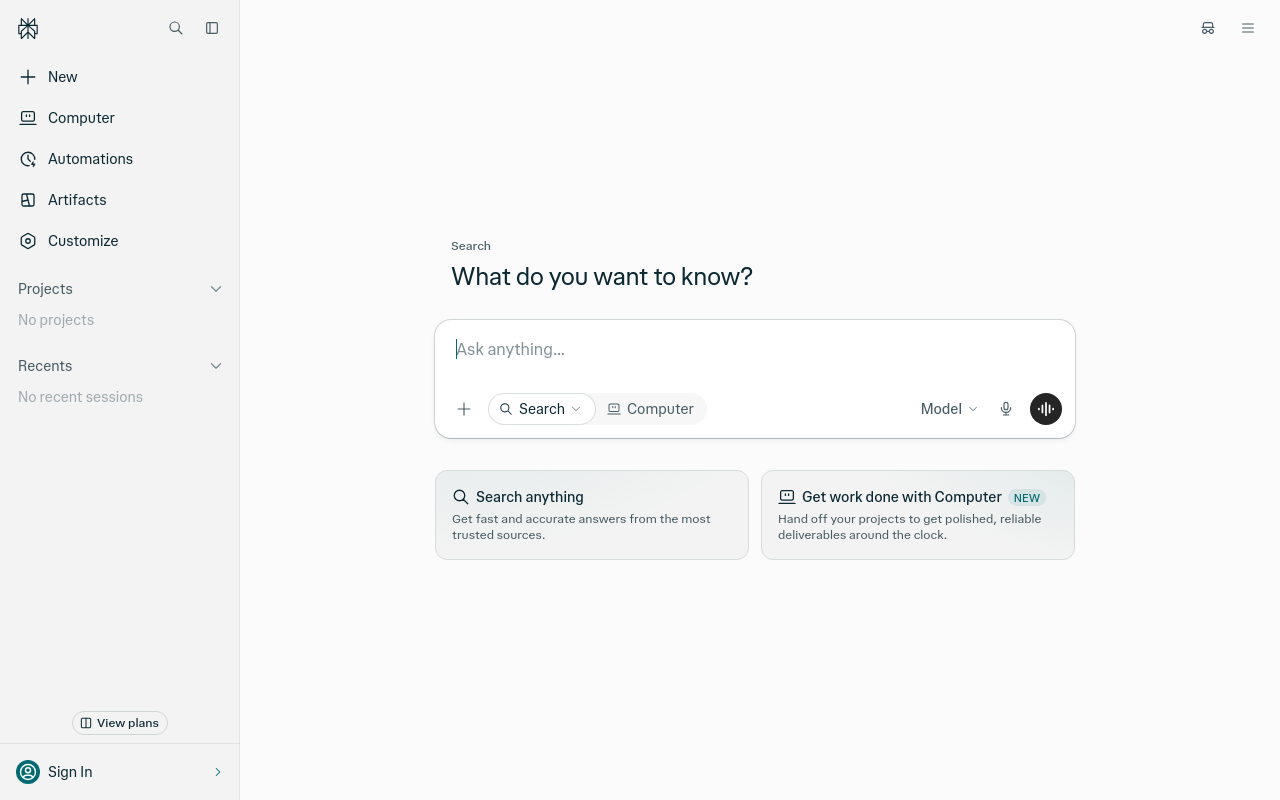
Perplexity suits the evidence-finding job. According to the Perplexity Help Center, the Free plan has practically unlimited basic searches, so you can chase down a claim as often as you need.
The caps sit higher up. You get 3 Pro Searches per day and 1 Research Query per month. Basic file uploads are available but limited, and there's no access to advanced AI models.
Use your single monthly research query on the one update where it matters most, and use basic searches for everything else. If you need frequent deep dives, start with ChatGPT instead.
- Price: $0 on the Free plan.
- Free plan or trial: Free plan with practically unlimited basic searches.
- Best for: Founders who mainly need to locate sources for a claim.
- Limitation: Only 1 Research Query per month.
4. Google Search Console: turning real performance data into content-update ideas
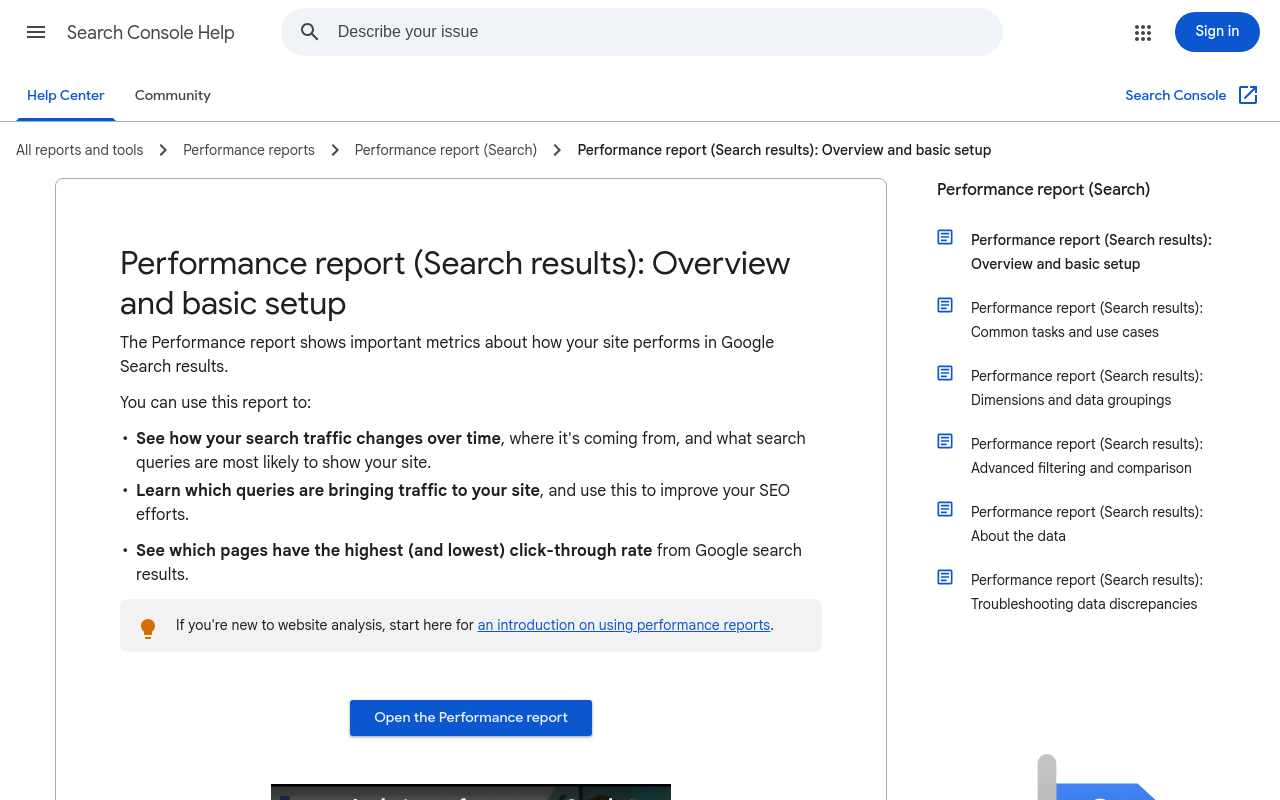
Search Console is where the refresh test starts. Google's Search Console Help says the Performance report shows clicks and impressions and identifies the queries bringing traffic to a site. The default view covers the past three months.
That makes it a better guide to which pages to update than generic keyword ideas. Google also introduced a generative-AI performance report with impressions for Google AI Overviews, a first-party way to watch some AI-search visibility after an update.
It doesn't draft anything. Combine it with ChatGPT or SiteSeed for the writing step.
- Price: $0.
- Best for: Any founder with a verified site who needs real query data.
- Limitation: It measures performance and doesn't write copy.
5. Ahrefs Free: quick technical checks and backlink views on a verified site
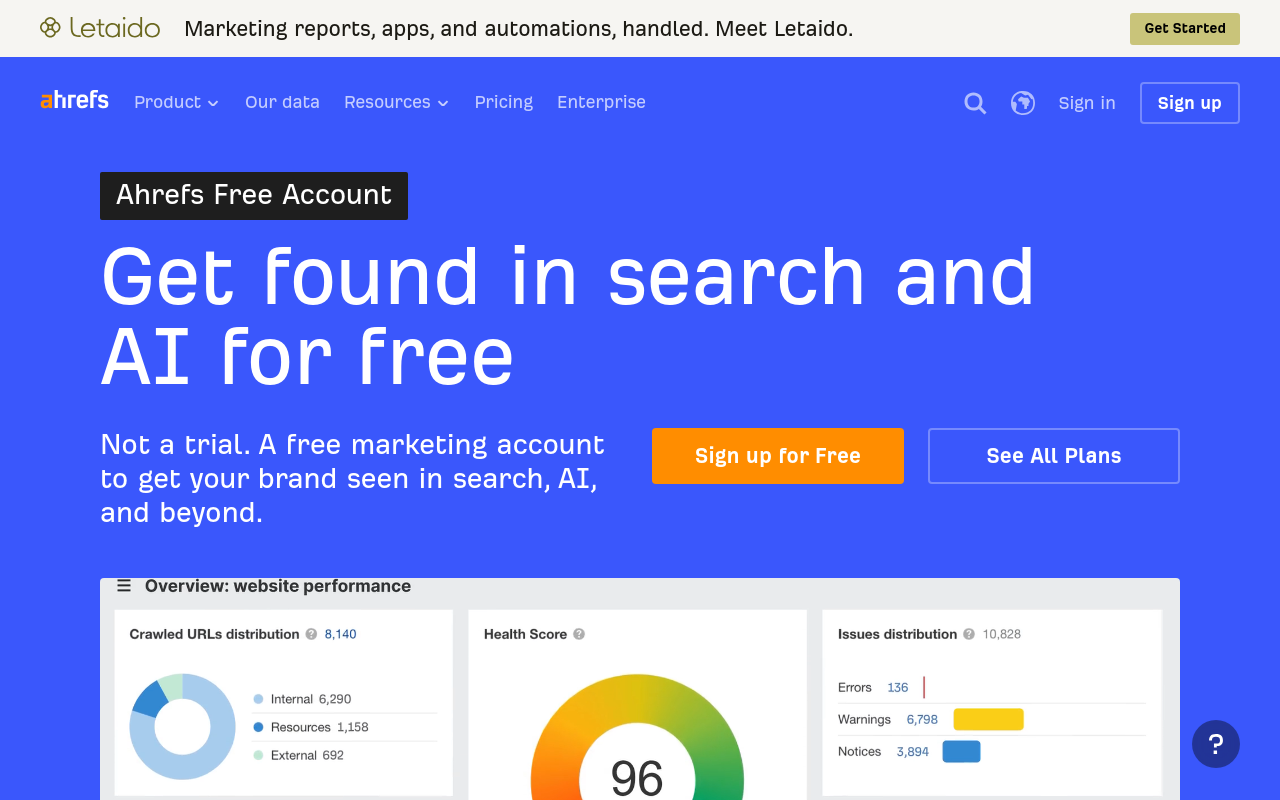
Ahrefs Free is for owners who want a look at their own site's health. Ahrefs lists free-forever access with Site Explorer, Site Audit, Web Analytics, AI Content Helper, Social Media Manager and an SEO Toolbar. Site Audit identifies 170+ technical and on-page SEO issues.
The limits are specific. The free-tier help page gives 5,000 Site Audit crawl credits per month per project, 1,000 backlinks and keywords visible at once, and 1 AI Content Helper document per month. The Ahrefs FAQ adds that the free tools are intentionally limited and require site-ownership verification.
If you need more than one AI document a month, test Semrush next.
- Price: $0, free-forever with limited features.
- Free plan or trial: Free-forever access.
- Best for: Owners of verified sites who want audits and backlink views.
- Limitation: Just 1 AI Content Helper document per month.
6. Semrush: testing domain overview, keywords and basic AI visibility without paying
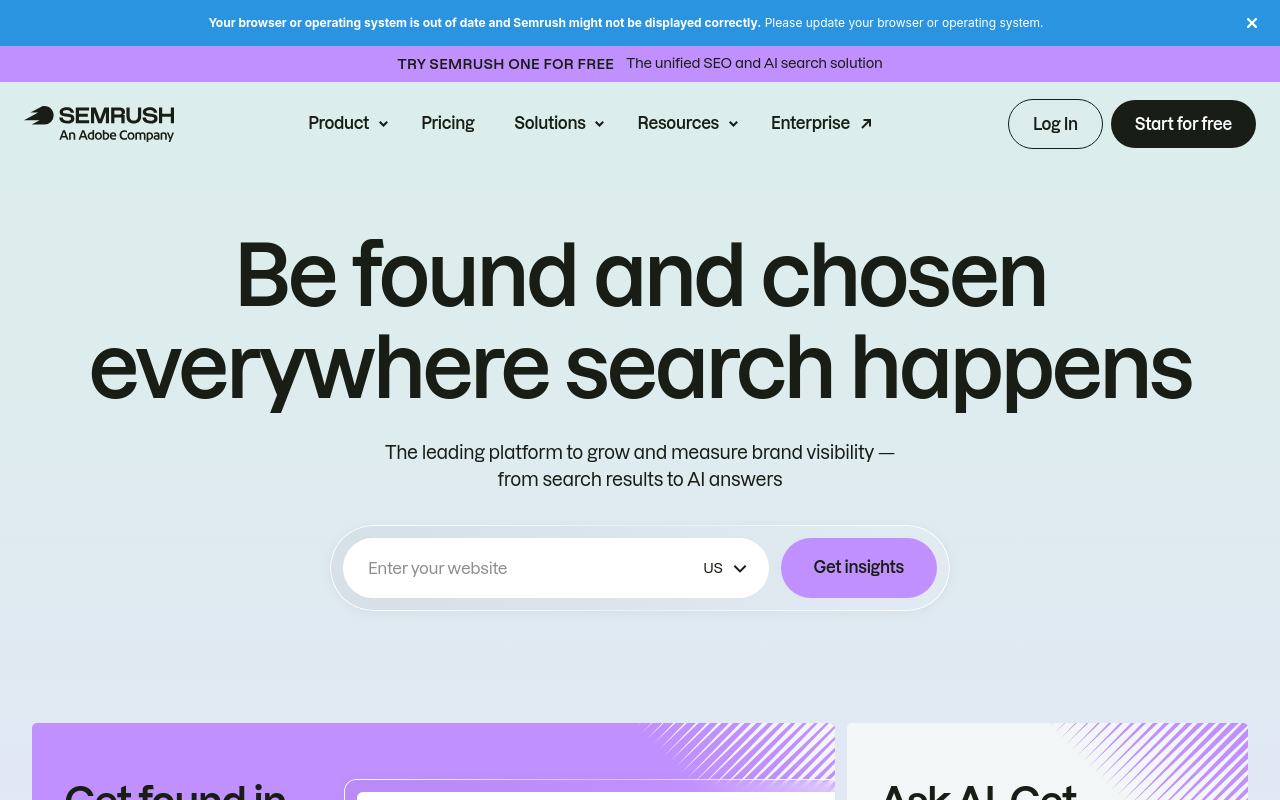
Semrush covers competitor and keyword checks. Semrush lists its free account at $0 per month with no credit card required, and includes a limited set of AI Visibility features. The account has 1 demo project and 10 reports per day.
Its free-account guide describes it as useful for testing domains, keywords, competitors, technical SEO, rankings and basic AI visibility without paying. The same guide lists the limits: 10 queries per day for domain overview, keyword research and competitor research, 100 Site Audit pages and 10 tracked keywords.
Treat it as a second tool next to Search Console.
- Price: $0 per month on the free account; paid entry starts at $117.33/mo billed annually.
- Free plan or trial: Free account, no credit card required.
- Best for: Freelancers and small businesses running quick competitor checks.
- Limitation: 10 queries per day for keyword and competitor research.
How to choose between them for your product site
Start with Google Search Console to see what already works on your pages. Then add Perplexity or ChatGPT for source-backed drafts: Perplexity when evidence is the gap, ChatGPT when you need steady drafting.
Add SiteSeed when you want verified copy published straight to your CMS rather than pasted in by hand. Ahrefs Free or Semrush fit when a technical audit or a competitor report is your immediate gap.
Suppose your stalled article already gets impressions for a few queries. Use those as the brief, check sources in one tool, draft in another, and measure the result in Search Console afterward. No free tool promises rankings or traffic, so keep your own verification step in every version of this workflow.
Frequently asked questions
What should a founder look for in a free AI SEO tool?
Look for clear limits on searches, file analysis and publishing. Then ask whether the tool lets you keep every claim tied to a source you can open. A tool that produces plenty of text but hides where it came from adds work to your review instead of removing it.
Which free tool is best for finding and checking sources?
Perplexity handles source location well on its free plan, with practically unlimited basic searches according to its Help Center. Its research queries are capped at one per month, so save that one for your most important update and use basic searches for routine checks.
Which tool can turn Search Console data into content-update ideas?
Google Search Console itself. Its Performance report shows the queries, clicks and impressions already reaching your pages, which gives you the clearest starting list. You can then hand those queries to a drafting tool and ask for restrained, source-backed refresh ideas.
Can ChatGPT update product-site copy without inventing claims?
Yes, if you tell it to use only the sources you provide and then verify each statement before publishing. It can still produce errors, so the check is yours to do. Keep your own source list open next to the draft while you review.
How many searches or analyses do the free tiers allow?
OpenAI's Help Center lists unlimited everyday text chats on the free ChatGPT plan, subject to abuse-prevention safeguards. Perplexity's Help Center gives one research query per month, and Ahrefs lists one AI Content Helper document per month on its free tier. File uploads and data analysis in ChatGPT carry separate limits.
How should you verify AI-generated SEO recommendations before publishing?
Cross-check every claim and data point against the original source or your own Search Console numbers before the update goes live. Strike anything you can't match. Do this on the exact page in your CMS, since that's what visitors will read.
What can free tools not do for your product site?
They can't guarantee rankings or traffic, and they don't remove your duty to confirm each claim before publication. Free tiers also carry usage caps, so plan around the limit that breaks first. Treat the output as a draft that still needs your review.
Conclusion
If you'd rather keep drafting and source checking in separate free tools first, start with Google Search Console plus ChatGPT and move to SiteSeed once the workflow is running. When you're ready, you can add your site to SiteSeed.
Free tools to put this into practice
- SEO Content Plan Generator
Build a week-by-week publishing plan with target keywords, search intent, and topic clusters.
- Blog Topic Generator
Get 10 blog topics with a target keyword each, ready to preview, illustrate, and write.
- Blog Outline & Content Brief Generator
Turn a topic into a full content brief with word targets and FAQs, exportable as Markdown.